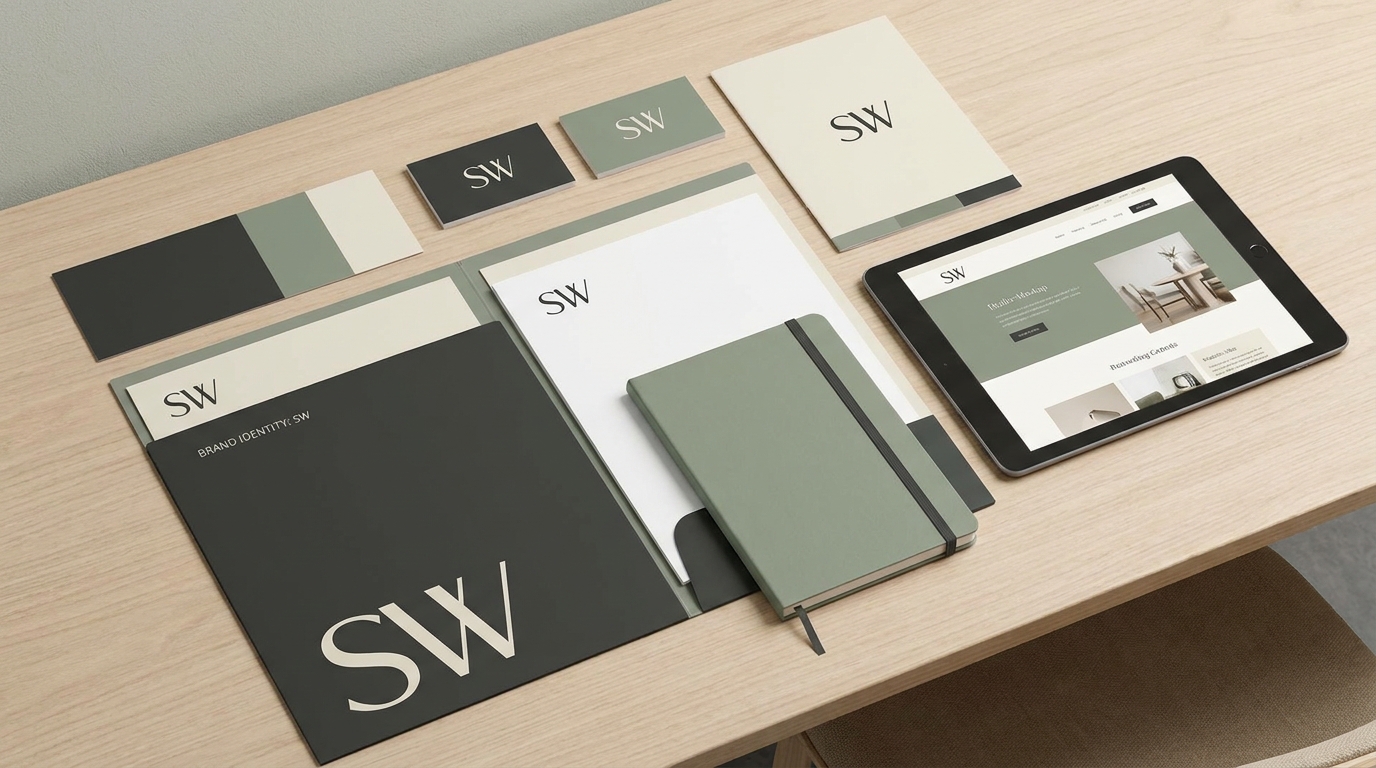
Designing Membership Portals for Niche Communities Using AI-Powered 3D Websites
Membership portals are the backbone of thriving niche communities, offering members exclusive content, personalized experiences, and seamless interactions. By leveraging AI-powered 3D website builders like Draftly, you can design visually stunning, interactive membership portals that not only engage your audience but also foster long-term loyalty.
Here’s a comprehensive guide to designing a membership portal that captivates and retains your niche community.
Why Use AI-Powered 3D Websites for Membership Portals?
AI-powered 3D website builders like Draftly allow you to create immersive, visually engaging platforms that stand out from traditional 2D websites. For niche communities, the extra layer of interactivity can:
!designing membership portals for niche communities using aipowered 3d websites, tutorials
- Enhance user engagement by creating a more dynamic experience
- Offer personalized features like custom dashboards and content recommendations
- Provide a unique, branded experience that strengthens community loyalty
Step 1: Define Your Niche and Membership Goals
A successful membership portal begins with clear objectives and a deep understanding of your audience. This ensures your portal meets their expectations and offers genuine value.
- Identify your audience: Are they hobbyists, professionals, or students? For example, a photography community will have vastly different needs compared to a fitness group.
- Set specific goals: Do you want to increase user retention, provide educational resources, or host virtual events?
- Decide membership tiers: Will your platform be free, freemium, or subscription-based? Offering exclusive content at higher tiers incentivizes members to upgrade.
Pro Tip:
If your community thrives on visual content, consider creating a 3D Interactive Historical Timelines for Indian Museums style page to chronicle key milestones or achievements.Step 2: Choose a Stunning 3D Template
The design of your membership portal should reflect the unique identity of your niche community. Draftly offers a variety of customizable templates tailored for different industries and purposes.
- Browse templates: Look for options that include membership-specific features like gated content access, user dashboards, and discussion forums.
- Customize elements: How to Customise Fonts, Colors and Your Brand Kit in Draftly provides a step-by-step guide to align the portal with your community's branding.
- Incorporate 3D elements: Use dynamic 3D animations, scroll-driven effects, and immersive layouts to draw users into the experience.
Sub-section: Best Practices for Template Selection
- Choose a template that complements your community’s theme (e.g., a minimalist design for professional groups or a vibrant style for creative communities).
- Prioritize templates with responsive design to ensure an optimal experience on all devices.
- Test multiple templates and gather feedback from a small group of community members before finalizing.
Step 3: Integrate Membership Features
Once you’ve selected the right template, it’s time to enhance your membership portal with essential features. These enable seamless navigation, encourage engagement, and build loyalty.
- User registration and profiles: Ensure a smooth sign-up process with multiple registration options (email, social media, etc.).
- Gated content access: Lock premium content (e.g., webinars, e-books, or tutorials) behind membership tiers.
- Interactive dashboards: Allow members to track their progress, participate in polls, or access personalized recommendations.
- Community forums: Facilitate discussions and networking within the platform.
Step 4: Add Gamification Elements
Gamification creates a more engaging user experience by rewarding members for their participation. This can help drive higher retention rates and foster a sense of achievement.
Sub-section: Gamification Features to Include
- Badges and achievements: Reward members for completing courses, attending events, or engaging in discussions.
- Leaderboards: Recognize top contributors and encourage friendly competition.
- Points and rewards: Allow members to earn points for activities like posting or inviting friends, which they can redeem for exclusive perks.
Step 5: Test and Optimize Your Membership Portal
Finally, ensure your portal is user-friendly and fully functional before launching it to your community.
- Conduct user testing: Invite a small group of trusted members to try out the portal and provide feedback.
- Monitor analytics: Use built-in analytics tools to track engagement, user behavior, and retention rates.
- Iterate and improve: Based on feedback and data, refine the design and features to better meet your community’s needs.