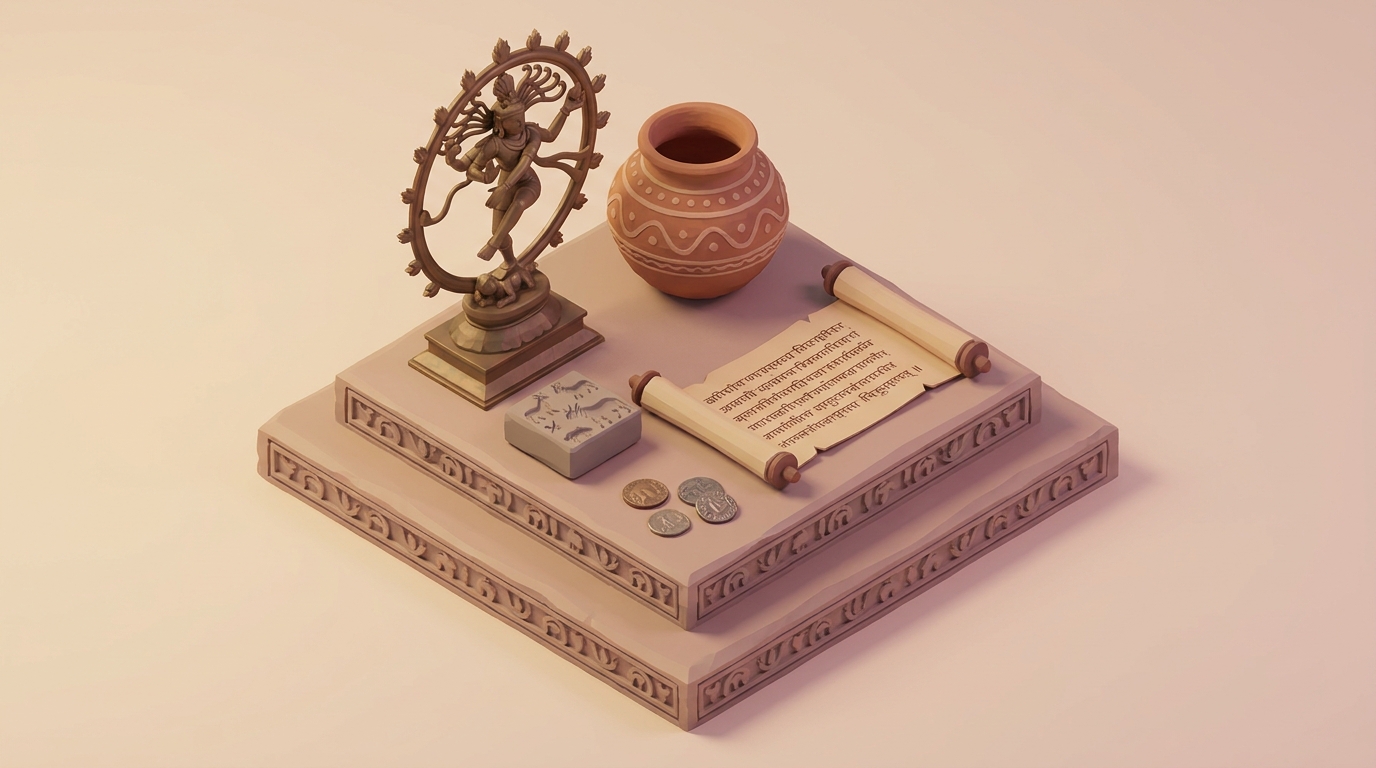
Creating 3D Interactive Historical Timelines for Indian Museums
Indian museums are evolving from static displays to immersive experiences. A 3D interactive historical timeline can capture visitors' attention, provide layered storytelling, and make history more engaging. Using Draftly, you can design cinematic, scroll-driven timelines that elevate heritage presentations.
Why 3D Timelines Are Ideal for Indian Museums
3D timelines transform storytelling into an experience where visitors can immerse themselves in historical events. Here's why they work:
!creating 3d interactive historical timelines for indian museums, tutorials
- Engagement boost: Studies reveal that interactive content increases user engagement by up to 80%.
- Layered storytelling: Visitors can explore events chronologically while accessing deeper insights.
- Accessibility: Interactive designs cater to multi-language and mobile-first audiences, essential for Indian museums.
Step-by-Step Guide to Building 3D Historical Timelines
1. Define Your Historical Narrative
Start by identifying the key events for your timeline. For example, if the museum focuses on the Indian Independence Movement:
- List pivotal milestones like Quit India Movement (1942), Dandi March (1930), and Partition (1947).
- Group events into thematic clusters (e.g., social movements, key leaders).
- Prioritize visuals and multimedia elements that will amplify storytelling.
2. Gather Visual and Multimedia Assets
Strong visuals enhance user engagement. Use AI tools for image creation if real assets aren’t available.
- Generate custom graphics using Draftly AI Image Tools.
- Include videos or animations (e.g., a cinematic recreation of the Dandi March).
- Optimize all assets for web performance by compressing images and using formats like WebP.
3. Design the Timeline Structure in Draftly
Draftly's 3D scroll builder makes creating interactive timelines seamless.
- Choose a template: Select a scroll-driven timeline layout from Draftly’s library.
- Add sections: Use scroll animations to transition between events with vivid visuals.
- Integrate motion effects: Highlight key moments using Draftly Page Transitions.
4. Add Interactive Elements
Interactive elements make your timeline more engaging:
- Hover interactions: Visitors can hover on key dates to unearth hidden facts.
- Clickable hotspots: Allow visitors to click on images for pop-ups with detailed descriptions.
- Audio narration: Pair visuals with voiceovers to bring stories alive.
5. Optimize for Multi-Language Accessibility
India is a multilingual nation; ensure your timeline supports regional languages.
- Use Draftly’s multilingual text feature for Hindi, Marathi, or Tamil versions.
- Add toggles so users can switch between languages seamlessly.
- Test readability across devices using Draftly’s Mobile Testing Tools.
Key Features to Include in a 3D Timeline
Dynamic Event Markers
Dynamic markers can highlight key moments in history. For instance:
- Use motion-driven icons to represent milestones.
- Add scroll-triggered animations for transitions between decades.
Responsive Design
Ensure your timeline adapts to various screen sizes. This is critical since 80% of Indian users access websites via smartphones. Learn more about mobile-first designs in Draftly’s responsive guide.
Multi-Sensory Integration
Add sensory elements like soundscapes (e.g., chants during Quit India Movement) or 360-degree visuals of museum artifacts.



