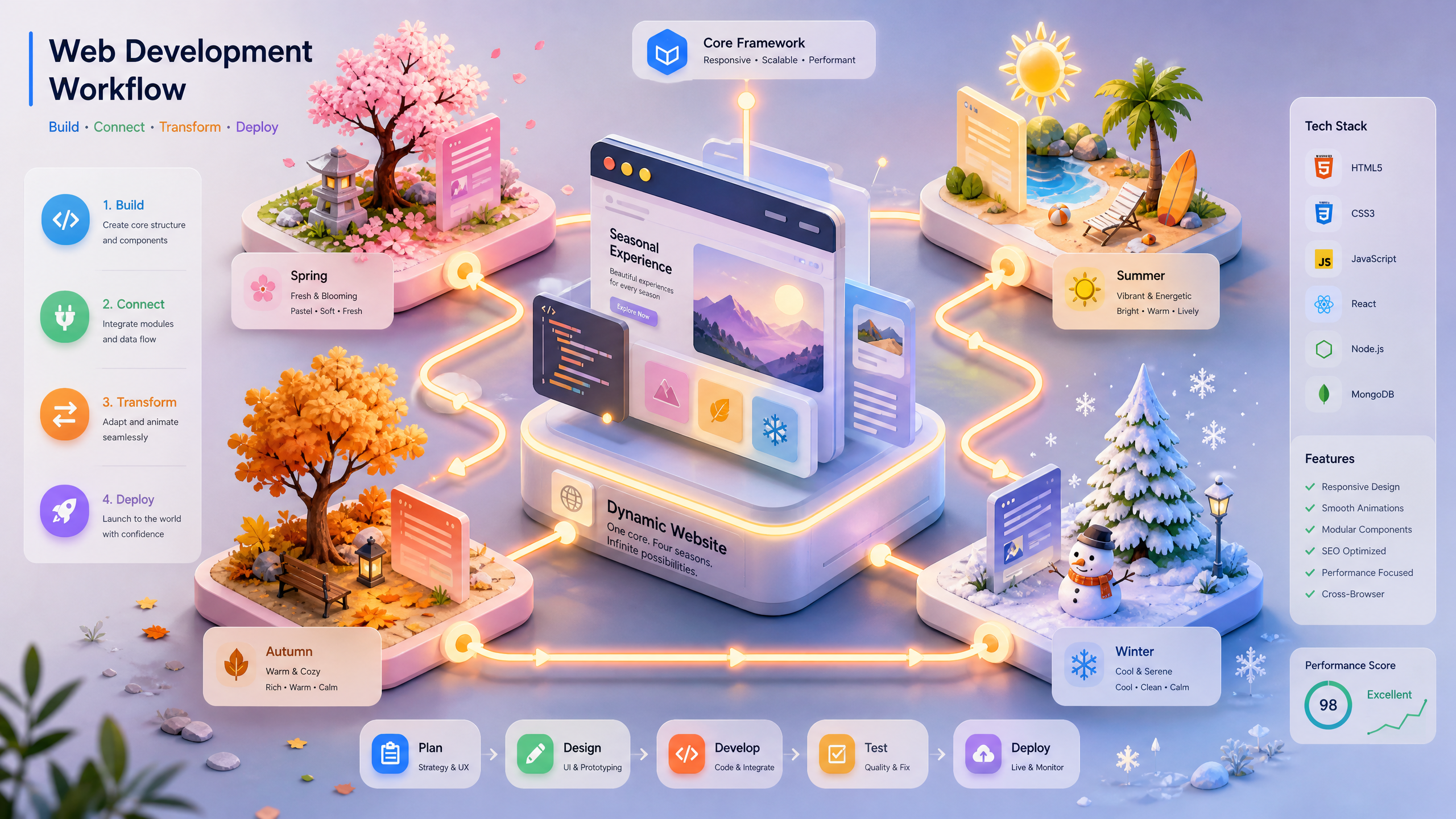
Customizing AI-Driven 3D Websites for Seasonal Campaigns: A Step-by-Step Guide
Seasonal campaigns offer a prime opportunity to engage your audience and boost conversions. With Draftly, an AI-driven 3D website builder, you can create immersive, visually stunning digital experiences tailored to specific seasons, holidays, or events—all from a single prompt.
In this guide, we’ll walk you through how to customize your AI-driven 3D website for a seasonal campaign that captivates your audience and delivers results.
Why Customize Your 3D Website for Seasonal Campaigns?
Seasonal campaigns are powerful tools for driving engagement and sales. A visually-rich 3D website can bring your campaign to life, offering:
!customizing aidriven 3d websites for seasonal campaigns a stepbystep guide, tutorials
- Higher engagement rates: Interactive 3D elements can boost user engagement by up to 47%, according to industry studies.
- Personalized experiences: Tailor your content to seasonal emotions and trends.
- Increased conversions: Seasonal promotions often see a conversion boost of 30-50% when visually highlighted.
Step 1: Define Your Seasonal Campaign Goals
Before diving into the design, clarify what you want to achieve. Ask yourself:
- What is the campaign’s focus? (e.g., Christmas sale, summer launch, festival promotion)
- Who is your target audience?
- What metrics will define success? (e.g., sales, sign-ups, awareness)
Pro Tip: Use AI-Generated Insights
Draftly’s AI can analyze audience behavior and suggest the best design elements for your campaign. For example, creating 3D interactive travel itineraries for Indian luxury agencies can inspire you to craft user-focused journeys for holiday campaigns.
Step 2: Choose a 3D Template for Your Campaign
Draftly offers a variety of AI-powered 3D templates tailored for seasonal themes. Here’s how to choose the right one:
- Match the holiday theme: For a Diwali campaign, opt for warm colors like gold and orange. For Christmas, use snowy white and festive red.
- Add 3D animations: Select templates with dynamic elements such as snowflakes, fireworks, or falling leaves.
- Preview your design: Draftly lets you visualize your campaign page in real-time.
Step 3: Optimize the User Journey
A seasonal campaign isn’t just about aesthetics—it’s about guiding users toward a specific action. Here’s how to streamline their journey:
- Hero section: Use bold, attention-grabbing headlines that clearly communicate the campaign’s value (e.g., “Save 50% This Holiday Season!”).
- Call-to-action (CTA): Make your CTA buttons prominent. Use actionable language like “Shop Now” or “Redeem Offer.”
- Interactive elements: Add a 3D countdown timer or progress bar to build urgency.
Step 4: Update Content for Seasonality
Your website content should reflect the seasonal theme. Here’s what to update:
- Imagery: Use high-resolution images or 3D assets that fit the season (e.g., pumpkins for Halloween, hearts for Valentine’s Day).
- Tone and messaging: Adjust your copy to resonate with seasonal emotions. For instance, focus on joy and togetherness during festivals.
- Product highlights: Feature seasonal bestsellers or limited-time offers prominently.
Tools to Help
Draftly’s AI can recommend 3D interactive elements and animations to bring your seasonal story to life.
Step 5: Test and Launch Your Campaign
Before going live, test every aspect of your 3D website. Here’s a simple checklist:
- Mobile responsiveness: Ensure the site looks stunning on all devices.
- Loading speed: Optimize 3D assets to ensure fast load times.
- A/B testing: Test different CTAs, colors, or layouts to see what resonates best with your audience.
- Analytics integration: Set up tracking to monitor campaign performance.
Step 6: Promote Your Seasonal Website
Once your website is live, drive traffic to it using these strategies:
- Email marketing: Send a targeted email blast to your subscriber list.
- Social media campaigns: Use eye-catching visuals and hashtags relevant to the season.
- Paid ads: Amplify reach with Google Ads or social media advertising.
Sub-section: Incorporate User-Generated Content
Encourage users to share their experiences with your campaign on social media using a unique hashtag. Display these posts live on your 3D website for real-time engagement.



