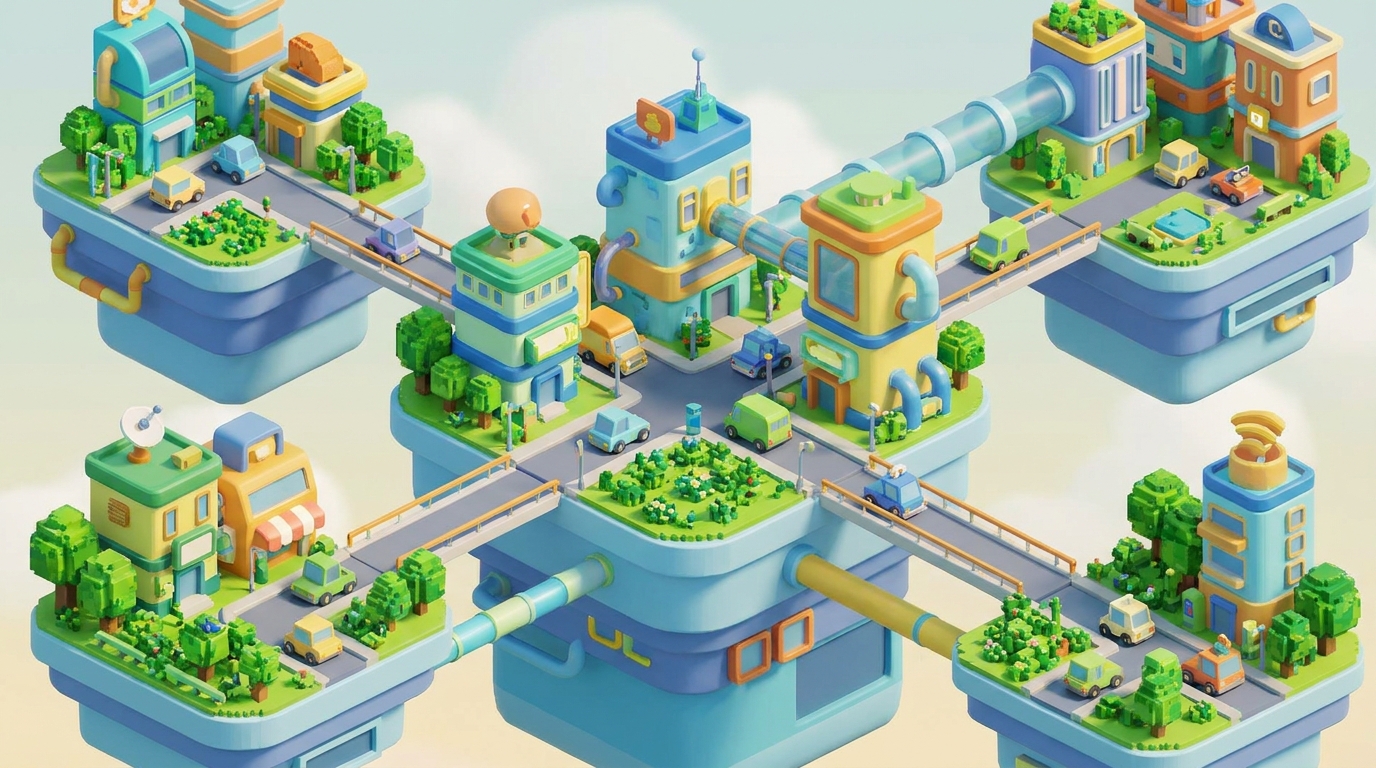
Guide to Building 3D Festival Microsites for Indian Events
Creating a 3D festival microsite can transform how Indian event organizers engage audiences. By combining cinematic visuals, interactive features, and seamless functionality, you can elevate your event experience and drive registrations. Here's how you can use Draftly to build one step-by-step.
Why 3D Microsites Are Essential for Indian Festivals
Indian festivals like Diwali, Ganesh Chaturthi, and Navratri are known for their vibrancy. A traditional static website often fails to capture this energy. Microsites with 3D animations and interactive elements:
!guide to building 3d festival microsites for indian events, tutorials
- Increase attendee engagement by up to 40%
- Improve RSVP conversions by 25% when paired with countdown timers
- Offer immersive storytelling that connects deeply with users
Step-by-Step Process to Build Your Microsite
Follow these steps to create a stunning 3D microsite for your festival.
1. Define Your Festival Theme and Goals
Start by identifying the unique aspects of your festival:
- What emotions do you want to evoke? For example, joy for Diwali or spirituality for Ganesh Chaturthi.
- Decide your primary goal: Is it boosting ticket sales, attracting sponsors, or increasing awareness?
- List essential pages like RSVP, event schedule, sponsor showcase, and gallery.
2. Generate Initial Layout Using Draftly
Use Draftly’s AI prompt engine to create a base layout. Describe your festival in one sentence, e.g., “Create a 3D microsite for a 7-day Navratri dance festival with live music, sponsor highlights, and ticket booking.”
- Draftly auto-generates a scroll-driven design with cinematic visuals.
- Customize fonts and colors to align with your festival branding using the Brand Kit tools.
3. Add Interactive Features
Interactive elements can significantly enhance visitor engagement:
- Countdown Timers: Build urgency for limited-time ticket sales.
- 3D Maps: Showcase venue layouts with dynamic overlays.
- Photo Galleries: Use AI-generated visuals for consistency, as seen in AI image generation.
4. Optimize for Mobile Users
With 80% of Indian users accessing sites via mobile, ensure the microsite is fully responsive:
- Test animations and page transitions on mobile using the Draftly testing tools.
- Compress images and videos to reduce load times. Learn more about mobile optimization.
Features Every Festival Microsite Needs
3D Event Calendar
Allow users to explore schedules interactively. Link each event to a description page with RSVP options.
Sponsor Showcases
Highlight sponsor logos and contributions using 3D visuals. Add hover effects that reveal details about each sponsor.
Live Updates Section
Keep attendees informed with real-time updates such as lineup changes or live ticket availability.
Launch and Promote Your Microsite
1. Publish and Connect a Custom Domain
Export your site and publish it under a custom domain. Use the custom domain setup guide for seamless integration.
2. Use SEO to Boost Visibility
Optimize your microsite for festival-related keywords like “Diwali event Mumbai.” Use structured data to help search engines highlight event information.
3. Integrate Social Media and WhatsApp
Add social media buttons for easy sharing and a WhatsApp chat widget to capture leads. Learn how to add WhatsApp chat.



