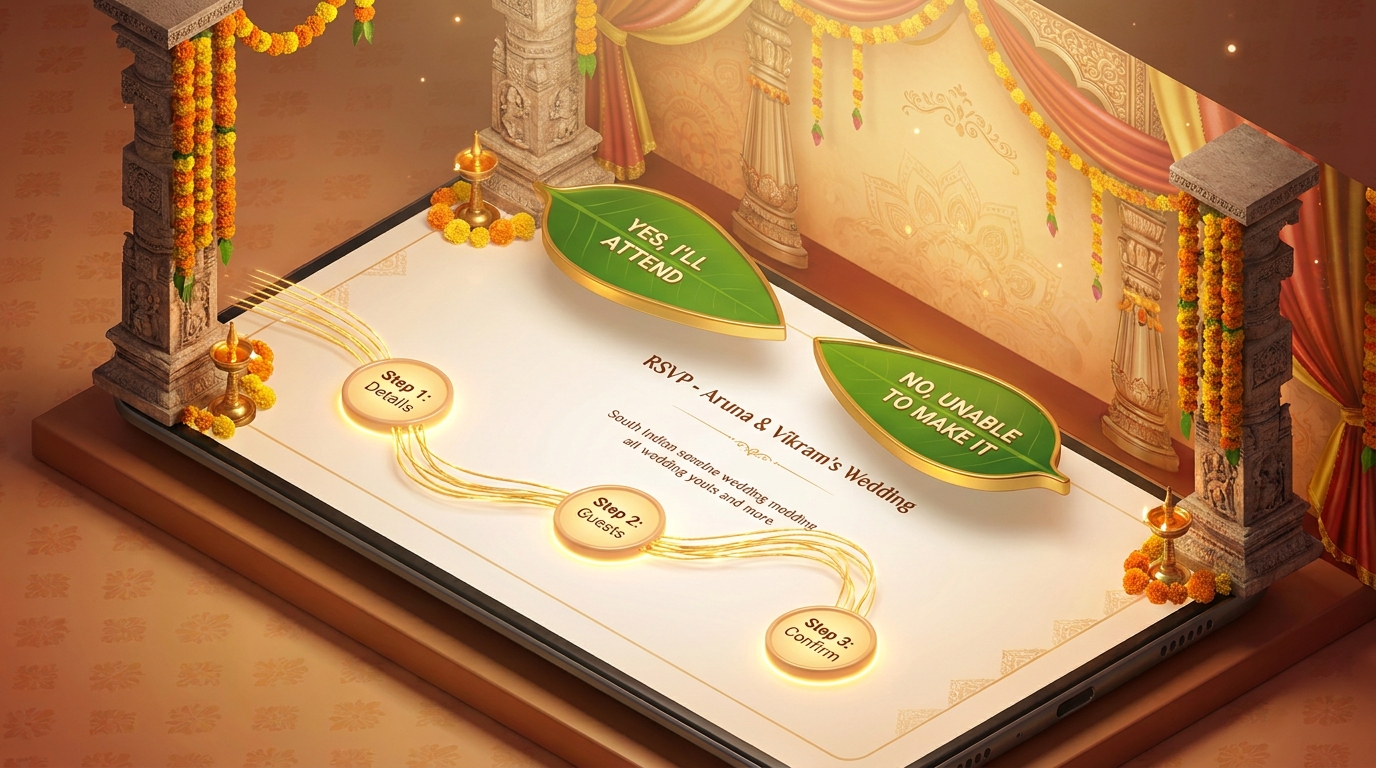
How to Build a 3D Wedding RSVP Page for South Indian Destination Weddings
Planning a South Indian destination wedding? Impress your guests with a cinematic 3D RSVP page that reflects the grandeur of your celebration. With Draftly, you can create an immersive, scroll-driven experience that blends traditional aesthetics with modern technology.
Why a 3D RSVP Page for South Indian Weddings?
South Indian weddings are known for their vibrant colors, intricate rituals, and larger-than-life celebrations. A 3D RSVP page can:
!how to build a 3d wedding rsvp page for south indian destination weddings, tutorials
- Showcase the wedding’s cultural richness through interactive design.
- Provide guests with details like venue maps, dress codes, and schedules in an engaging way.
- Simplify RSVP management with built-in forms and real-time updates.
Step-by-Step Guide to Building a 3D RSVP Page
1. Define Your Core Wedding Details
Before jumping into design, gather all vital information:
- Event dates and times across the multi-day celebrations.
- Locations such as temples, banquet halls, or beach venues.
- Themes and dress codes (e.g., Kanchipuram sarees or traditional veshtis).
- Guest categories (family, friends, VIPs).
2. Set Up Your Draftly Workspace
- Log into Draftly and select the 3D Event RSVP template.
- Customize your brand kit by uploading:
For tips on customization, check out How to Customise Fonts, Colors and Your Brand Kit in Draftly.
3. Add Essential RSVP Features
Use Draftly’s drag-and-drop tools to include these must-have elements:
- Interactive timeline: Highlight each ceremony, from the Nischayathartham to Muhurtham.
- Venue virtual walkthroughs: Upload 3D models of the temple or destination venue.
- Live RSVP form: Capture guest responses in real time.
4. Design Scroll-Driven Animations
Draftly’s 3D effects can elevate your RSVP page:
- Use parallax scrolling to reveal sections like the wedding itinerary.
- Add motion graphics for transitioning between events.
- Highlight RSVP deadlines with scroll-triggered countdowns.
5. Embed South Indian Cultural Elements
Make your page culturally immersive:
- Add Kalamkari-inspired patterns as backgrounds.
- Include clips of Carnatic music or Tavil beats as audio.
- Use AI tools to generate custom wedding logos blending Tamil or Telugu script.
Testing and Publishing Your RSVP Page
Test for Mobile and Desktop
Ensure your page loads fast and adapts to all screen sizes:
- Use Draftly’s mobile view simulation.
- Test loading speeds with Draftly Site Speed Optimisation: Get a 90+ PageSpeed Score.
Publish and Share
- Generate a custom URL like `www.YourWeddingRSVP.com`.
- Share the link via WhatsApp, email, or social media.



