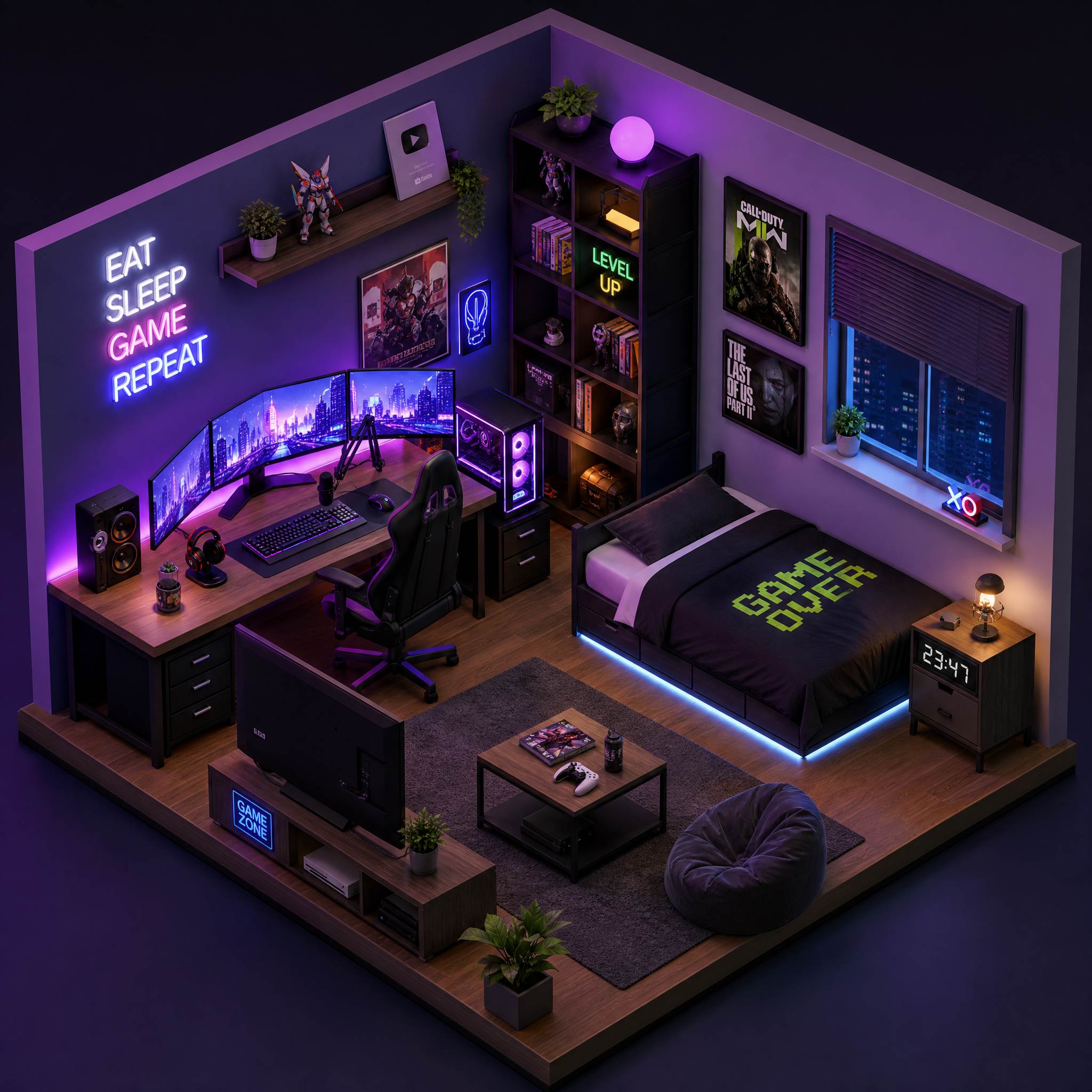
AI Websites for Gamers: Showcasing Twitch Streams and Leaderboards
Creating a gaming-focused website doesn’t need to be complex. With AI-driven tools like Draftly, you can build a cinematic, scroll-driven platform that showcases your Twitch streams and real-time leaderboards. Whether you're a streamer, a competitive gamer, or an esports organizer, this guide walks you through every step.
Why Gamers Need AI Websites
Gamers thrive on audience engagement and real-time updates. A tailored website can help you:
!ai websites for gamers showcasing twitch streams and leaderboards, tutorials
- Showcase live Twitch streams without disrupting gameplay.
- Display dynamic leaderboards to highlight top players.
- Build a community hub with immersive visuals.
Step 1: Set Up Your Draftly Account
Draftly’s AI-powered platform makes website creation fast and intuitive. Before diving into customization:
- Sign Up: Visit Draftly’s website and create a free account.
- Choose a Template: Select a gaming-focused 3D template. Look for options that already support media integration and real-time updates.
- Customize Your Branding: Use the platform’s branding tools to personalize fonts, colors, and logos. If you need help, check out this guide to customizing your brand kit.
Step 2: Embed a Live Twitch Stream
Twitch is a must-have for any gaming website. Let’s integrate your live stream into your Draftly site:
- Get Your Twitch Embed Code:
- Add Embed Code to Draftly:
- Customize Display:
Pro Tip: Create a Twitch Schedule Section
Keep your audience engaged by adding a scrolling timeline of your streaming schedule:
- Use Draftly’s timeline widget, similar to creating 3D interactive historical timelines.
- Label streams with game titles, dates, and times.
- Add a call-to-action (CTA) button like “Set Reminder” linked to Twitch notifications.
Step 3: Build an Interactive Leaderboard
Leaderboards are perfect for esports or multiplayer games. They can also showcase your achievements or your community’s top players.
Key Features for Leaderboards:
- Real-time Updates: Display dynamic scores or rankings.
- Customizable Layouts: Choose styles that match your branding.
- Player Profiles: Add clickable links to player stats or achievements.
- Choose a Leaderboard Template:
- Connect Your Data Source:
- Design for Engagement:
For inspiration, review our guide to building 3D immersive dashboards for real-time performance tracking.
Step 4: Add Game Highlights and Clips
Video highlights are a great way to attract new followers and keep your audience entertained. Here’s how to feature them:
- Upload Your Best Clips:
- Group Clips by Game:
- Enable Auto-Play:
If you’re showcasing achievements, consider designing 3D digital awards portals to gamify the experience.
Step 5: Add a Community Section
Engage your fans with a dedicated community section. This could be a simple forum, a live chat for Q&A, or a place to share fan art.
- Add a Discussion Board: Use Draftly’s pre-built community page templates.
- Integrate Social Media Feeds: Pull in your Twitter or Discord updates.
- Highlight Fan Contributions: Feature top community posts or fan-made content.
Step 6: Optimize for SEO and Speed
A fast, optimized website ensures better visibility and user experience. Here’s how to fine-tune your gaming website:
- Optimize Images & Videos: Compress assets before uploading.
- Add Meta Tags: Use clear page titles and meta descriptions. For example:
- Enable Lazy Loading: This ensures media loads only when needed, boosting performance.
- Test Load Speed: Use tools like Google PageSpeed Insights to identify and resolve performance bottlenecks.



