How to Optimize 3D Websites for Mobile Devices
Optimizing 3D websites for mobile devices is crucial as mobile traffic accounts for over 55% of global web usage. An optimized 3D website ensures smooth interaction and faster load times, enhancing user satisfaction.
Understanding Mobile Optimization
To begin optimizing your 3D website for mobile, understanding what mobile optimization entails is key. This involves adjusting content and design elements to ensure they display correctly and interact smoothly on smaller screens.
!how to optimize 3d websites for mobile devices, tutorials
- Over 60% of users abandon a site if it takes more than 3 seconds to load
- Mobile-optimized sites enhance SEO rankings by meeting Google's mobile-first indexing criteria
- Users spend 85% more time on mobile-optimized websites
Implement Responsive Design
Responsive design is the foundation of mobile optimization. It ensures your 3D website automatically adjusts to the screen size of any device.
- Use fluid grids and flexible images to adapt to different screen sizes.
- Implement media queries in your CSS to apply specific styles for different device widths.
- Test your site on multiple devices to ensure consistent design and functionality.
Optimize 3D Content for Mobile
3D content can be resource-intensive, impacting load times and performance on mobile devices. Here's how to optimize it:
- Use lightweight 3D models and compress textures to reduce file sizes
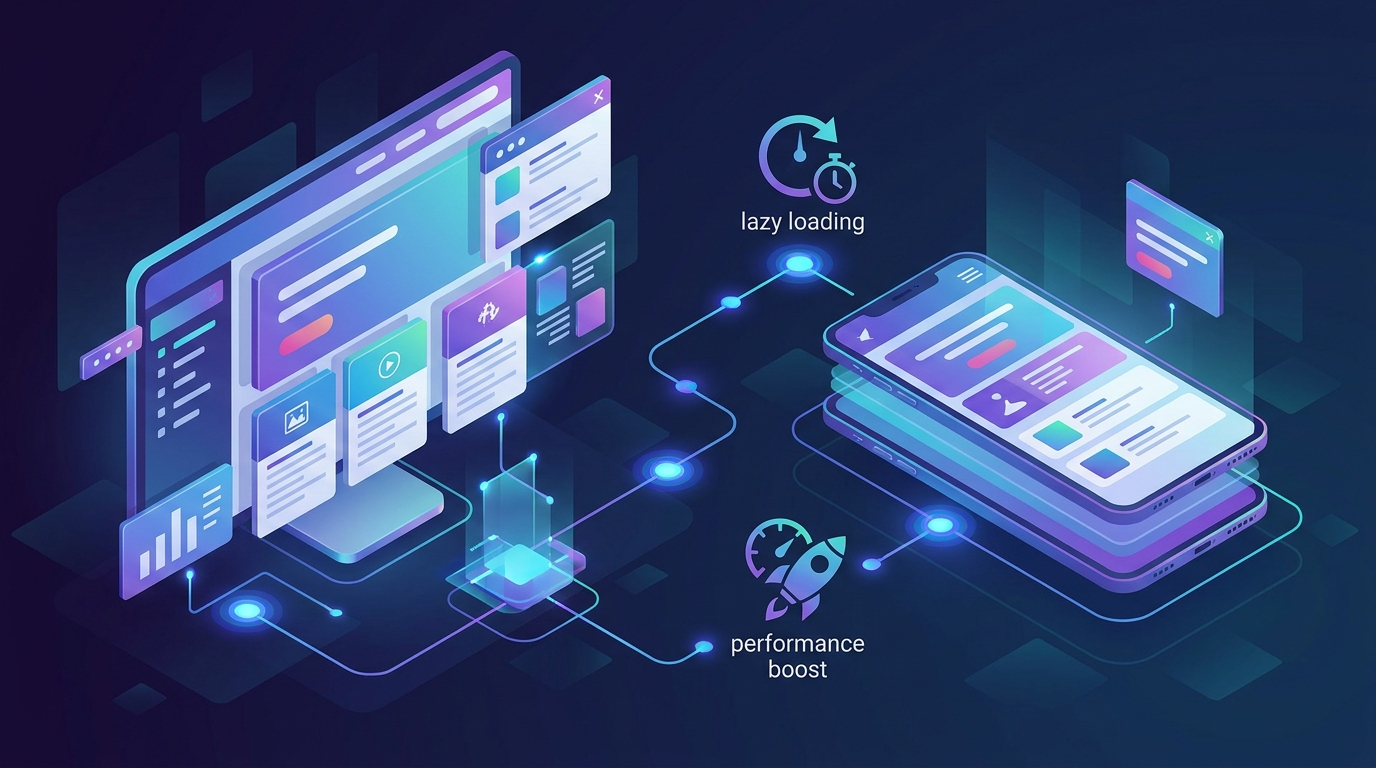
- Implement lazy loading for non-essential 3D elements
- Utilize WebGL optimizations to enhance rendering efficiency
Enhance Mobile Performance
Reduce Load Times
Fast loading times are non-negotiable for mobile users. Here's how to cut down load times:
- Minimize HTTP requests by combining files and using sprites.
- Compress images and enable browser caching.
- Use a content delivery network (CDN) to serve content faster.
Improve User Interaction
Enhancing user interaction on mobile requires a focus on touch-friendly interfaces and intuitive controls.
- Increase button sizes and spacing for easier touch targets
- Simplify navigation with collapsible menus
- Use swipe gestures to enhance user flow



