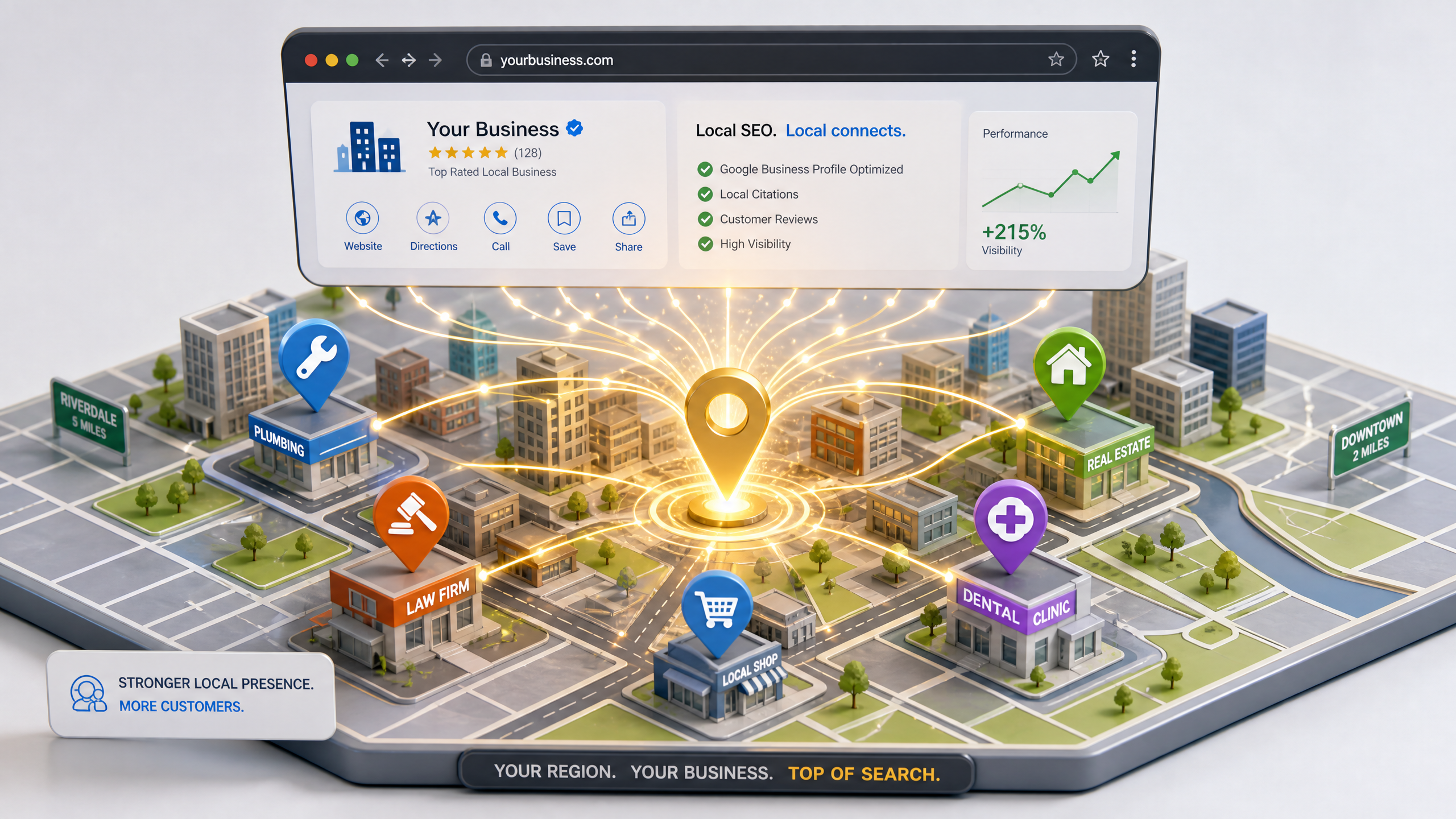
How to Build a Local Services Website for a Small or Regional City
Building a local services website that actually generates leads requires more than just a digital brochure; it needs a strategy focused on community visibility and trust. Whether you are a plumber, a local law firm, or a regional consultant, your goal is to capture the attention of residents searching for immediate solutions in your area.
Define Your Local Service Area and Keyword Strategy
Before you begin, you must map out your specific service radius. Search engines prioritize proximity, meaning your website needs to explicitly mention the cities, neighborhoods, or districts you serve. Using Local SEO for Indian Small Businesses: The Complete 2025 Guide as a baseline, ensure your site structure reflects these locations.
!how to build a local services website for a small or regional city, tutorials
- Identify high-intent keywords like "[Service] in [City Name]" rather than broad, national terms.
- Create dedicated landing pages for your top-performing service areas to increase relevance.
- Use geo-tagged location data to signal your physical presence to local search algorithms.
Designing Your Local Services Website for Trust
When building a local services website, your design must communicate reliability within seconds. Regional customers often value familiarity and community proof over flashy global aesthetics. You can achieve this by using How to Customise Fonts, Colors and Your Brand Kit in Draftly to ensure your branding feels approachable and professional.
Prioritize Conversion-Focused Layouts
Visitors in a regional city are often looking for immediate help. If they have to hunt for your phone number or booking form, they will likely bounce to a competitor. Your layout should follow a clear hierarchy:
- Hero Section: Clear value proposition with a primary CTA (e.g., "Book Your Service Now").
- Social Proof: Display testimonials from known local landmarks or community figures.
- Clear Contact Info: Place your address, phone number, and service hours in the header or footer.
- Service Breakdown: Use the Draftly Section Library: Every Block and When to Use It to create distinct blocks for each of your service offerings.
Optimizing for Regional Search Visibility
Ranking in a smaller city is significantly easier than in a metro area, but it requires consistent optimization. You must treat your website as a living asset rather than a static page. If you are struggling to keep up with updates, consider How to Build a 6-Month Content Calendar for SEO to maintain a steady flow of local content.
The Importance of Local Schema
Search engines need structured data to understand your business details. Implementing Local Business Schema ensures that your name, address, and phone number appear correctly in map packs and search results. This technical foundation is non-negotiable for anyone building a local services website in 2026.
- Integrate Google Maps directly into your contact page to build proximity trust.
- Encourage satisfied local clients to leave reviews that include your service city name.
- Keep your service pages updated with fresh projects or recent local case studies.
Scaling Your Regional Presence
As your business grows, your website should scale with you. A major advantage of using modern AI tools is the ability to replicate successful landing page structures for new territories or services without starting from scratch. By maintaining a consistent design system, you ensure that every new page feels native to your brand while targeting new localized search terms.
- Leverage Draftly Page Transitions and Section Animations: A Design Guide to keep users engaged as they scroll through your service details.
- Monitor your traffic using built-in analytics to see which neighborhoods are driving the most inquiries.
- Audit your site every quarter to ensure all local links and contact methods remain accurate.



