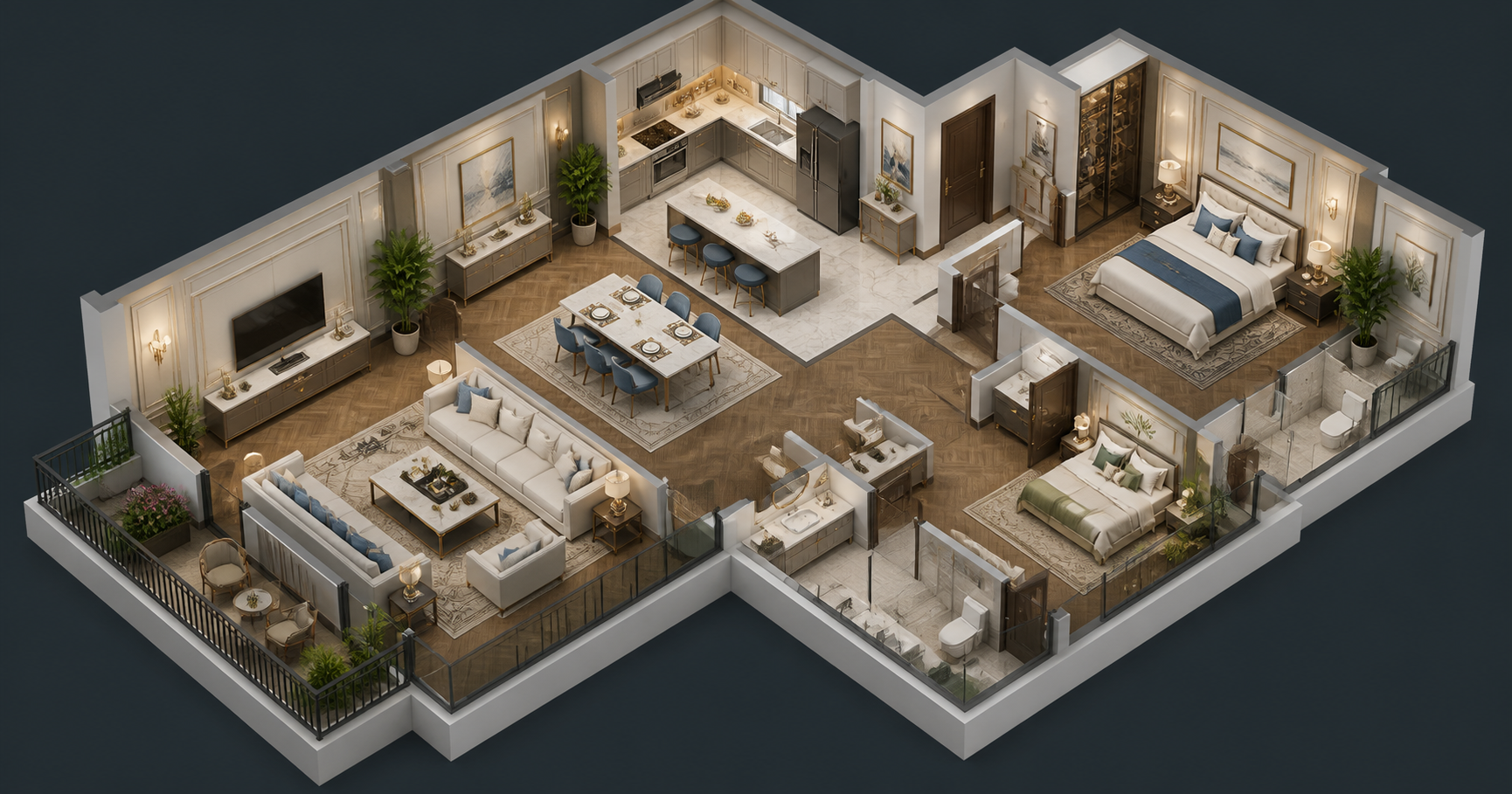
Creating Dynamic Landing Pages with Draftly: A Step-by-Step Guide
Dynamic landing pages are essential for capturing attention, driving conversions, and creating memorable user experiences. With Draftly, you can build scroll-driven, cinematic landing pages in just minutes—no coding required. This guide walks you through the exact steps to create a stunning landing page that stands out.
Why Dynamic Landing Pages Matter
Dynamic landing pages combine immersive design with interactive elements to boost engagement. Studies show that websites with interactive features have 3x higher user retention rates, while personalized landing pages can increase conversions by up to 202%. Learn how Draftly’s AI-driven platform makes it effortless to achieve these results.
!creating dynamic landing pages with draftly a stepbystep guide, tutorials
- Interactive pages create a lasting impression, making users 70% more likely to return.
- Scroll-driven animations direct users to key CTAs, improving click-through rates.
- 3D visuals increase dwell time by an average of 34%, according to industry research.
Step 1: Define Your Page Objective
Before you start designing, clarify your landing page’s main purpose. Is it to collect leads, showcase a product, or promote an event? For instance, creating donation pages for NGOs requires a focus on storytelling and trust-building.
Questions to Ask:
- What action do you want users to take? (e.g., sign up, donate, purchase)
- Who is your target audience?
- What problem does your landing page solve?
Step 2: Choose a Draftly Template
Draftly offers a variety of pre-designed templates tailored to different industries, such as wedding planners or financial planners. Selecting the right template saves time and ensures a polished design.
How to Select a Template
- Log in to your Draftly account.
- Browse the “Templates” section and filter by category.
- Preview templates to see how animations and layouts align with your objective.
- Click “Use Template” to start customizing.
Step 3: Customize Fonts, Colors, and Text
Your landing page should reflect your brand identity. With Draftly, you can tweak everything from fonts to color schemes. For detailed customization tips, check out this guide.
- Choose brand-consistent fonts to maintain a professional look.
- Use high-contrast colors for key CTAs (e.g., orange or red).
- Write concise, action-driven headlines—aim for under 8 words.
Quick Customization Tips
- Open the “Design” tab in Draftly.
- Select the text element and modify the font style or size.
- Use the color picker tool to adjust page colors.
Step 4: Integrate 3D Animations
Draftly’s AI specializes in scroll-driven 3D animations that guide users seamlessly through your page. For example, architect portfolios use animations to highlight sustainability projects.
Adding Animations:
- In the Draftly editor, go to the “Animation” section.
- Select an element (e.g., text, image, button) and apply an animation preset.
- Preview your page to ensure smooth transitions.
Step 5: Optimize for Mobile Devices
With mobile traffic accounting for over 58% of global web visits, ensuring your landing page looks great on phones is non-negotiable. Draftly’s responsive design tools automatically adjust layouts, but you can fine-tune further.
Steps to Optimize:
- Toggle the “Mobile View” option in the editor.
- Adjust font sizes and spacing for readability.
- Test interactive elements to ensure functionality.
Step 6: Publish and Track Performance
Once your page is ready, publishing is a one-click process. But don’t stop there—use Draftly’s built-in analytics to monitor performance and make data-driven improvements.
Tracking Metrics:
- Bounce rate: Aiming for under 40% indicates strong engagement.
- Conversion rate: Industry benchmarks vary but aim for 5-10%.
- Average session duration: A higher duration often correlates with effective design.
Pro Tips for Advanced Users
Enhance Personalization
Use Draftly’s AI to create dynamic content tailored to user preferences. For example, language learning portals can display lessons based on a visitor’s native language.
Integrate Multimedia
Including videos, GIFs, and audio can boost engagement by up to 80%. Add these elements using Draftly’s drag-and-drop editor.



