Designing AI 3D Portfolios for Digital Artists: Trends & Best Practices
Creating a 3D portfolio website with AI tools is a game-changer for digital artists. It combines stunning visuals, interactivity, and intelligent customization to showcase your art in a way that captivates viewers. This guide outlines step-by-step practices to design cinematic 3D portfolios that highlight your unique creativity.
Why AI 3D Portfolios Are Essential for Digital Artists
AI-powered 3D portfolios elevate your work by combining technology and artistry. These websites use scroll-driven animations and immersive storytelling to grab attention. According to recent data, portfolios with interactive elements increase viewer engagement by 43% compared to static designs.
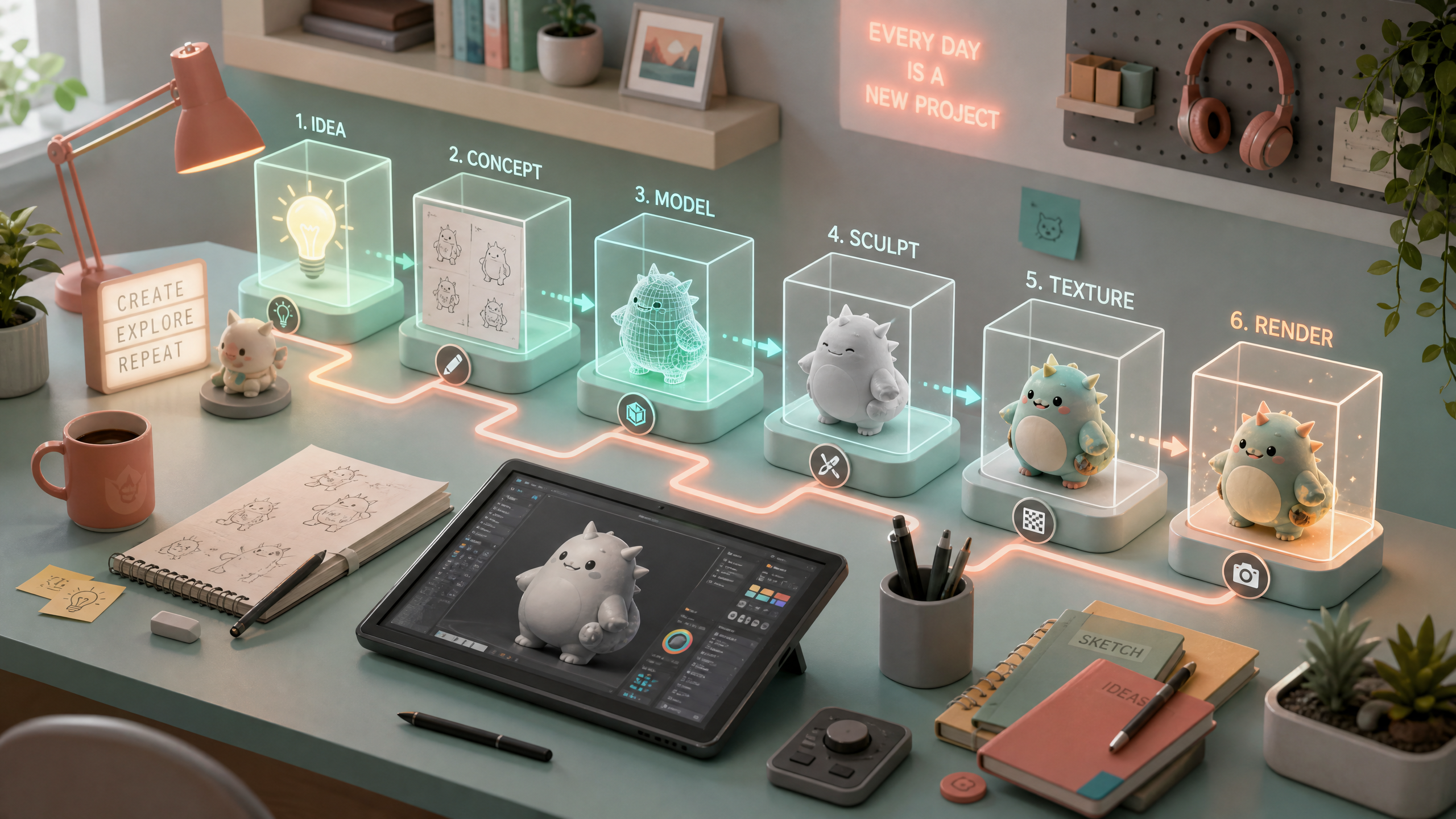
!designing ai 3d portfolios for digital artists trends best practices, tutorials
- Immersive experiences: 3D animations and AI-driven designs allow viewers to explore your portfolio from multiple angles.
- Adaptive personalization: AI can tailor the presentation based on user preferences, boosting conversion rates by up to 25%.
- Cinematic storytelling: Scroll-driven effects create a narrative flow, making your portfolio feel like a curated gallery.
Step-by-Step Guide to Designing AI 3D Portfolios
Follow these practical steps to create a visually stunning and functional AI-driven 3D portfolio.
1. Define Your Portfolio Goals
Before starting, identify what you want your portfolio to achieve. Common goals include:
- Attracting new clients or commissions
- Showcasing technical skills (like 3D modeling or animation)
- Highlighting specific works or projects
2. Choose the Right AI Toolset
Select an AI 3D website builder like Draftly that offers:
- Scroll-driven animations to guide viewers through your work.
- Customizable templates optimized for digital art.
- Integration of AI tools for adaptive layouts and personalized content.
3. Organize Your Content Strategically
Structure your portfolio content for maximum impact:
- Hero section: Start with a show-stopping visual or animation.
- Project highlights: Use AI to categorize your work into themes (e.g., landscapes, character design).
- Interactive elements: Include hover effects or 3D clickable objects that reveal details.
- Call-to-action (CTA): Encourage inquiries with a contact form or booking button.
4. Optimize for Mobile and Performance
Data shows that 62% of portfolio visits come from mobile devices. Ensure your AI 3D portfolio is:
- Mobile-responsive: Render 3D elements smoothly on smaller screens.
- Lightweight: Compress animations and images to maintain fast load times.
- Accessible: Use alt text and keyboard-friendly navigation.
Trends in AI 3D Portfolios for Digital Artists
Stay ahead by leveraging the latest trends in portfolio design.
- Interactive storytelling: Combine 3D visuals and text to narrate your artistic journey.
- Dynamic lighting effects: Use AI to simulate real-time lighting changes for added realism.
- Gamification elements: Add interactive challenges (e.g., solve a puzzle to unlock a hidden project).
Best Practices for Building AI 3D Portfolios
Sub-section: Highlight User Experience
Prioritize user-friendly design:
- Clear navigation: Use intuitive menus and breadcrumb trails.
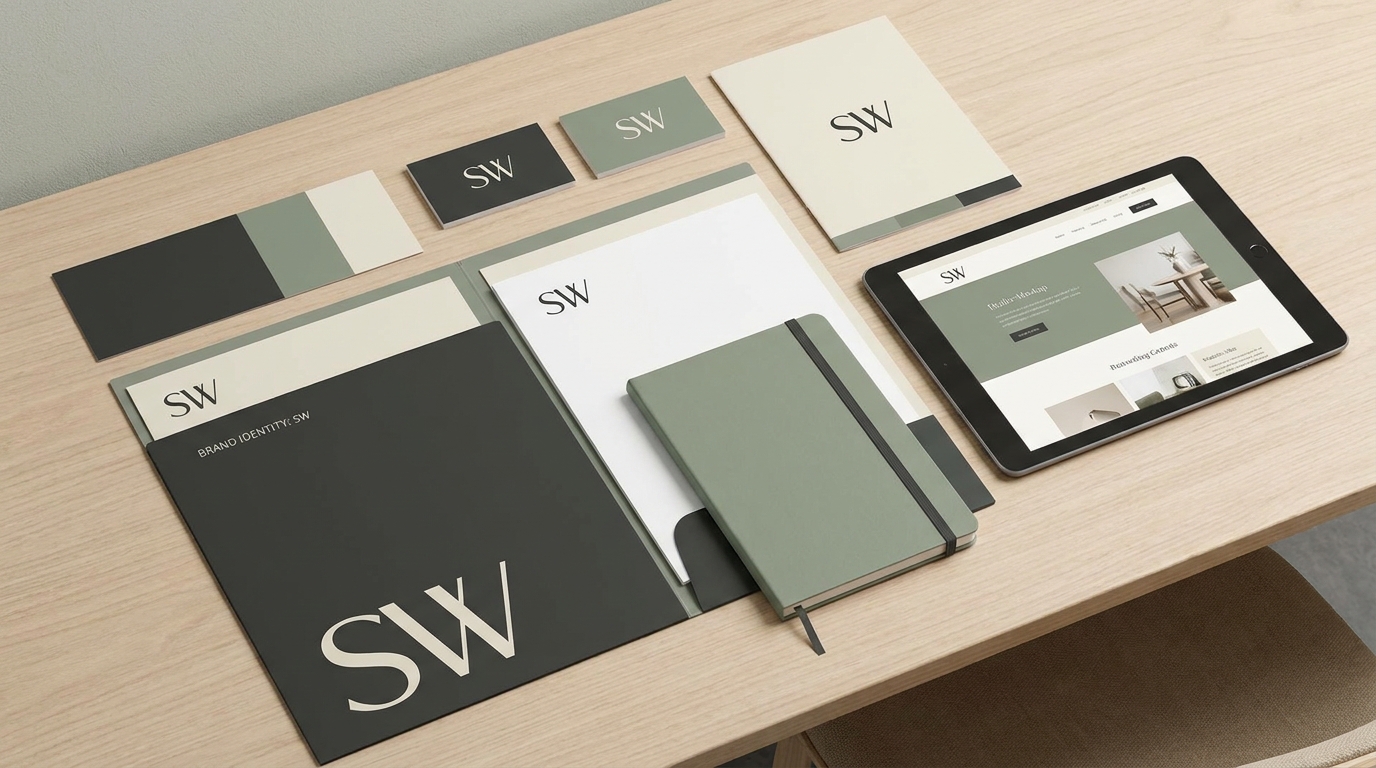
- Consistent branding: Match fonts and colors to your artistic style.
- Minimal distractions: Avoid clutter; let your art shine.
Sub-section: Use Data-Driven Insights
Leverage analytics to improve your portfolio:
- Monitor visitor behavior to identify popular projects.
- Adjust layouts based on engagement metrics.
- Test different CTAs to boost inquiries.