Customizing AI Templates for Culinary Classes and Recipes
Turning your culinary expertise into a visually stunning website has never been easier. With Draftly, you can transform AI-generated templates into personalized, scroll-driven masterpieces that showcase your cooking classes and recipes. This guide walks you through the process, step by step.
Why Use AI Templates for Culinary Websites?
Culinary websites thrive on visual storytelling and engagement. AI templates in Draftly simplify the process by providing:
!customizing ai templates for culinary classes and recipes, tutorials
- Cinematic designs for recipe showcases and class schedules
- Interactive layouts to keep visitors engaged
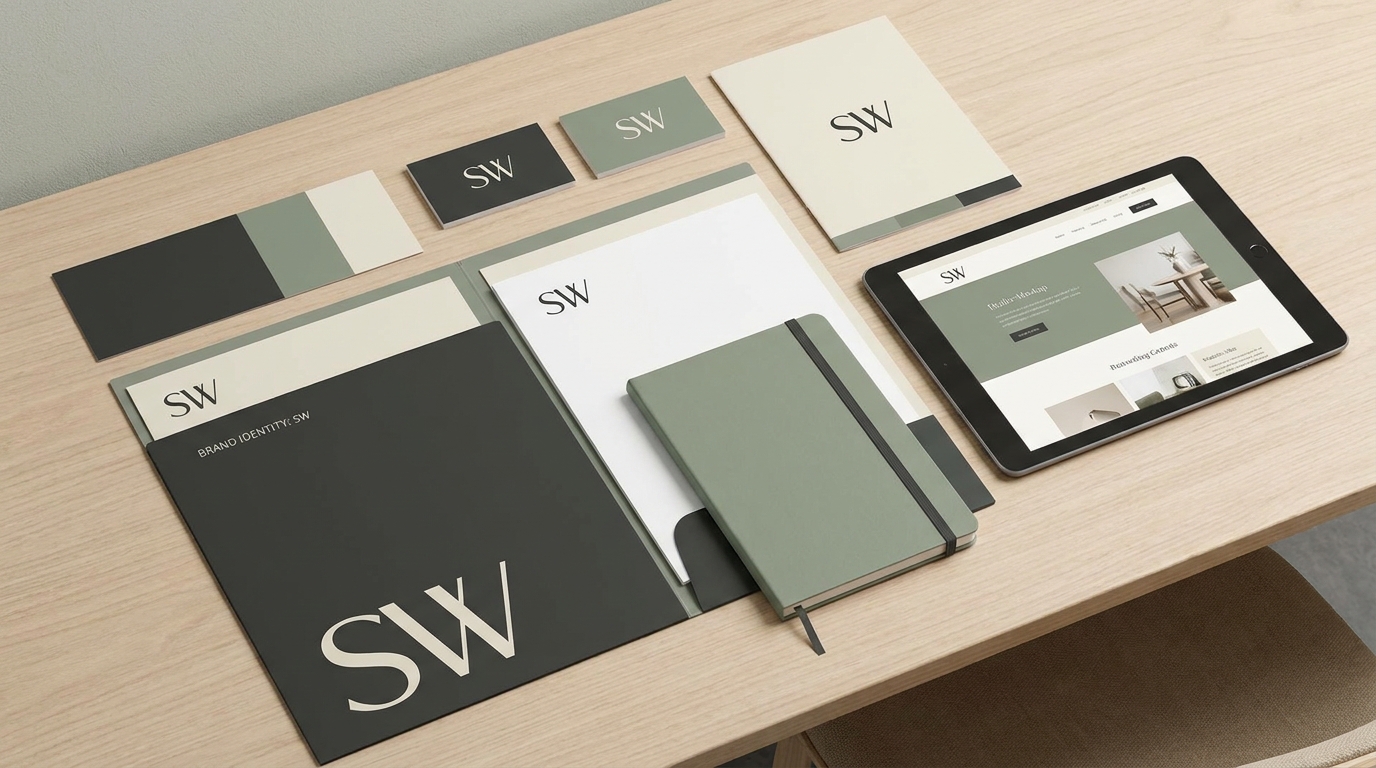
- Customization options for branding, colors, and fonts
Step 1: Choose the Right AI Template
Draftly offers a variety of templates tailored to different niches. For culinary purposes, look for templates with features like:
- Image galleries for food photography
- Event schedules for cooking classes
- Ingredient lists and recipe cards
How to Select a Template
- Log into your Draftly account and navigate to the template library.
- Use keywords like "cooking," "recipes," or "culinary" in the search bar.
- Preview templates to assess layouts and features.
Step 2: Add Your Branding
Your website should immediately reflect your brand identity. Draftly allows you to customize fonts, colors, and logos to make your site uniquely yours.
Branding Tips for Culinary Websites
- Colors: Use earthy tones like greens, browns, and yellows to evoke freshness.
- Fonts: Choose clean, modern fonts for readability.
- Logos: Upload a high-quality logo that resonates with your cooking style.
Step 3: Organize Your Content
A well-organized site enhances user experience and keeps visitors coming back. For culinary websites, prioritize:
- Homepage: Highlight your signature dishes or upcoming classes.
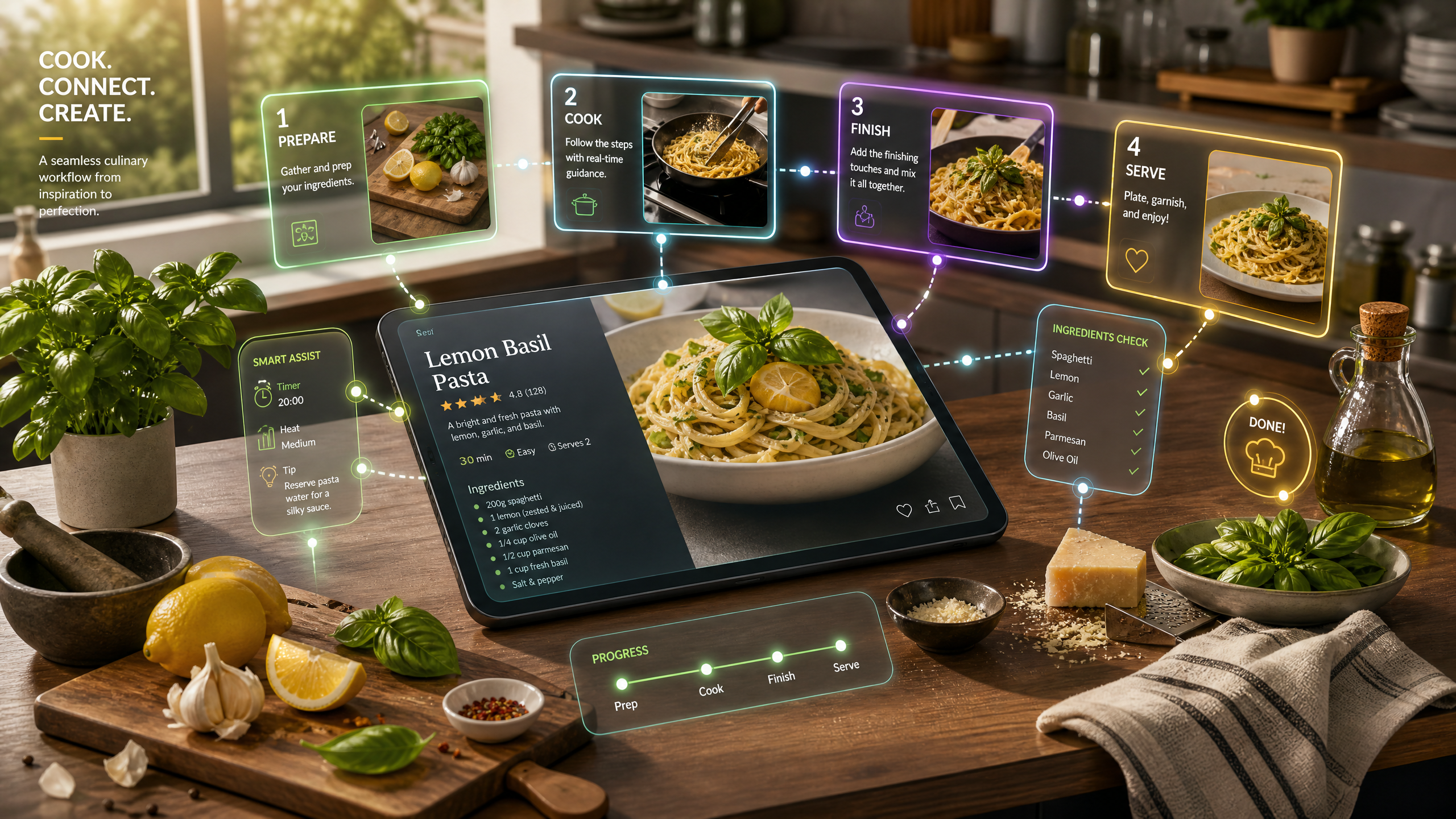
- Recipe Pages: Include step-by-step instructions, ingredient lists, and photos.
- Event Pages: Showcase cooking class schedules with interactive registration forms.
Best Practices for Recipes
- Use large, high-resolution images.
- Break down recipes into numbered steps.
- Include video tutorials for added engagement.
Step 4: Add Interactive Features
Interactive features can transform a static website into an engaging experience. Draftly supports:
- 3D scroll effects that guide visitors seamlessly
- Interactive recipe cards that expand for details
- Class booking forms integrated with payment systems
How to Implement Scroll Effects
- Navigate to the "Animation" tab in the Draftly editor.
- Select scroll-driven animations for images or text sections.
- Preview and test to ensure smooth transitions.
Step 5: Optimize for Mobile and SEO
To maximize visibility, your website must be mobile-friendly and optimized for search engines. Draftly’s AI tools simplify both tasks.
Mobile Optimization Checklist
- Ensure text and images scale properly on smaller screens.
- Use tap-friendly buttons for navigation.
- Test the mobile version before publishing.
SEO Tips for Culinary Websites
- Use keywords like "easy recipes," "cooking classes near me," and "healthy meals."
- Add alt text to all images.
- Optimize page speed with compressed images.