Crafting Stunning E-Commerce Landing Pages with Draftly's 3D AI Features
Creating an e-commerce landing page that captivates customers and drives conversions is no easy feat. With Draftly's innovative 3D AI features, you can now design cinematic, interactive, and scroll-driven landing pages effortlessly. This guide walks you through the steps to create a high-converting e-commerce page using Draftly’s tools.
Why Use 3D AI for E-Commerce Landing Pages?
E-commerce success hinges on first impressions. A 3D AI-powered landing page can:
- Increase conversions: Interactive design boosts engagement rates by 30% compared to static pages.
- Enhance user experience: Scroll-driven animations guide customers through your product story seamlessly.
- Stand out: In a crowded market, 3D visuals give your brand a cutting-edge presence.
Draftly’s platform is designed to help you achieve all of this with minimal effort, even if you have no prior design or coding experience.
Step 1: Set Up Your Draftly Project
Before diving into design, make sure you’ve set up your Draftly workspace.
- Log in to your Draftly account or create a new one.
- Choose the e-commerce template from the library.
- Define your project goal: Is it a product launch, seasonal campaign, or a general landing page?
- Enter your prompt. For example, “Create a 3D landing page for a sustainable fashion brand with dynamic scrolling effects.”
Step 2: Customize Your Branding
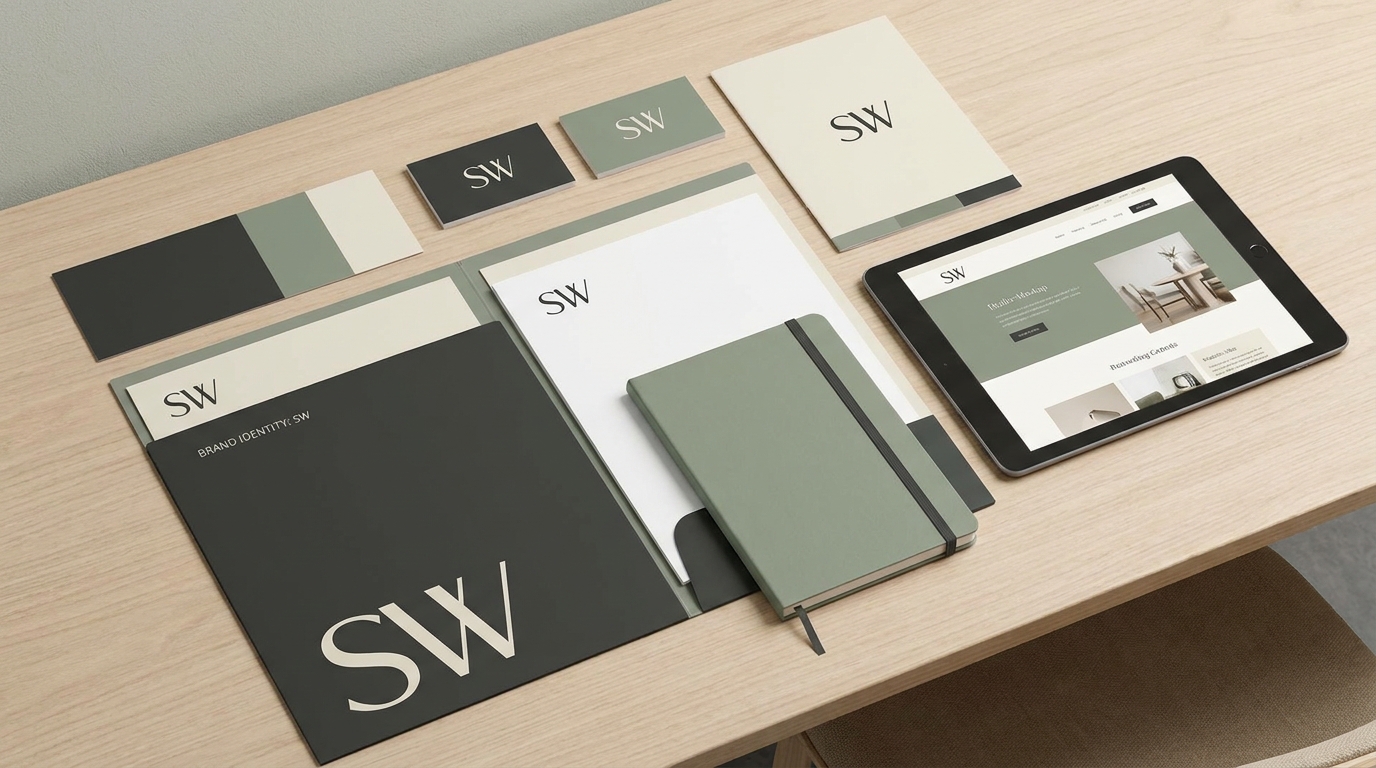
Your landing page needs to reflect your brand identity. Use Draftly’s customization tools to fine-tune the design.
- Colors and fonts: Match your brand kit using this guide.
- Logos and visuals: Upload your brand assets, ensuring high-resolution images for better rendering.
- Call-to-action (CTA): Place strategic CTAs at the beginning, middle, and end of your scroll-driven design.
Step 3: Add 3D Elements That Drive Engagement
Draftly’s 3D AI features allow you to add depth and movement to your landing page. Here’s how:
- Use the 3D object library to add dynamic product models. For instance, if you’re selling sneakers, let users rotate and zoom into the product.
- Implement scroll-driven storytelling: Sync animations with the user’s scroll to guide them through your product’s benefits. Learn how this works in our guide for showcasing interior design portfolios.
- Integrate hover animations to highlight key features like discounts or product specs.
Pro Tip: Keep It Seamless
While 3D effects can be stunning, overloading your page can slow it down. Ensure your visuals are optimized for fast loading times to prevent drop-offs.
Step 4: Optimize for Mobile and SEO
Mobile e-commerce accounts for 58% of all online sales, so your landing page must look and function perfectly on smaller screens.
- Use Draftly’s preview mode to test your design on mobile devices.
- Scale down 3D animations for mobile while retaining their essence.
- Add SEO-friendly headings, meta descriptions, and alt text for images. Learn more in this guide to building 3D AI knowledge hubs.
Step 5: Test and Launch
Before going live, test your page thoroughly.
- Check loading speeds using tools like Google PageSpeed Insights.
- Conduct A/B testing on different versions of your landing page to see what works best.
- Use real-time analytics (available in Draftly) to monitor user interactions and refine your design.