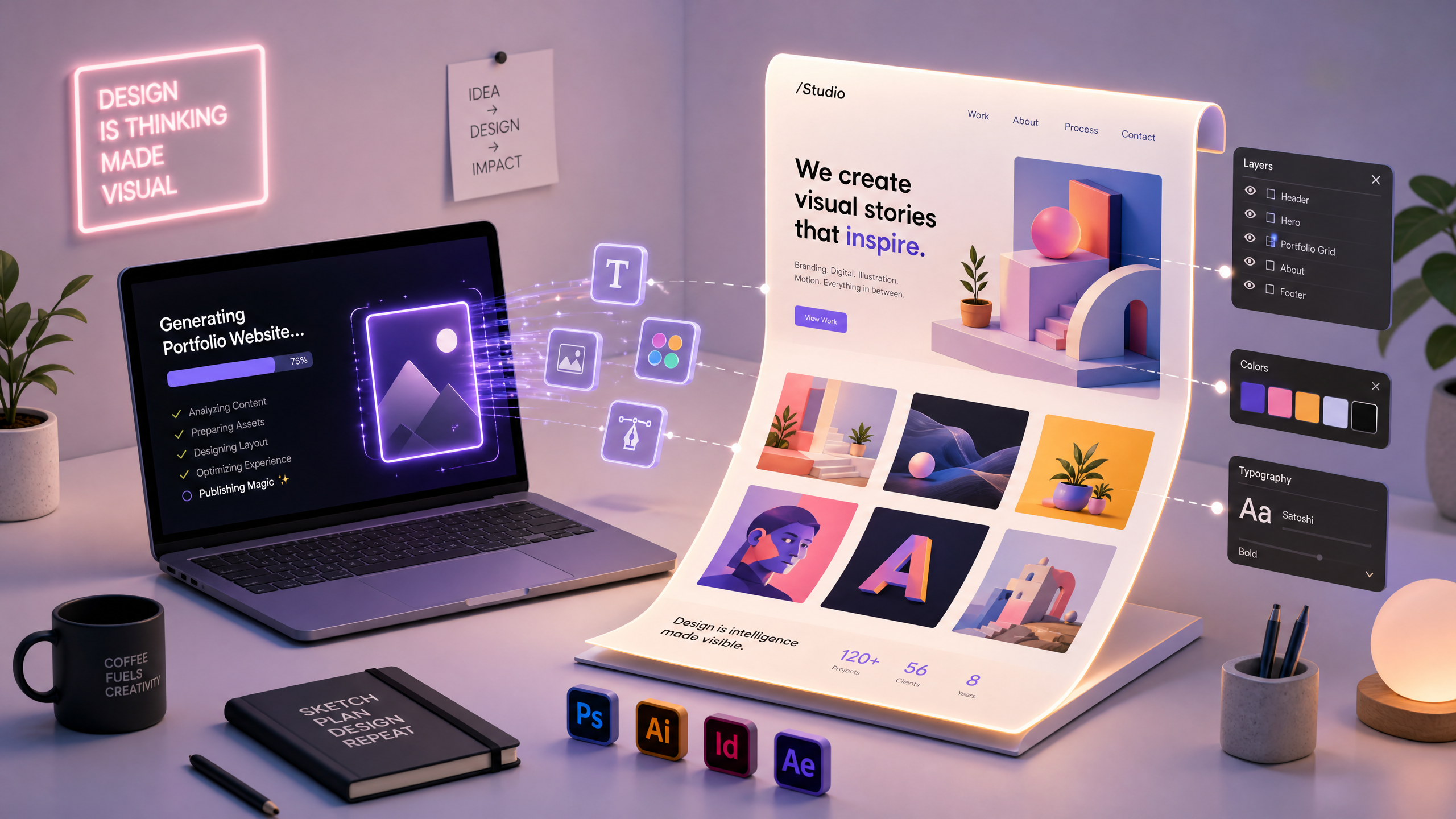
Leveraging AI Website Templates for Quick Portfolio Creation in Graphic Design
Creating a graphic design portfolio can be overwhelming, especially when you’re juggling client projects or building your skillset. AI website templates offer an efficient, professional, and visually stunning way to showcase your work while saving time and effort. With tools like Draftly, you can craft cinematic, scroll-driven websites in minutes using just a simple prompt.
In this guide, we’ll walk you through the step-by-step process to create a stunning graphic design portfolio using AI website templates.
Why Choose AI Website Templates for Your Portfolio?
AI website templates are pre-designed, AI-powered layouts that allow you to create a professional-looking website without needing advanced coding skills. They come equipped with intuitive features like drag-and-drop customization, automated design suggestions, and even 3D animation capabilities.
!leveraging ai website templates for quick portfolio creation in graphic design, tutorials
- Speed and efficiency: Create a fully functional portfolio in under 30 minutes.
- Visual impact: Cinematic, scroll-driven designs make your work stand out.
- Customization: Tailor fonts, colors, and layouts to match your brand identity.
- SEO-friendly: AI tools optimize your portfolio for search engines automatically.
Step-by-Step: Create Your Graphic Design Portfolio with AI Templates
Step 1: Define Your Portfolio's Purpose
Before diving into design, clarify what you want your portfolio to achieve. Are you looking to:
- Attract freelance clients?
- Land a full-time design job?
- Showcase a niche skill like typography or motion graphics?
Step 2: Gather Your Best Work
AI tools work best when you provide high-quality content. Curate your top 8–12 projects that demonstrate breadth and depth in your design skills. For each project:
- Include high-resolution images (at least 1920px wide).
- Write a 2-3 sentence description outlining the client’s needs and your creative solution.
- Highlight measurable results, such as "Increased user engagement by 40%."
Step 3: Choose an AI-Powered Website Builder
Select a platform that supports AI website templates. Draftly is ideal for graphic designers because it:
- Offers scroll-driven, cinematic layouts.
- Features 3D animations for interactive storytelling.
- Allows you to build websites by simply typing a prompt.
Step 4: Generate Your Website with AI
- Log into Draftly and navigate to the "Create Website" section.
- Enter a prompt like: "Build a modern graphic design portfolio featuring UX/UI, branding, and illustration projects."
- Review the AI-generated templates and select the one that aligns with your vision.
Step 5: Customize the Design
Once your template is ready, tailor it to reflect your personal brand. Key areas to customize include:
- Color palette: Use your brand colors or try bold combinations to make your site pop. Need help? Learn how to customize colors in Draftly.
- Typography: Choose legible fonts that reflect your style—minimalist, playful, or professional.
- Animations: Leverage Draftly’s 3D animations to bring your projects to life.
Step 6: Optimize for Mobile
With over 54% of web traffic coming from mobile devices, ensure your portfolio looks great on smaller screens. Most AI templates are responsive by default, but double-check:
- Text is legible on smaller screens.
- Images scale properly without distortion.
- Navigation is easy and intuitive.
Step 7: Add Relevant SEO Tags
To help potential clients or employers find your portfolio online, incorporate basic SEO best practices:
- Write a catchy title and meta description with relevant keywords like "graphic design portfolio" and "creative designer."
- Use descriptive alt text for all images to improve accessibility and search ranking.
- Include a blog section to share insights or case studies—like how freelance writers use 3D portfolios to attract clients.
Step 8: Publish and Share
Once your website is ready, hit "Publish!" Share your portfolio with your network by:
- Posting on LinkedIn with a brief commentary about your work.
- Adding the link to your email signature.
- Including it on your social media profiles.
Pro Tips for a Standout Graphic Design Portfolio
- Tell a story: Use Draftly’s cinematic layout to guide viewers through a narrative arc.
- Keep it clean: Avoid overcrowding. Showcase only your best work to leave a lasting impression.
- Update regularly: Add new projects or skills to keep your portfolio fresh and relevant.



