How to Create AI-Driven Microsites for Seasonal Marketing Campaigns
Seasonal marketing campaigns thrive on timely, targeted, and engaging content. AI-driven microsites are perfect for achieving this, offering immersive experiences tailored to specific events or holidays. With Draftly, you can create cinematic, scroll-driven microsites in minutes while keeping your audience hooked.
Why Use AI-Driven Microsites for Seasonal Campaigns?
AI-driven microsites combine creativity with technology to help brands stand out during competitive seasonal periods. Unlike static landing pages, these microsites:
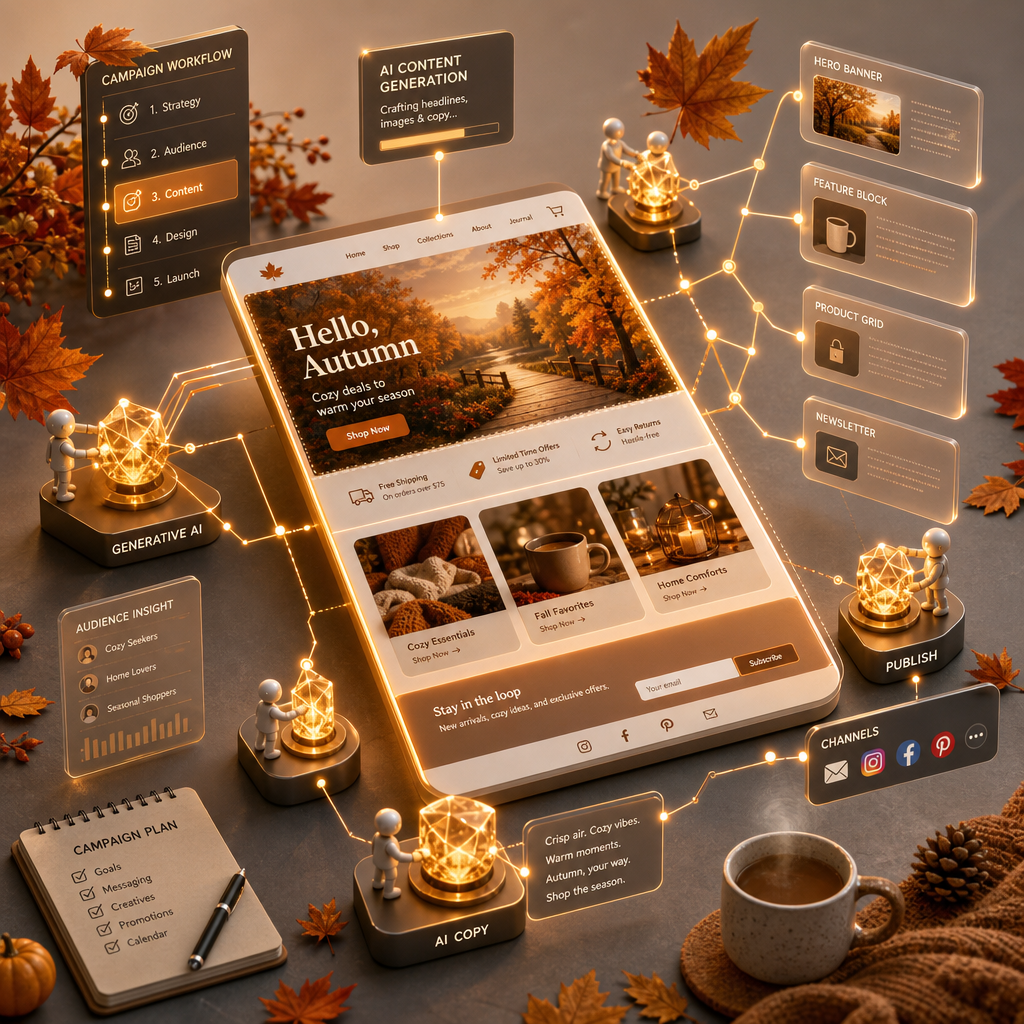
!how to create aidriven microsites for seasonal marketing campaigns, tutorials
- Provide dynamic 3D visuals that captivate users.
- Allow hyper-targeted content tailored to specific customer segments.
- Enable faster development cycles, reducing time-to-market.
Step-by-Step Guide to Building AI-Driven Microsites
Follow these steps to create a stunning microsite that drives engagement and conversions.
1. Define Your Campaign Goals
Start by identifying what your microsite needs to achieve. Is it boosting sales, increasing event registrations, or generating leads?
- Choose a clear call-to-action (CTA) like "Shop Now," "Sign Up," or "Learn More."
- Identify key metrics to track, such as click-through rates, conversion rates, or time spent on site.
- Align your microsite’s design and content with the seasonal theme. For inspiration, explore how 3D animated service catalogs upsell treatments in wellness campaigns.
2. Gather Seasonal Assets
Compile all the visual and textual elements you’ll need:
- High-quality images, videos, or 3D models relevant to the season.
- Seasonal copy, such as catchy headlines and product descriptions.
- Brand-specific assets, like logos and color palettes. Customize fonts, colors, and brand kits in Draftly for seamless branding consistency.
3. Use Draftly’s AI Prompt to Generate Your Microsite
Draftly simplifies microsite creation by turning a single prompt into a fully functional website. Here’s how:
- Log in to Draftly and select "New Website."
- Enter a detailed prompt, such as: "Create a Christmas-themed microsite for a gift store with 3D scroll effects, product showcases, and a gift guide."
- Review the AI-generated draft and tweak any elements as needed.
4. Optimize for Mobile and SEO
Seasonal campaigns often drive a surge in mobile traffic. Ensure your microsite is mobile-friendly and ranks well in search results by:
- Using responsive design features built into Draftly templates.
- Adding targeted keywords like "Valentine’s Day gift ideas" or "Black Friday deals."
- Including a meta description similar to this: "Discover exclusive Christmas deals on our AI-driven microsite. Shop gifts with ease and enjoy an immersive experience."
Enhancing Engagement with 3D and AI Features
Personalization with AI
Leverage AI to deliver personalized experiences:
- Use customer data to recommend products based on preferences.
- Deploy chatbots for real-time queries or gift suggestions.
- Incorporate dynamic content, like countdown timers for limited-time offers.
Immersive 3D Visuals
Draftly’s 3D animation tools make your microsite stand out. For instance:
- Add scroll-triggered animations that reveal seasonal offers.
- Create interactive elements, such as virtual tours or explainer videos. Learn how 3D explainer pages can clarify complex topics.
Testing and Launching Your Microsite
Before going live, ensure your microsite is flawless:
- Conduct A/B testing for different headlines, CTAs, or visuals.
- Check page load speeds—3D elements should load smoothly without delays.
- Gather feedback from a small audience segment to ensure usability.