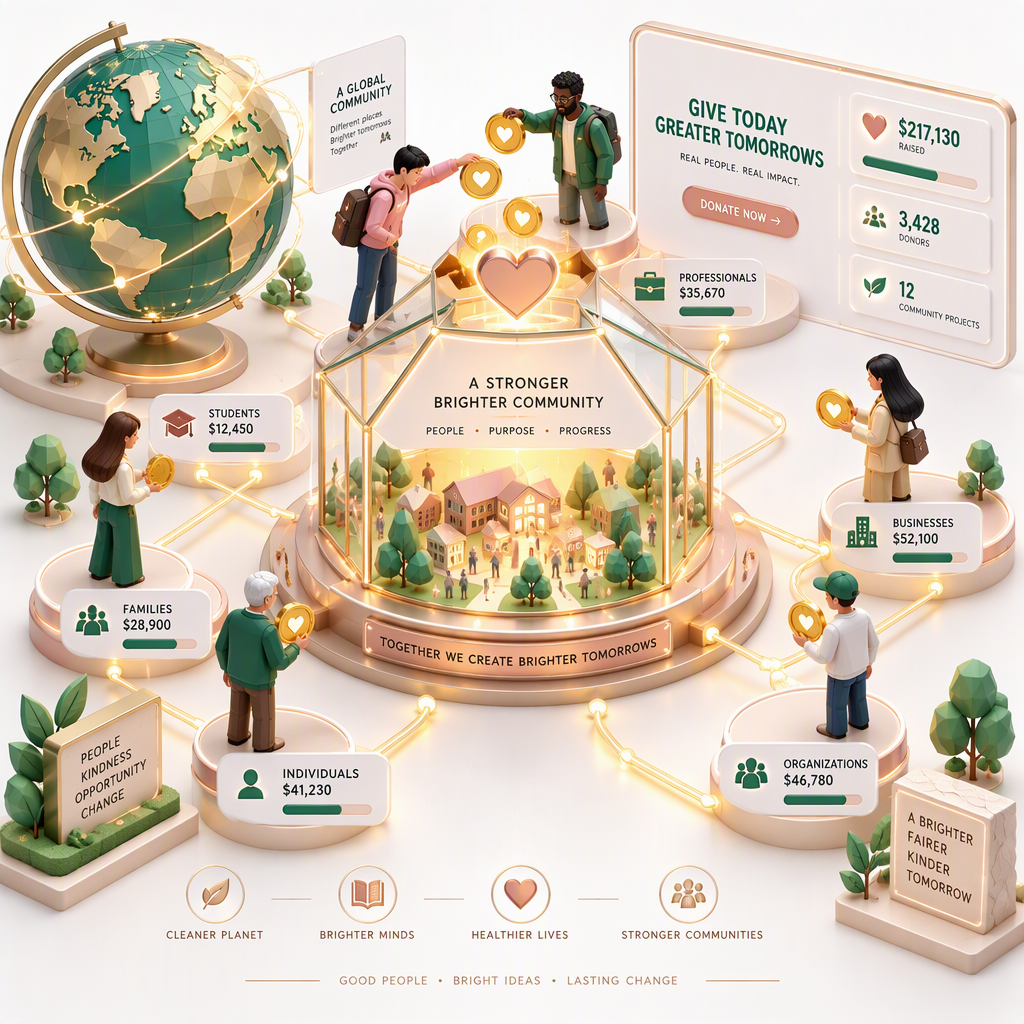
How to Build an AI-Driven 3D Website for Fundraising Events
Creating an AI-driven 3D website for your fundraising event can elevate donor engagement, amplify storytelling, and increase participation rates. This guide walks you through the exact steps to design an immersive, scroll-driven site using Draftly’s powerful 3D website builder.
Why Choose an AI-Driven 3D Website for Fundraising?
Fundraising often thrives on emotional connections. A 3D website offers:
- Immersive storytelling: Showcase your cause with cinematic visuals and dynamic scrolling.
- Higher engagement: Studies show interactive pages boost time-on-site by 47%.
- Seamless donation flows: Integrate donation portals directly into the experience.
For example, a wildlife rescue NGO used a 3D donation page to visualize endangered species and saw a 35% increase in contributions.
Step 1: Outline Your Fundraising Goals
Before jumping into design, clarify your objectives:
- Determine your target audience: Are you reaching out to corporate donors, individual patrons, or community groups?
- Set financial targets: Define a specific fundraising goal, e.g., $50,000 for equipment.
- Identify key storytelling elements: Decide if you’ll highlight case studies, testimonials, or progress trackers.
Step 2: Choose a Draftly Template
Draftly simplifies 3D website creation with customizable templates tailored to fundraising. Here’s how to select the right one:
- Donation-driven templates: Choose layouts that emphasize calls to action (CTAs), donation buttons, and progress bars.
- Event-specific designs: Opt for templates with countdown timers and schedule sections.
- Gallery-heavy formats: Perfect for showcasing before-and-after visuals or event photos.
Step 3: Leverage AI Tools for Content and 3D Designs
Draftly’s AI features make content creation and design seamless:
Generate Visuals and Animations
- Use AI to create cinematic 3D animations: For example, a scrolling timeline showing your nonprofit’s milestones.
- Add dynamic elements: Such as rotating globes for global causes or pulsating donation icons.
- Preview animations in real-time to ensure smooth transitions.
Auto-Generate Copy
- Use AI to draft emotionally compelling headlines like “Every $10 Saves a Life.”
- Generate donation impact statements, e.g., “$50 provides clean water to 10 families.”
- Optimize copy for SEO using keywords like fundraising events, donation pages, and 3D websites.
Step 4: Integrate Donation Features
A fundraising website must make giving effortless. Here’s how to enhance donation flows:
- Embed donation buttons: Position them prominently—top of page, mid-scroll, and in the footer.
- Use progress trackers: Show real-time updates on donation goals.
- Provide multiple payment options: Include credit cards, UPI, and PayPal for convenience.
Step 5: Add Interactive Event Features
Bring your fundraising event to life with interactive components:
- Live countdown timers: Build urgency and anticipation.
- Virtual event stages: Use 3D models to showcase event speakers or performers.
- Interactive maps: Highlight event venues or project locations.
Sub-Step: Optimize for Mobile
With over 70% of web traffic coming from mobile devices, ensure:
- 3D animations are lightweight and optimized for quick loading.
- Donation buttons are thumb-friendly.
- Text is legible and images scale dynamically.
Step 6: Launch and Promote Your Website
The final step is unveiling your masterpiece. Follow these tips:
- Test thoroughly: Check all animations, buttons, and links on multiple devices.
- Launch with a campaign: Announce your site through email newsletters, social media, and press releases.
- Track performance: Use analytics to measure page views, donation conversions, and time spent on site.



