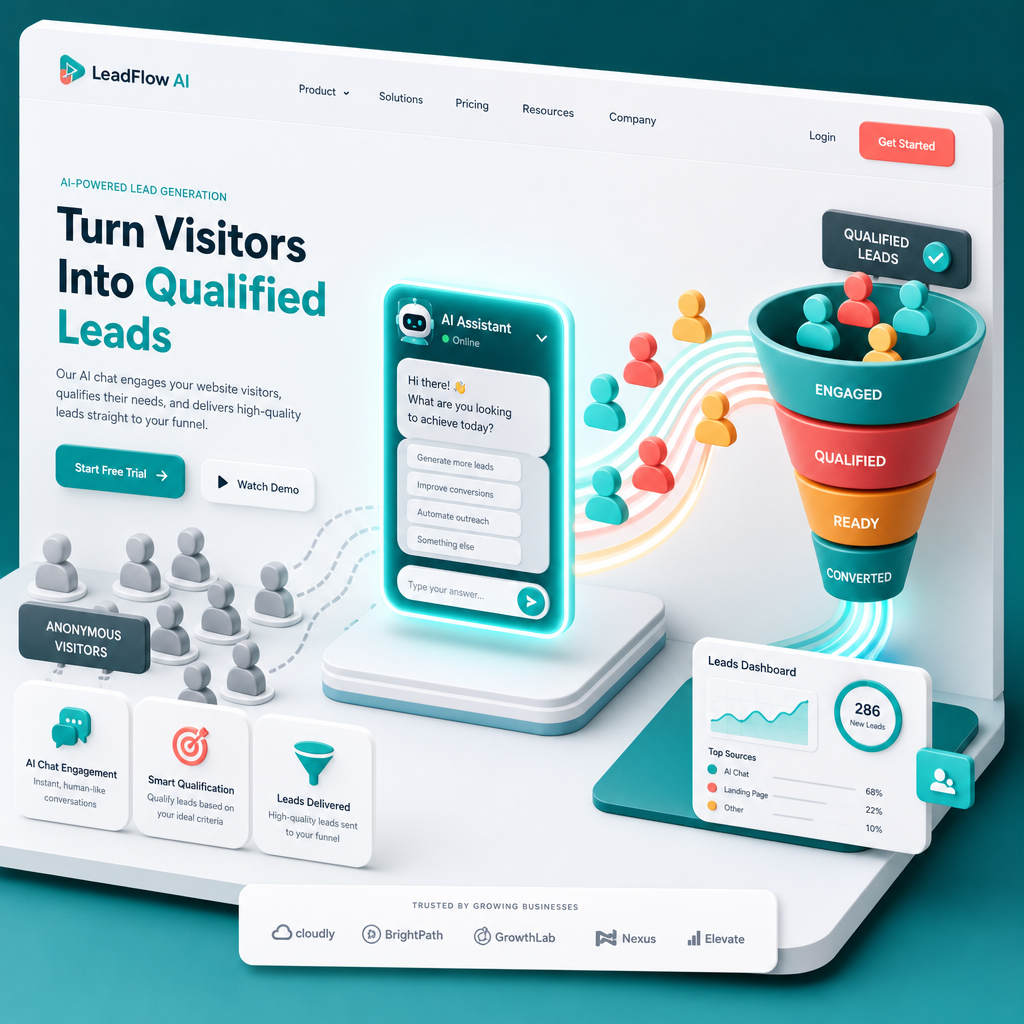
A Beginner’s Guide to Integrating AI Chat Widgets for Lead Generation
AI chat widgets are transforming the way businesses capture leads, offering real-time interaction and personalized responses. By integrating an AI-powered chat widget on your website, you can streamline customer interactions, qualify leads faster, and even increase conversions by up to 30%. Here’s how to get started.
Why Use AI Chat Widgets for Lead Generation?
AI chat widgets are not just trendy—they’re effective. Studies show that websites with live chat features experience a 10x higher engagement rate compared to those without. AI enhances this by providing 24/7 availability, automated responses, and advanced lead qualification.
!a beginners guide to integrating ai chat widgets for lead generation, tutorials
- Increased efficiency: AI can handle thousands of queries simultaneously.
- Better lead qualification: Filters high-quality leads using predefined criteria.
- Improved user experience: Offers instant, personalized responses.
Step 1: Choose the Right AI Chat Widget Tool
Not all AI chat widgets are created equal. Choosing the right one depends on your industry, audience, and goals.
Factors to Consider
- Customization: Pick a tool that aligns with your branding. Widgets like Intercom and Drift allow extensive customization.
- AI capabilities: Ensure it uses NLP (Natural Language Processing) for conversational accuracy.
- CRM integration: Tools like HubSpot Chat seamlessly integrate with CRM systems for lead management.
- Scalability: Start small but ensure the platform can grow as your traffic increases.
- Tidio: Great for small businesses with built-in automation.
- LivePerson: Offers advanced AI capabilities and customer insights.
- Zendesk Chat: Perfect for teams already using Zendesk products.
Step 2: Define Your Lead Generation Goals
Before adding a widget, you need to define clear objectives. What do you want the chat to accomplish?
- Collect contact information: Gather email addresses, phone numbers, or other details.
- Qualify leads: Identify high-potential leads by asking targeted questions.
- Book appointments: Allow prospects to schedule calls or meetings instantly.
- Provide instant support: Answer FAQs to reduce bounce rates and keep users engaged.
Pro Tip
Use AI-powered forms within the chat to streamline the lead collection process. These forms can pre-fill details based on user interactions.
Step 3: Design the Chat Flow
A well-thought-out chat flow ensures that visitors have a seamless experience. Here’s how to design one:
- Greeting Message: Start with a friendly, engaging message. Example: “Hi there! Need help finding the right service? Let me guide you.”
- Question Path: Use buttons or quick replies to guide users. Example: “Are you looking for [Product Info] or [Support]?”
- Lead Capture: Prompt visitors to share their contact details. Example: “Can I get your email to send over more details?”
- Call-to-Action (CTA): End with a strong CTA. Example: “Click here to book a free consultation!”
Step 4: Integrate the Chat Widget into Your Website
Now that your chat widget is ready, it’s time to add it to your website. Follow these steps:
- Copy the Code: Most chat platforms provide an embed code. Copy it from your dashboard.
- Access Your Website Builder: Log into your website builder or CMS. If you’re using Draftly, customizing elements is a breeze.
- Paste the Code: Add the embed code to your website’s header or footer, depending on the instructions.
- Test the Widget: Interact with the chat on your live site to ensure it’s working correctly.
Common Integration Issues
- Widget not displaying: Double-check that the code is placed in the correct location.
- Slow loading: Optimize your website’s speed to prevent delays.
- Broken CRM links: Reconnect integrations if data isn’t syncing properly.
Step 5: Optimize and Monitor Performance
Once your AI chat widget is live, continuous optimization is key to maximizing lead conversion.
Metrics to Track
- Engagement rate: What percentage of visitors interact with the chat?
- Lead conversion rate: How many chats result in a qualified lead?
- Response time: Is the AI responding quickly enough?
- Drop-off points: Where are users leaving the chat flow?
Optimization Tips
- A/B testing: Experiment with different greeting messages, question flows, and CTAs.
- Multilingual support: Especially important for Indian businesses targeting diverse audiences.
- Feedback loops: Use customer feedback to improve the chat experience over time.



