Using AI 3D Websites to Create Custom Brand Story Pages
Creating a compelling brand story page is essential for connecting with your audience. By leveraging AI-powered 3D website builders like Draftly, you can design immersive, scroll-driven experiences that captivate users and communicate your brand's narrative effectively.
Why Use AI for Brand Story Pages?
AI-driven 3D websites offer a unique way to present your brand story by combining interactivity, visuals, and storytelling into one engaging experience. With tools like Draftly, you can bring your brand's journey to life without needing extensive coding skills.
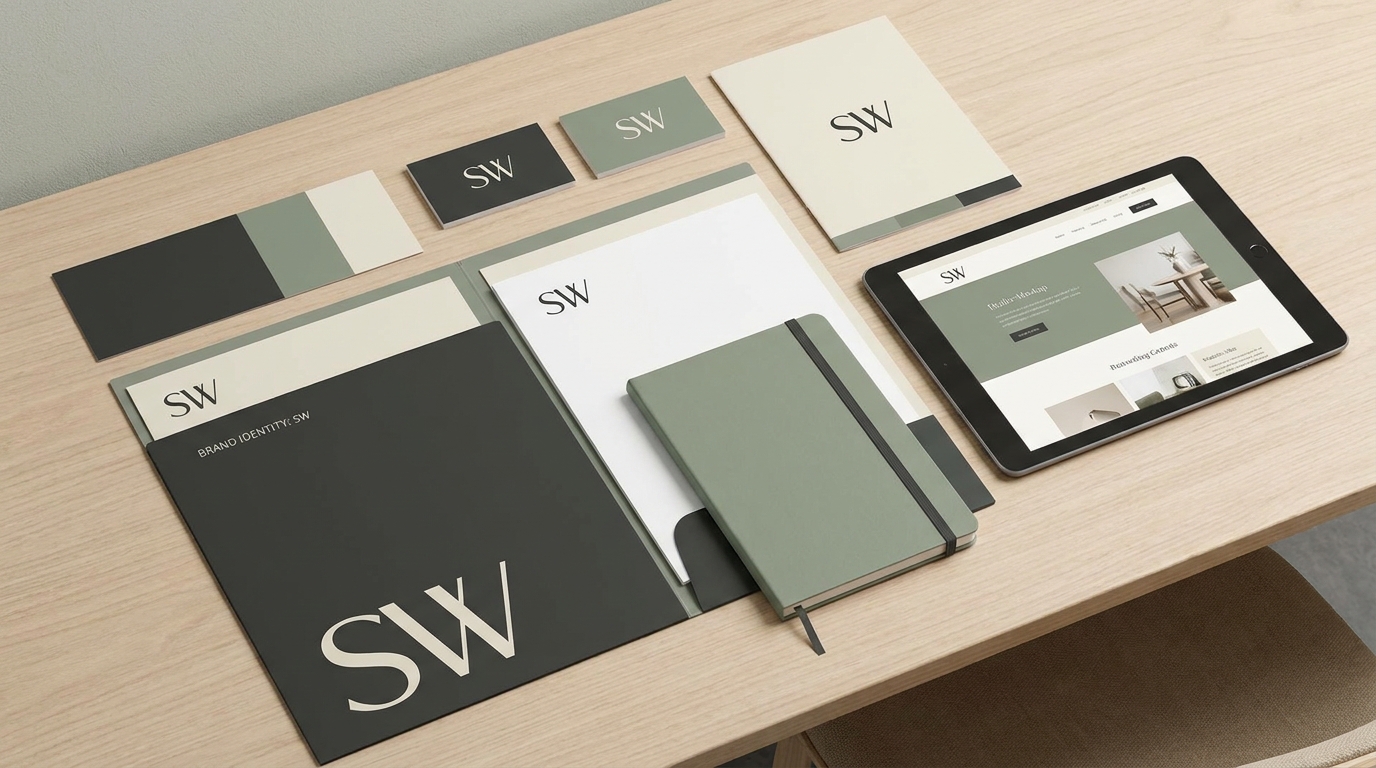
!using ai 3d websites to create custom brand story pages, tutorials
- Increase engagement: 85% of consumers say they are more likely to remember a brand if it tells a story they connect with.
- Stand out: Only 32% of companies currently use immersive technologies like 3D websites.
- Save time: Draftly simplifies the design process by generating cinematic websites based on a single prompt.
Step-by-Step Guide to Creating a Custom Brand Story Page
Follow these simple steps to build a 3D brand story page that resonates with your audience.
1. Define Your Brand Narrative
Start by identifying the key milestones and values that define your brand's journey. Ask yourself:
- What inspired your brand's creation?
- What challenges have you overcome?
- How does your brand make a difference?
2. Choose a Suitable 3D Layout
Log in to your Draftly account and explore various templates specifically designed for storytelling. Select a layout that complements your narrative — for example:
- A timeline format for chronological storytelling
- A journey map for visualizing growth
- A milestone showcase for highlighting key achievements
3. Customize Fonts, Colors, and Visuals
Use Draftly's intuitive editor to align your brand story page with your visual identity. Learn how to customize fonts, colors, and your brand kit.
- Select a color palette that matches your brand.
- Upload high-resolution images representing milestones.
- Customize typography with your brand's fonts.
4. Add Interactive Elements
One of the biggest advantages of using a 3D website is the ability to incorporate interactive features. These can elevate the user experience and deepen engagement.
- Include hover effects for storytelling snippets.
- Add scroll-triggered animations to highlight key moments.
- Integrate clickable callouts for deeper insights into milestones.
Best Practices for Designing Brand Story Pages
Creating a visually appealing and engaging brand story page requires attention to detail. Here are some best practices:
- Keep it concise: Focus on 3-5 major milestones or aspects of your brand story.
- Prioritize visuals: Use bold images and videos to evoke emotion.
- Optimize for mobile: Ensure the website looks great on all devices.
- Test user flow: Ensure the story unfolds seamlessly through scroll-driven elements.
Enhancing Your Brand Story with Data Visualization
Data visualization can add credibility and depth to your brand story. Consider integrating:
- Sales growth charts to showcase business success
- Customer feedback heatmaps to highlight satisfaction
- Global presence maps to display market reach
How Draftly Simplifies Brand Story Creation
Draftly's AI engine allows you to create professional-grade brand story pages by simply inputting a prompt. For example:
- Enter your brand's name and history.
- Select a storytelling template (e.g., timeline or milestones).
- Customize visuals and text using Draftly’s drag-and-drop editor.