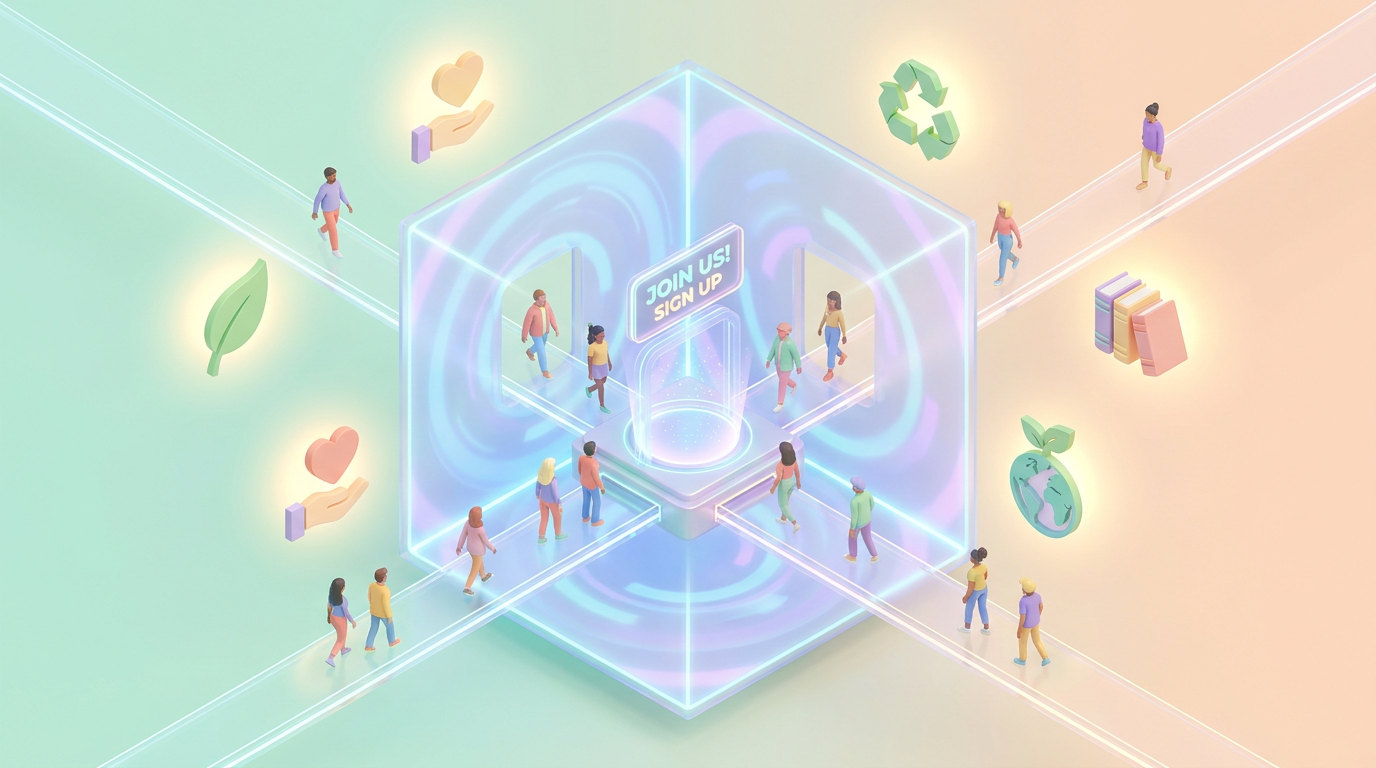
How to Create a 3D AI Website That Attracts Volunteers for Non-Profits
Non-profits thrive on the support of volunteers, but attracting them often requires a compelling digital presence. A 3D AI website can transform how your non-profit connects with potential volunteers by offering an immersive, intuitive, and engaging experience. In this guide, you’ll learn exactly how to create a 3D AI website tailored to non-profits using Draftly.
Why a 3D AI Website is Perfect for Non-Profits
A 3D AI website isn’t just about aesthetics — it’s about creating an interactive environment that drives action. For non-profits, this can mean:
!how to create a 3d ai website that attracts volunteers for nonprofits, tutorials
- Higher volunteer sign-ups: Interactive storytelling and smooth navigation keep users engaged.
- Stronger emotional connection: 3D visuals and animations can vividly showcase your mission.
- Simplified user journeys: AI-powered forms and features guide volunteers from interest to commitment seamlessly.
Step-by-Step Guide to Building Your 3D AI Website
Here’s how you can create a stunning website for your non-profit.
1. Define Your Volunteer Goals
Before diving into design, clarify what you want to achieve:
- Target volunteer demographics (age, skills, location).
- Key calls-to-action (e.g., "Sign up as a volunteer," "Apply for leadership roles").
- Specific pages needed: mission overview, volunteer testimonials, application forms.
2. Choose a Scroll-Driven Narrative
Non-profits often succeed with storytelling. Leverage Draftly’s scroll-driven format to:
- Introduce your mission with a cinematic opening.
- Use animated 3D elements to showcase impact: e.g., "200+ volunteers mobilized in 2022."
- Finish with actionable content like a volunteer sign-up form.
3. Customize Your Brand Kit
Ensure your website reflects your non-profit’s identity. Use Draftly’s Brand Kit tool to:
- Upload your logo and select brand colors.
- Choose fonts that evoke trust and compassion.
- Add custom animations to align with your mission.
4. Build Key Pages
Here’s how to structure essential pages:
#### Mission Page
- Use 3D visuals to highlight challenges your non-profit addresses.
- Add a "Why It Matters" section with micro-interactions.
- Create an engaging step-by-step sign-up process.
- Use AI forms to collect skills, availability, and interests.
- Include testimonials in scroll-triggered animations.
- Integrate video or 3D infographics showing real-world impact.
- Highlight key stats like "500+ hours volunteered last year."
5. Optimize for Accessibility and SEO
Your website should be inclusive and easy to discover. Here’s how to do it:
- Add alt text to every 3D element and image.
- Use clear, large fonts and high-contrast colors.
- Optimize metadata with keywords like "volunteer for non-profit" or "3D volunteer website."
- Create a mobile-friendly design — 60% of web traffic comes from mobile users.
Advanced Features for Volunteer Engagement
Integrate Real-Time Volunteer Dashboards
A dynamic dashboard lets volunteers track their impact in real time. For example:
- Show hours contributed, tasks completed, or funds raised.
- Use 3D data visuals to make the experience interactive.
- Include badges or gamification to encourage participation.
Add AI-Powered Chatbots
Engage potential volunteers by answering FAQs instantly:
- Provide info on roles, time commitments, and application steps.
- Enable chatbots to register volunteers directly.
- Offer links to training resources post-sign-up.
Testing and Launching Your Website
1. Run User Testing
Gather feedback from volunteers:
- Is the sign-up process intuitive?
- Do the visuals effectively communicate your mission?
- Are all features accessible on mobile and desktop?
2. Optimize Based on Insights
Analyze engagement metrics:
- High bounce rates may indicate unclear messaging.
- Low form submissions could mean a cluttered design.
3. Launch and Promote
- Share your website on social media, targeting local volunteer groups.
- Use email campaigns to re-engage past volunteers.
- Partner with community leaders to amplify reach.



