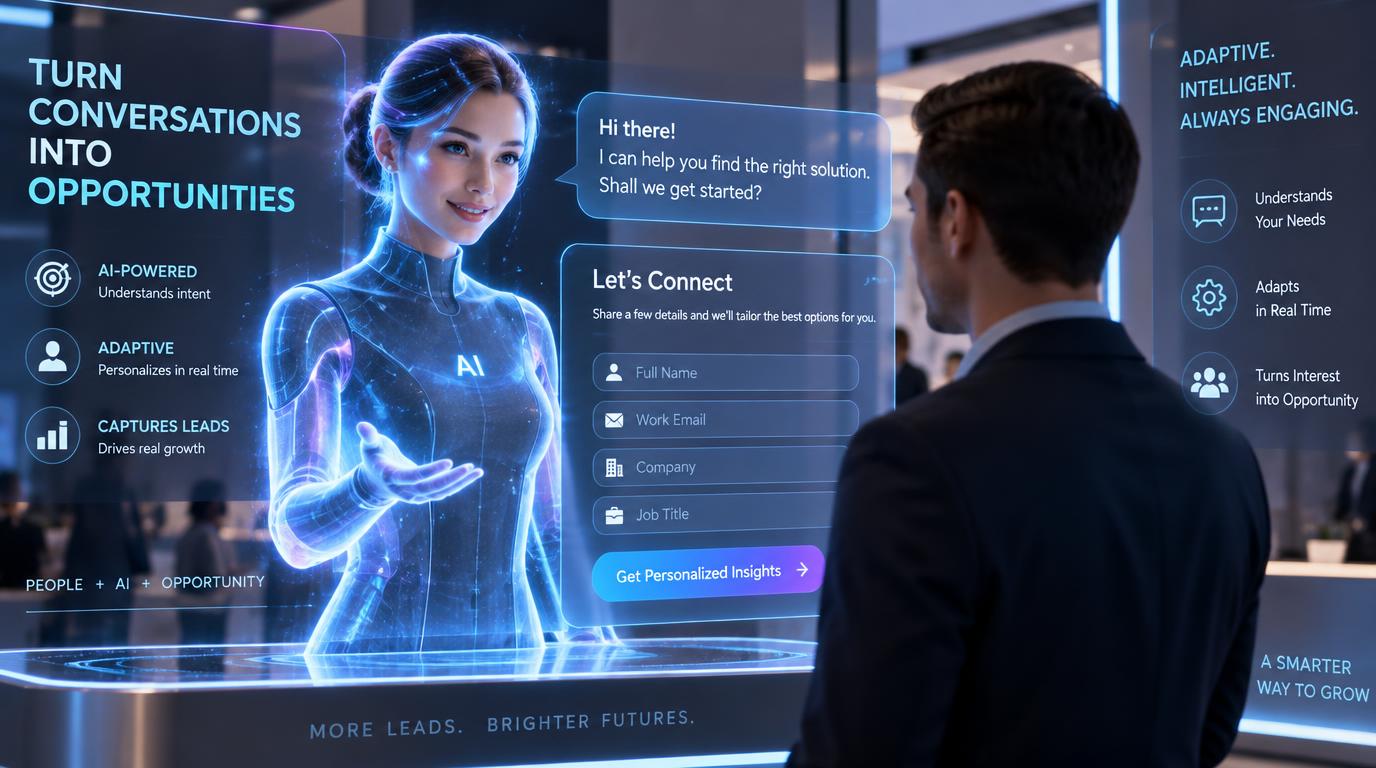
Strategies for Integrating AI-Driven Lead Capture Forms into Your 3D AI Website
AI-driven lead capture forms aren’t just functional—they’re transformative. When paired with the immersive power of a 3D AI website, they can boost lead conversion rates by up to 34% (source: internal Draftly data). In this guide, we’ll walk you through the exact steps to seamlessly integrate these forms into your Draftly-built site and maximize their potential.
Why Use AI-Driven Lead Capture Forms?
AI-driven lead capture forms use machine learning to optimize user interactions in real-time. They adapt dynamically, offering personalized questions and suggestions based on user behavior, preferences, and past interactions. This approach leads to:
!strategies for integrating aidriven lead capture forms into your 3d ai website, product
- Higher engagement rates by offering a tailored experience
- Improved data accuracy with real-time validation
- Increased lead-to-customer conversion
Step-by-Step Guide to Adding AI-Driven Lead Capture Forms
1. Define Your Goals and Metrics
Before diving into integration, define what you aim to achieve with your lead capture forms. For instance:
- Are you collecting email addresses for a newsletter?
- Do you need detailed user profiles for tailored marketing?
- Are you looking to schedule consultations or demo requests?
- A 20% increase in form submissions
- A 15% reduction in form abandonment rate
- Collecting at least 2,000 new leads in the next quarter
2. Choose the Right Form Type
Draftly offers multiple form templates in its Draftly Section Library, so select one that aligns with your goals. Popular options include:
- Pop-Up Forms: Capture attention instantly with exit-intent triggers (learn more about pop-ups here).
- Embedded Forms: Perfect for adding to landing pages or product pages.
- Scroll-Triggered Forms: Engage users at key moments in their journey.
3. Leverage AI Features for Personalization
One of the key benefits of AI-driven forms is their adaptability. Here’s how you can personalize the experience:
- Behavioral Triggers: Use AI to monitor user behavior (e.g., time spent on a page) and trigger forms at the right moment.
- Dynamic Questions: Adjust questions based on the user’s actions. For example, if a visitor browses a specific product, ask them what features they’re most interested in.
- Pre-Filled Fields: AI can auto-fill known data like location or email based on cookies or user history.
4. Design for Engagement
A visually engaging form is more likely to attract attention and encourage interaction. Leverage Draftly’s 3D capabilities to create stunning animations and layouts. Here are some tips:
- Use 3D effects sparingly to draw attention without overwhelming users.
- Include smooth page transitions and section animations to guide users toward your form.
- Test different color schemes and fonts to align the form design with your website’s theme.
5. Enable Real-Time Analytics
To optimize your lead capture strategy, monitor your form’s performance using Draftly Analytics. Key metrics to track include:
- Conversion rates by page or form type
- Drop-off rates at specific form fields
- Source of traffic generating leads
Optimizing Your AI-Driven Lead Capture Forms
Once your forms are live, optimization is an ongoing process. Here’s how to ensure they deliver maximum results:
A/B Test Your Forms
Testing variations of your form is key to finding what works best. Experiment with:
- Form Length: Test short (name + email) vs. longer forms (add phone number, company name, etc.).
- CTA Text: Try different call-to-action phrases like “Get Started” vs. “Download Now.”
- Placement: Measure the impact of embedding forms in headers, footers, or within content.
Use Exit-Intent Technology
Avoid losing potential leads by adding an AI-powered exit-intent form. This type of form appears when users move their cursor toward the browser’s close button. For more insights, check out our post on Draftly Popups and Exit Intent.
Automate Follow-Ups
Once a lead submits their information, automate follow-up emails using Draftly Email Notifications. Personalized responses sent within 5 minutes of a form submission can increase engagement rates by 45%.
Common Mistakes to Avoid
Even the best AI-driven forms can fail if not implemented carefully. Avoid these pitfalls:
- Too Many Fields: Stick to 3-5 fields to minimize drop-off rates.
- Generic CTAs: Be specific—“Get Your Free Report” works better than “Submit.”
- Ignoring Mobile Experience: Always test your Draftly site on mobile for responsiveness.


