Step-by-step Guide for Creating Immersive 3D Portfolios for Interior Designers
In a field as visual and creative as interior design, a flat, static portfolio simply doesn’t cut it anymore. Clients want to experience your design vision in a way that feels tangible, engaging, and interactive. With Draftly’s 3D website builder, creating immersive portfolios has never been easier. This guide will walk you through the process of turning your interior design projects into a cinematic, scroll-driven 3D experience that wows clients.
Why Choose a 3D Portfolio for Interior Design?
Interior design is all about creating spaces that evoke emotion and tell a story. A 3D portfolio allows you to:
!stepbystep guide for creating immersive 3d portfolios for interior designers, tutorials
- Showcase your designs in a lifelike, interactive format that mimics the real environment.
- Offer clients a walkthrough experience, increasing engagement by up to 68%, according to studies on interactive content.
- Stand out in a competitive field—90% of designers still rely on static images in their portfolios.
Step 1: Define Your Portfolio’s Purpose
Before you start building, take a moment to determine the primary goal of your portfolio. Is it to attract new clients? Showcase specific projects? Build your brand?
- Identify your target audience: Are you targeting homeowners, real estate agents, or commercial developers?
- Highlight your niche: Whether it’s minimalist spaces, luxury interiors, or eco-friendly designs, make sure your portfolio reflects your expertise.
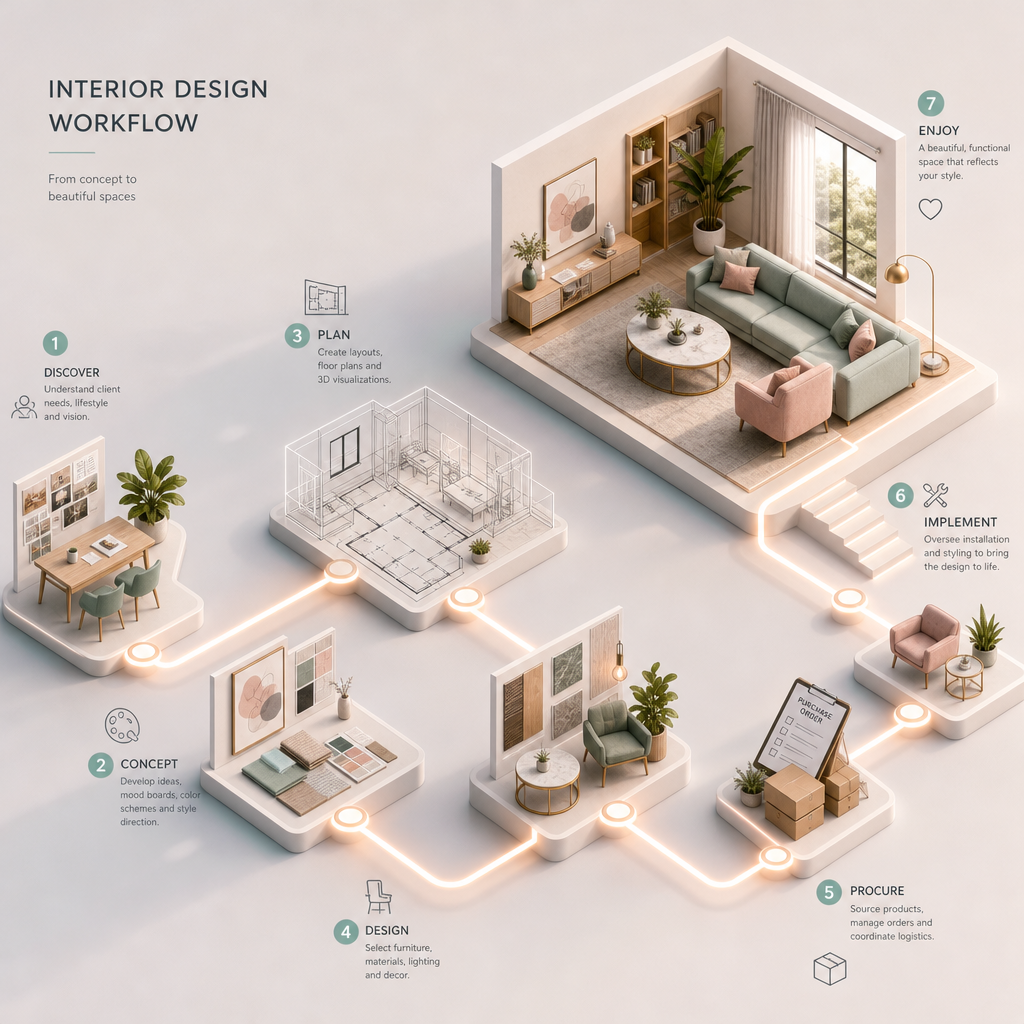
- Plan your narrative: Decide how you want potential clients to experience your work—chronologically, by project type, or by style.
Step 2: Choose the Right Draftly Template
Draftly offers a variety of templates specifically designed for portfolios, including options tailored for creatives like interior designers. These templates come with built-in 3D features and are fully customizable.
- Pick a cinematic template: Look for templates with parallax scrolling, dynamic transitions, and interactive hotspots.
- Consider modular layouts: Add sections for client testimonials, before-and-after comparisons, and project galleries.
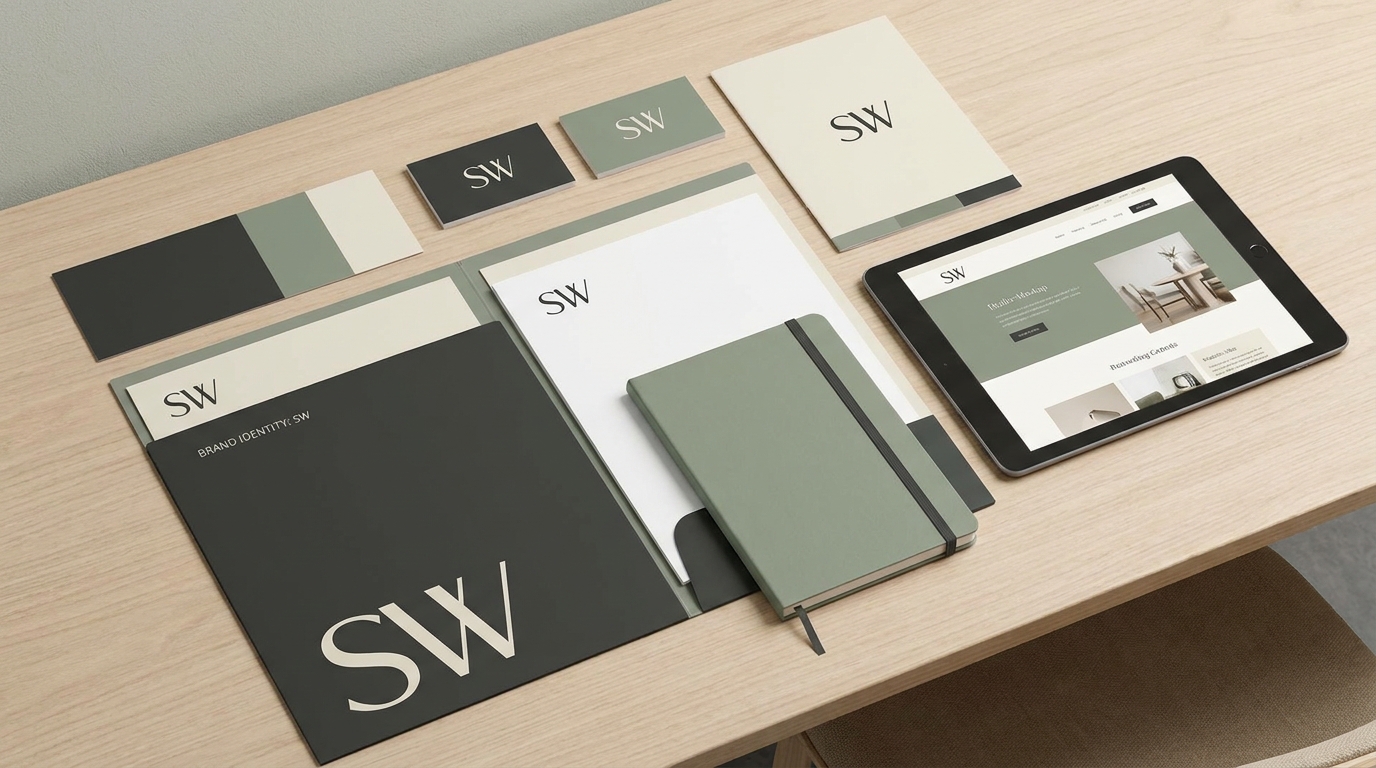
- Use a brand-focused design: Customize fonts, colors, and branding elements to align with your design identity. Learn how in our guide on How to Customise Fonts, Colors and Your Brand Kit in Draftly.
Step 3: Upload and Optimize Your Media
High-quality visuals are the backbone of any interior design portfolio. Draftly supports image, video, and 3D model uploads, so you can showcase your work in stunning detail.
Best Practices for Media Uploads
- Use high-resolution images: Aim for at least 300 DPI to ensure crisp visuals.
- Include 3D models: If you use design software like SketchUp or AutoCAD, export your models in formats compatible with Draftly (e.g., .OBJ or .GLTF).
- Optimize file sizes: Compress large files without losing quality to ensure faster website load times. Use tools like TinyPNG or Compressor.io.
Organize Your Content
- Group by project type: Residential, commercial, or specialty designs.
- Highlight your best work: Showcase no more than 10–15 top projects to keep the portfolio visually digestible.
- Add detailed captions: Include project descriptions, materials used, and design challenges you overcame.
Step 4: Add Interactive Features
What sets a 3D portfolio apart from a traditional website is interactivity. Draftly makes it easy to embed features that keep clients engaged.
- Clickable hotspots: Use hotspots to provide additional details about specific design elements, such as materials or inspirations.
- 360-degree views: Give clients the ability to explore your spaces from every angle.
- Interactive walkthroughs: Simulate the experience of walking through a completed project by integrating animations and transitions.
Step 5: Write Compelling Copy
While visuals are the focus, don’t underestimate the power of well-crafted text. Your copy should complement your designs and guide the viewer through your portfolio.
- Project descriptions: Summarize the key highlights of each project in 100–150 words. Focus on challenges, solutions, and results.
- Call-to-action (CTA): Encourage clients to book a consultation or learn more about your services.
- Testimonials: Include client reviews to build trust and credibility.
Writing Tips for Interior Designers
- Use sensory language to describe textures, colors, and spatial arrangements.
- Highlight the value you bring, such as enhancing functionality or increasing property value.
- Keep it concise—visitors are here for the visuals, not an essay.
Step 6: Review and Launch Your Portfolio
Before making your 3D portfolio live, take the time to review and refine.
- Test interactivity: Ensure that buttons, hotspots, and animations work seamlessly.
- Optimize for mobile: Over 60% of web traffic now comes from mobile devices, so make sure your site is responsive.
- Gather feedback: Share a draft with colleagues or friends to catch any errors or areas for improvement.
Why Draftly is Perfect for Interior Designers
Draftly’s AI-powered 3D website builder is designed for creatives who want to showcase their work in a way that stands out.
- Ease of use: Just type a brief prompt, and Draftly generates a stunning 3D website for you.
- Customization options: From colors to fonts, build a portfolio that feels uniquely yours.
- Built-in analytics: Track how clients interact with your portfolio to refine your approach.