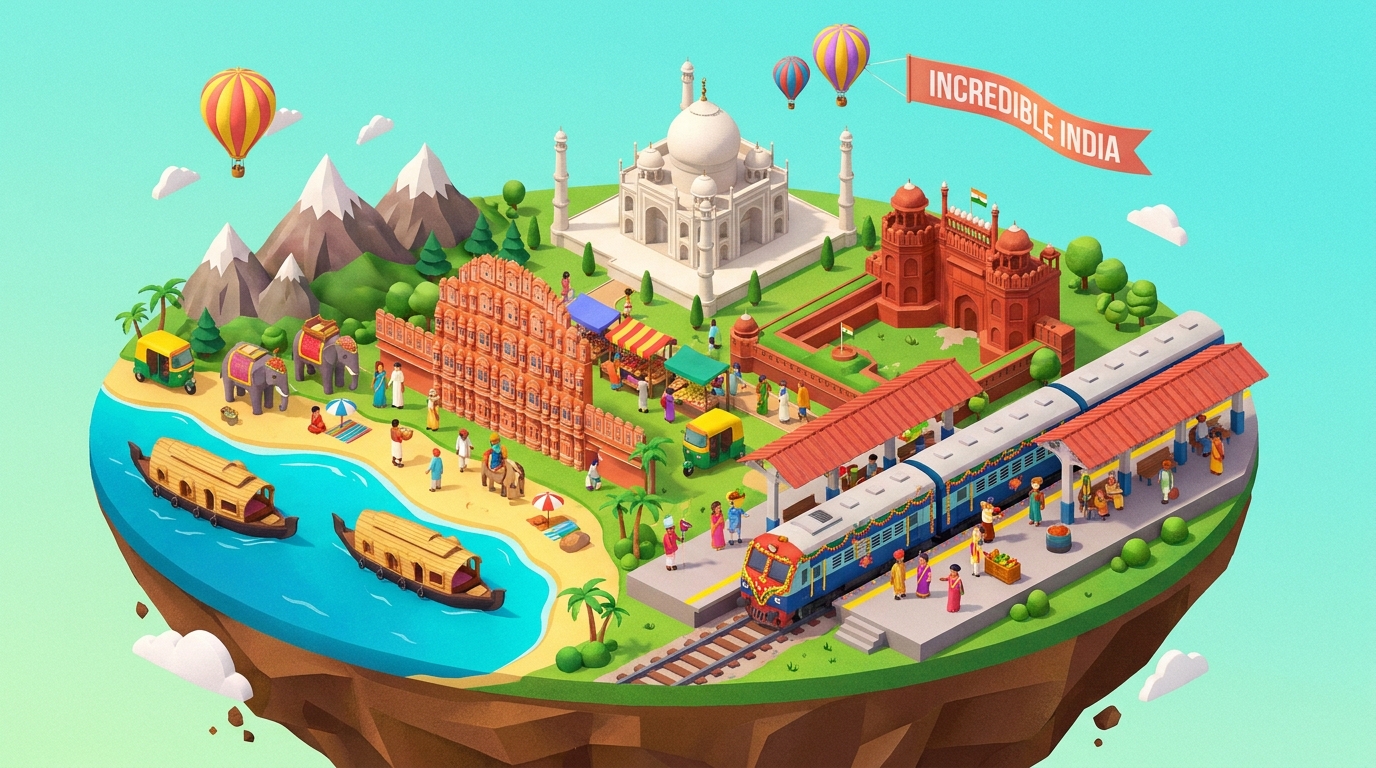
Localizing Draftly 3D Templates for Indian Tourism Hubs
Localizing 3D website templates for Indian tourism hubs is crucial for engaging local audiences and showcasing regional beauty. This tutorial will guide you through customizing Draftly's AI-driven 3D templates to fit the unique cultural and geographical aspects of India's tourism hotspots.
Understanding the Indian Tourism Market
India's tourism market is robust, contributing 9.2% to the GDP and supporting over 42.6 million jobs. This makes it vital for tourism hubs to have websites that resonate with both local and international travelers. Localizing content not only improves engagement but also boosts SEO by targeting region-specific keywords.
!localizing draftly 3d templates for indian tourism hubs a stepbystep tutorial, tutorials
- India has 36 World Heritage Sites, appealing to both domestic and international tourists
- Domestic tourism accounts for 88% of the total tourism revenue
- Language diversity: Over 19,500 languages and dialects are spoken in India
Step 1: Choosing the Right Template
Select a template that aligns with the visual and narrative style of your target region. Draftly offers a variety of 3D templates that can be customized to reflect local aesthetics.
- Review available Draftly Section Library for templates
- Consider cultural elements such as color schemes and motifs
- Ensure the template supports both visual storytelling and functional requirements
Step 2: Customizing Content for Local Appeal
To create an engaging website, it's essential to tailor content that speaks to the local audience while highlighting unique attractions.
Text and Imagery
- Use local languages and dialects where possible
- Highlight regional landmarks and festivals
- Incorporate AI-generated images using AI Image Generation in Draftly
Interactive Features
Enhance user experience with interactive 3D maps and virtual tours.
- Implement a 3D interactive map to showcase local trails and attractions
- Use scroll-triggered animations to maintain engagement
Step 3: Integrating Local SEO Best Practices
Local SEO is critical for attracting both national and international tourists. Tailor your SEO strategy to local search behaviors and preferences.
- Use local keywords and phrases in meta descriptions and alt text
- Optimize for regional search engines and platforms
- Implement structured data for better visibility in search results
Step 4: Testing and Launching Your Localized Website
Before launching, ensure your site is optimized for all devices and platforms. Test the user experience to make sure navigation is intuitive and content is accessible.
- Conduct mobile responsiveness checks using Testing Your Draftly Site on Mobile Before Launch
- Gather feedback from local users to refine content and features
- Utilize Draftly's analytics to monitor site performance post-launch



