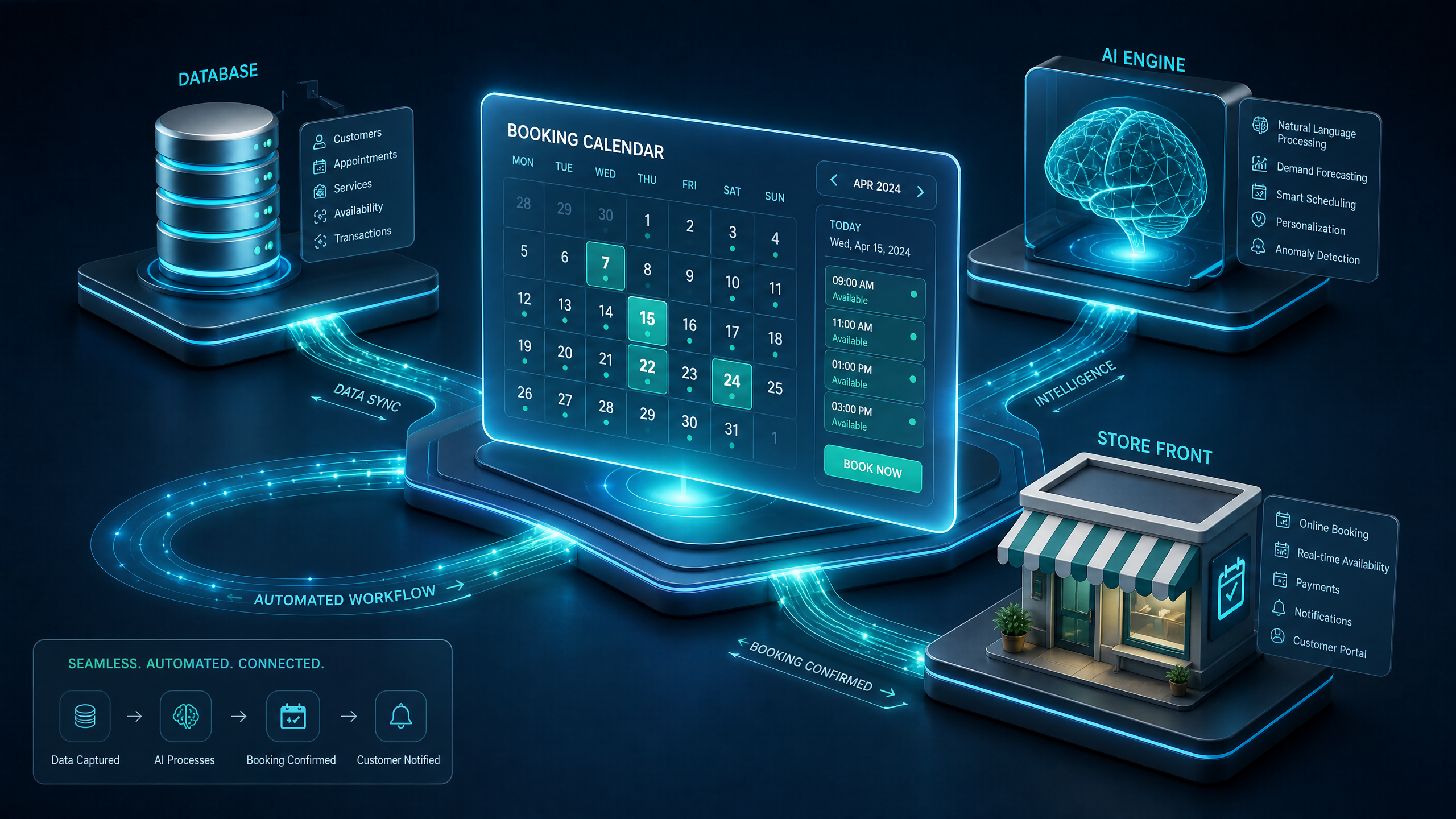
Step-by-Step Guide to Building AI-Powered Reservation Systems on Draftly
Creating an efficient AI-powered reservation system can significantly streamline booking processes for businesses. Using Draftly, this task becomes a seamless process. This guide will walk you through each step to set up your reservation system effectively.
Understanding AI-Powered Reservation Systems
AI-powered reservation systems are designed to automate and optimize booking processes. They leverage artificial intelligence to manage availability, handle cancellations, and provide personalized customer experiences. Businesses can increase efficiency by up to 30% using such systems. Learn more about AI tools in web design.
!stepbystep guide to building aipowered reservation systems on draftly, tutorials
- Automates repetitive tasks
- Enhances customer experience
- Reduces booking errors
Setting Up Your Draftly Account
Before you begin building your reservation system, ensure you have a Draftly account set up. This will provide you access to their 3D AI website builder, which is essential for creating a seamless user experience.
Create Your Draftly Account
- Visit the Draftly homepage and click on 'Sign Up'.
- Fill in your details and verify your email.
- Choose a plan that suits your business needs.
Building the Reservation System on Draftly
Once your account is ready, you can start designing your reservation system using Draftly’s intuitive tools.
Design Your Reservation Page
- Select a Template: Choose a suitable template from Draftly's library. Explore various templates.
- Customize the Layout: Use Draftly's drag-and-drop builder to modify the layout according to your brand's aesthetics. Customize your brand elements.
- Add Interactive Elements: Integrate AI-driven widgets to enhance booking interactions.
Integrating AI Features
AI features like chatbots can enhance the reservation process by providing real-time assistance to users.
- Chatbot Integration: Use AI chatbots to assist customers with common queries. Learn more about AI chatbots.
- Personalized Recommendations: Utilize AI to suggest services based on past user data.
Testing and Launching Your System
Before going live, it's crucial to test your reservation system thoroughly.
Perform a Comprehensive Test
- Simulate Bookings: Conduct multiple test bookings to ensure the system handles them correctly.
- Check AI Features: Verify that chatbots and recommendation engines are functioning as intended.
- Adjust Based on Feedback: Use insights from testing to refine your system.



