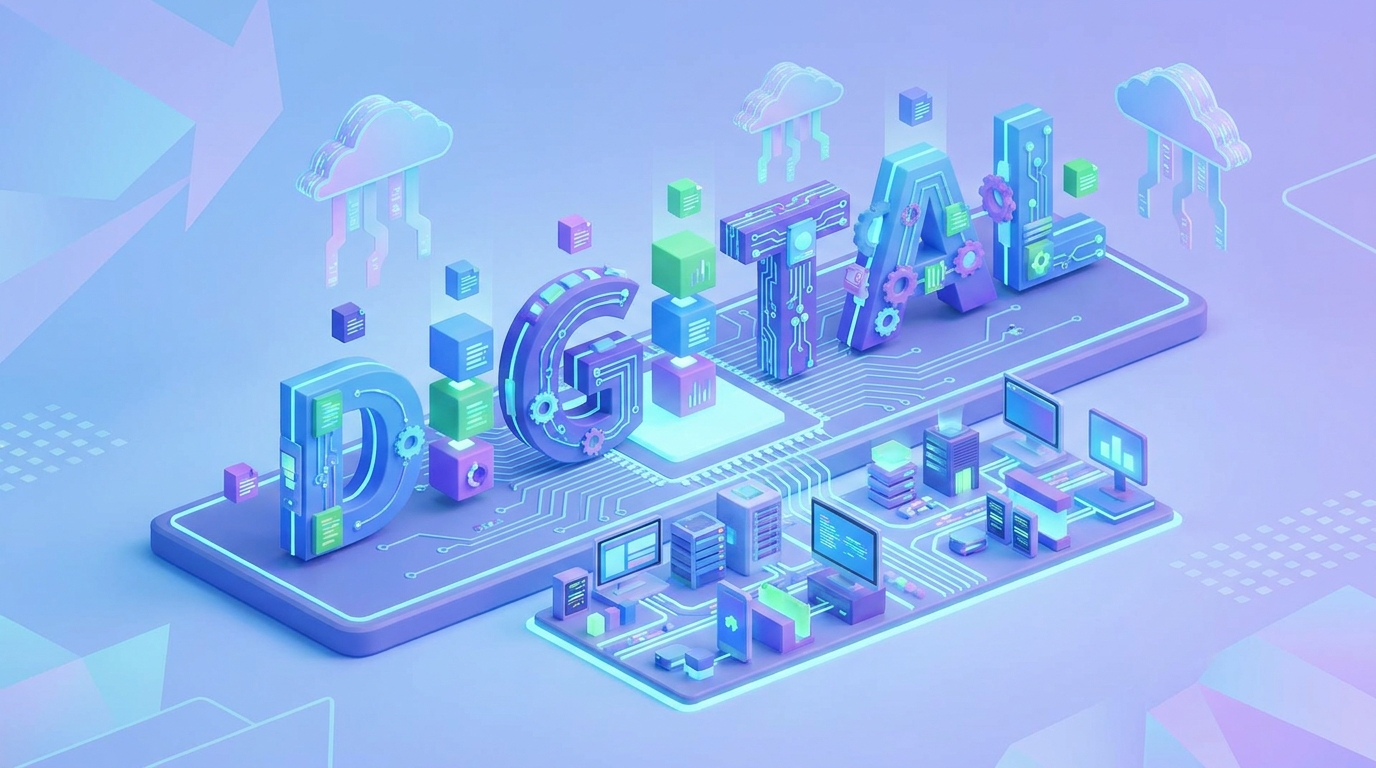
How to Generate AI Images for Each Section of Your Website
Creating a visually stunning and cohesive website can be a time-consuming endeavor, especially when striving for unique imagery that resonates with your brand. However, with the rapid advancements in artificial intelligence, you can now generate AI images for each section of your website, transforming your design process and elevating your online presence. Draftly, an AI 3D website builder, empowers you to turn a single prompt into a cinematic, scroll-driven website, complete with bespoke visuals that tell your story section by section.
Gone are the days of endless stock photo searches or expensive custom photoshoots. AI image generation offers unparalleled speed, customization, and cost-efficiency. This guide will walk you through the strategic approach to leveraging AI for section-specific imagery, ensuring every part of your site not only looks exceptional but also performs effectively.
Why Section-Specific AI Images Matter for Your Website
Generic visuals dilute your brand message. Tailored AI images, however, amplify it. Every section of your website serves a distinct purpose, and the accompanying visual should reinforce that intent. Research indicates that visual content can increase engagement by up to 94% compared to text-only content. Websites featuring high-quality, relevant images often see conversion rates jump by 10-20%.
!how to generate ai images for each section of your website, tutorials
Enhanced Storytelling and User Experience
Your website is a narrative. Section-specific images act as visual chapters, guiding visitors through your brand's story. A compelling hero image instantly communicates your value proposition, while detailed product visuals clarify offerings. This intentional visual flow significantly improves the user experience, leading to longer dwell times and lower bounce rates. Users spend an estimated 60% more time on pages with relevant, high-quality visuals.
Brand Consistency and Professionalism
Maintaining a consistent visual style across your entire website reinforces your brand identity. AI generation allows you to specify artistic styles, color palettes, and thematic elements, ensuring every image aligns perfectly. This level of consistency can increase brand recognition by up to 80%, projecting professionalism and trustworthiness. Draftly's Brand DNA feature helps maintain this consistency effortlessly across all your generated content, including images.
Speed and Scalability
Traditional image sourcing is slow. AI image generation, in contrast, is incredibly fast. You can generate dozens of variations in minutes, iterating until you achieve the perfect visual. This speed is invaluable for agile marketing campaigns, A/B testing, or rapidly expanding your website content. For agencies, this means building client websites 10x faster, drastically cutting down on design hours.
Understanding Your Website's Core Sections
Before you begin generating images, it's crucial to understand the role of each primary website section. Each demands a specific type of visual to achieve its objective. Draftly's Section Library: Every Block and When to Use It provides a detailed overview, but here's a quick breakdown of common sections and their visual needs:
* Hero Section: The first impression. Needs a captivating, high-impact image that immediately conveys your core message or offering.
* About Us: Builds trust and connection. Requires visuals that reflect your company culture, team, or founding story.
* Services/Products: Informs and persuades. Demands clear, detailed, and appealing images of your offerings.
* Testimonials/Social Proof: Validates claims. Benefits from authentic-looking images that evoke trust and relatability.
* Call to Action (CTA): Drives conversion. Needs visuals that create urgency, desire, or clear direction.
* Blog/Resources: Engages and educates. Requires relevant, interesting images that break up text and encourage reading.
* Contact Us: Facilitates communication. Needs approachable visuals that signal accessibility.
Crafting Effective Prompts for Each Website Section
The quality of your AI-generated images hinges on the precision of your prompts. Think of prompts as direct instructions to a highly skilled, incredibly fast artist. For best results, specify subject, style, mood, lighting, and composition. For a deeper dive into prompt engineering, check out How to Master Draftly's AI Prompt: 5 Tips From Our Team.
1. Hero Section: Visual Impact & First Impression
Your hero image needs to grab attention and communicate your value proposition instantly. It should be aspirational, intriguing, or problem-solving.
Prompt Example (SaaS Product):
"A sleek, futuristic 3D interface showcasing a data analytics dashboard, glowing blue and purple hues, minimalist design, abstract geometric shapes, high-tech, cinematic lighting, wide shot, focus on innovation and clarity."
Prompt Example (Wellness Brand):
"Serene, sunlit yoga studio with diverse individuals in various poses, warm earthy tones, soft natural light, peaceful and inviting atmosphere, subtle motion blur, focus on tranquility and community."
2. About Us: Authenticity & Storytelling
These images should humanize your brand. Show your team, your workspace, or imagery that symbolizes your mission and values.
Prompt Example (Tech Startup):
"Diverse team of young professionals collaborating in a modern, open-plan office, vibrant natural light, candid expressions, energetic and innovative atmosphere, blurred background, focus on teamwork and creativity."
Prompt Example (Artisan Bakery):
"Close-up of a baker's hands gently dusting flour on freshly baked artisan bread, rustic wooden table, warm golden light, authentic and handcrafted feel, shallow depth of field, focus on quality and tradition."
3. Services/Products: Clarity & Detail
For service pages, show the benefit or the process. For products, focus on high-fidelity, detailed representations.
Prompt Example (Financial Consulting Service):
"Professional consultant reviewing financial charts with a client, modern office setting, clear, confident body language, bright, trustworthy lighting, focus on expertise and client collaboration."
Prompt Example (E-commerce Product - High-End Watch):
"Macro shot of a luxury wristwatch on a dark, reflective surface, intricate details of the watch face and mechanism, dramatic studio lighting, rich metallic textures, focus on craftsmanship and elegance."
4. Testimonials/Social Proof: Relatability & Trust
These images should evoke authenticity and build trust. Use diverse, relatable faces or subtle symbolic imagery.
Prompt Example (Customer Testimonial):
"Portrait of a smiling, diverse woman in her late 30s, natural lighting, soft focus background, approachable and genuine expression, conveying satisfaction and confidence, warm tones."
Prompt Example (Award/Recognition):
"Minimalist image of a prestigious award trophy on a polished pedestal, subtle spotlight, sophisticated and elegant backdrop, conveying achievement and excellence, gold and silver accents."
5. Call to Action (CTA) Sections: Focus & Direction
CTA visuals need to be clear, compelling, and free of distractions. They should visually lead the user to the desired action.
Prompt Example (Sign Up for Newsletter):
"Abstract visual representing growth and connection, intertwining digital lines forming a subtle upward arrow, soft gradient colors (blue to green), inviting and forward-looking, minimalist design."
Prompt Example (Book a Demo):
"Stylized image of a hand pressing a holographic 'Book Demo' button, futuristic interface, bright, inviting glow, focus on interaction and ease of access, clean background."
6. Blog/Resources: Engaging Visuals
Images for blog posts or resource sections should be relevant to the content, visually interesting, and shareable. They help break up text and improve readability.
Prompt Example (Article on Future Tech):
"Abstract representation of a neural network, glowing connections, data flowing, dark background with bright, interconnected nodes, futuristic and intelligent, shallow depth of field."
Prompt Example (Guide on Healthy Eating):
"Vibrant, colorful spread of fresh, organic fruits and vegetables on a rustic wooden table, natural sunlight, healthy and inviting, close-up, focus on freshness and abundance."
7. Contact Us: Approachability
These images should make visitors feel comfortable reaching out. Think inviting, clear, and professional.
Prompt Example (Contact Form):
"Minimalist desk setup with a laptop showing an empty contact form, a pen, and a subtle green plant, clean and organized, soft diffused light, welcoming and efficient atmosphere."
Best Practices for AI Image Generation in Draftly
To maximize the potential of AI image generation in Draftly, consider these best practices:
Consistency in Style and Tone
Once you establish a visual style that aligns with your brand, ensure your prompts consistently reflect it. Use keywords like "minimalist," "futuristic," "vintage," "photorealistic," or specific color palettes. This maintains a cohesive look and feel across your entire website. Remember to Customise Fonts, Colors and Your Brand Kit in Draftly to reinforce this visual identity.
Iterative Prompting
AI image generation is an iterative process. Don't expect perfection on the first try. Generate multiple options, refine your prompts based on the results, and continue iterating. Small adjustments to adjectives, lighting, or composition can yield significantly different outcomes. Draftly's intuitive interface makes this experimentation seamless.
Image Optimization
While AI generates high-quality images, optimizing them for web performance is crucial. Large image files can slow down your site, negatively impacting user experience and SEO. Always compress images and use modern formats like WebP where possible. For detailed guidance, refer to our Image SEO Guide 2026: Alt Text, Compression, and Naming for Better Rankings. Draftly automatically handles some optimization, but manual checks are always beneficial.
Brand Kit Integration
Leverage Draftly's brand kit features. By pre-defining your brand colors, typography, and aesthetic preferences, the AI can generate images that automatically adhere to your established brand guidelines. This ensures that every visual asset, whether generated or uploaded, feels like an intrinsic part of your brand.
Overcoming Common Challenges
While AI image generation is powerful, it's not without its quirks. Awareness of common challenges helps you navigate the process effectively.
Generic or Repetitive Outputs
Sometimes, AI might produce images that feel too generic or similar across different sections. To combat this, introduce more specific and diverse adjectives in your prompts. Experiment with different artistic styles, camera angles, and conceptual metaphors. Instead of "people working," try "diverse team collaborating energetically in a sun-drenched minimalist co-working space, seen from a high-angle, vibrant and dynamic."
Maintaining Brand Identity with Abstract Concepts
When dealing with abstract brand values (e.g., 'innovation,' 'trust,' 'community'), translating them into concrete visual prompts can be tricky. Break down the abstract concept into tangible elements. For 'innovation,' consider 'futuristic interfaces,' 'glowing circuits,' 'robotics.' For 'trust,' think 'open hands,' 'firm handshake,' 'clear communication visuals.'
Ethical Considerations and Bias
AI models are trained on vast datasets, which can sometimes introduce biases in generated imagery. Be mindful of representation in terms of ethnicity, gender, and ability. Actively prompt for diversity and inclusivity to ensure your website reflects a broad audience and aligns with ethical branding practices. Always review generated images critically for any unintended biases.
The Future of AI Imagery in Web Design
AI image generation is evolving at an incredible pace. We're moving towards more sophisticated control, allowing designers to manipulate specific elements within generated images, seamlessly integrate AI visuals with existing media, and even generate entire 3D scenes from text prompts. This technology will further democratize high-quality web design, enabling businesses of all sizes to create immersive and visually rich online experiences with unprecedented ease. The shift towards AI-first design is not just a trend; it's the future of web development.
Conclusion
Generating AI images for each section of your website is a game-changer for digital presence. It streamlines the design process, ensures visual consistency, and empowers you to create a truly captivating user experience. By understanding the purpose of each section and crafting precise prompts, you can harness the full power of tools like Draftly to build a website that not only looks professional but also effectively communicates your brand story. Embrace AI to elevate your website's visual appeal and stand out in the crowded digital landscape.
Ready to transform your website with AI-generated visuals? Start building your cinematic, scroll-driven website with Draftly today.



