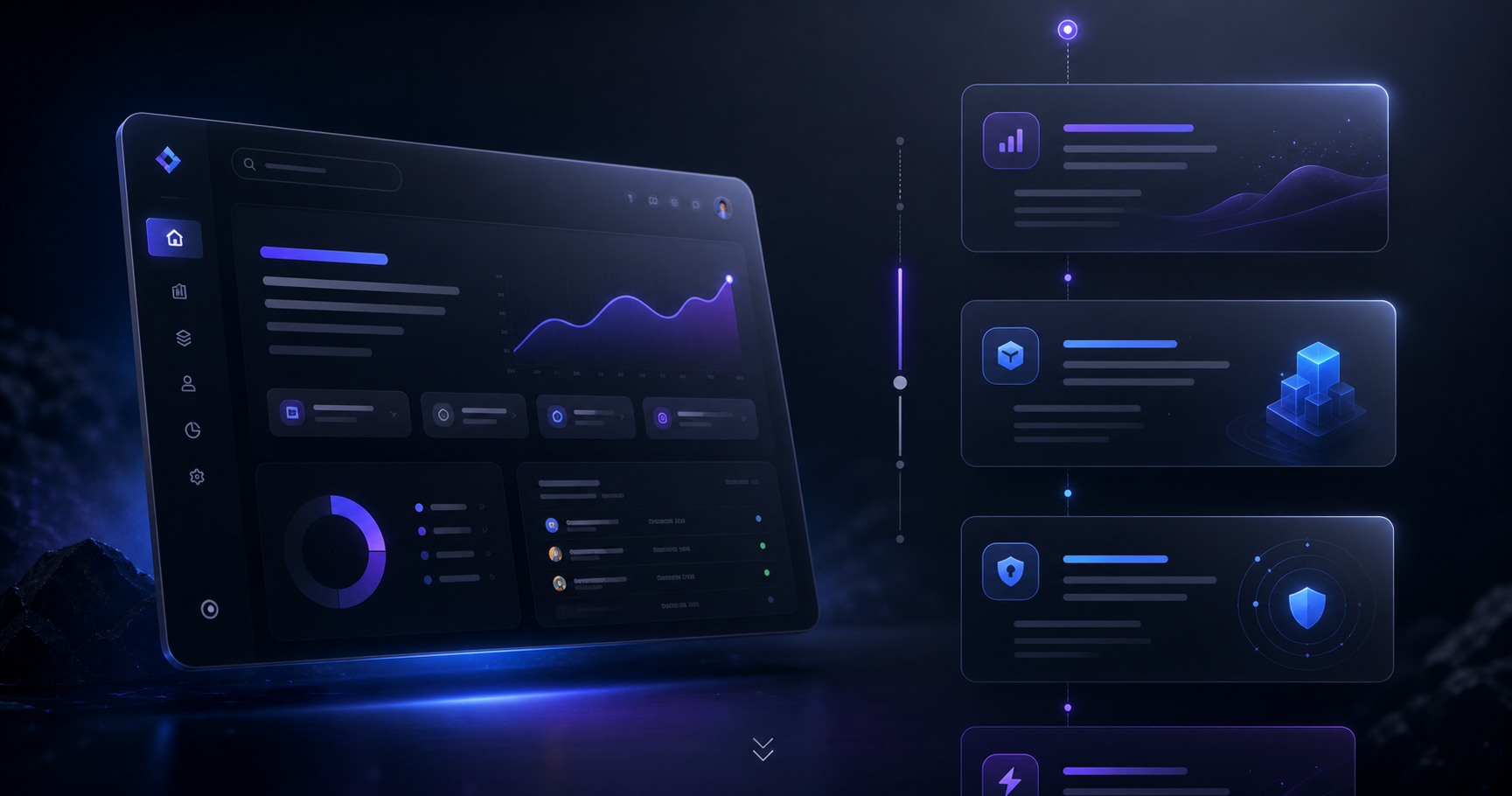
How to Use Draftly for Creating High-Converting SaaS Product Landing Pages
Building a SaaS product landing page that converts visitors into trial users or paying customers can be daunting. Draftly’s AI-driven website builder simplifies this process by enabling you to craft cinematic, scroll-driven pages with just a single prompt. Here’s how you can use Draftly to design a high-converting SaaS landing page step by step.
Why SaaS Companies Need High-Converting Landing Pages
A landing page isn’t just a webpage—it’s your SaaS product’s best salesperson. According to a 2023 study, the average SaaS landing page converts at around 2.6%, while top-performing pages achieve conversion rates of 10% or higher. With Draftly, you can leverage 3D animations, scroll-triggered storytelling, and data-backed layouts to give your SaaS product a competitive edge.
!how to use draftly for creating highconverting saas product landing pages, tutorials
- High-converting pages clearly communicate the product’s value proposition
- They build trust with social proof, such as testimonials or case studies
- They simplify navigation for users, guiding them to sign up or request a demo
Step 1: Set Up Your Draftly Project
Getting started with Draftly is as simple as entering your product description into the AI prompt. The builder then generates a draft of your landing page, complete with scroll-animated sections and space for key elements like CTAs.
- Log into your Draftly account and start a new project.
- Provide a concise description of your SaaS product and its unique value proposition.
- Select the theme that best fits your brand (or learn how to customize your brand kit).
- Let Draftly generate your initial draft, which you can refine further.
Step 2: Design the Hero Section with a Strong Value Proposition
The hero section is the first thing users see and is responsible for 80% of their first impression. With Draftly, you can create a cinematic hero section that grabs attention and gets your message across in seconds.
Tips for an Impactful Hero Section
- Craft a clear headline that communicates your product’s main benefit in under 10 words. Use Draftly’s AI copy engine to generate headlines that convert. Learn more about this feature here.
- Include a compelling subheadline that explains why your SaaS is unique.
- Add a call-to-action (CTA) button with clear, action-oriented text like “Get Started” or “Try for Free.” Check out CTA Design Tips for more guidance.
Step 3: Highlight Features and Benefits with Scroll Animations
Draftly’s scroll-driven animations help you showcase your product’s unique features in a way that keeps users engaged. Research shows scroll-triggered animations can increase user engagement by 38%.
- Use the Draftly Motion Pass Guide to create smooth, eye-catching animations.
- Divide your page into sections such as:
- Ensure each section flows seamlessly into the next with scroll-triggered animations.
Pro Tip: Use Visual Storytelling
Combine AI-generated imagery with your messaging to create emotional resonance. Read our guide on Using AI Image Generation in Draftly to get the best results.
Step 4: Add Social Proof and Trust Signals
Trust signals are essential for SaaS landing pages, especially when targeting new users. Research shows that 88% of consumers trust online reviews as much as personal recommendations.
- Add testimonials from real users or case studies that highlight measurable results.
- Showcase logos of companies that use your product as a form of social proof.
- Use Review Schema for SEO to display star ratings in search results for better click-through rates.
Step 5: Optimize for SEO and Speed
Draftly’s built-in SEO panel ensures your page is optimized for search engines right out of the box. Here’s how to make your SaaS landing page rank higher:
- Use the Draftly SEO Panel Guide to set up meta titles, descriptions, and keywords.
- Ensure fast loading times by following Draftly’s Site Speed Optimization Guide.
- Add structured data to help Google understand your landing page. Learn about it in our Schema Markup Guide.
Key Performance Metrics to Monitor
Once live, track these metrics to measure your landing page’s performance:
- Conversion rate: Percentage of visitors who sign up or take action
- Bounce rate: Lower numbers indicate better engagement
- Dwell time: How long users spend on your page



