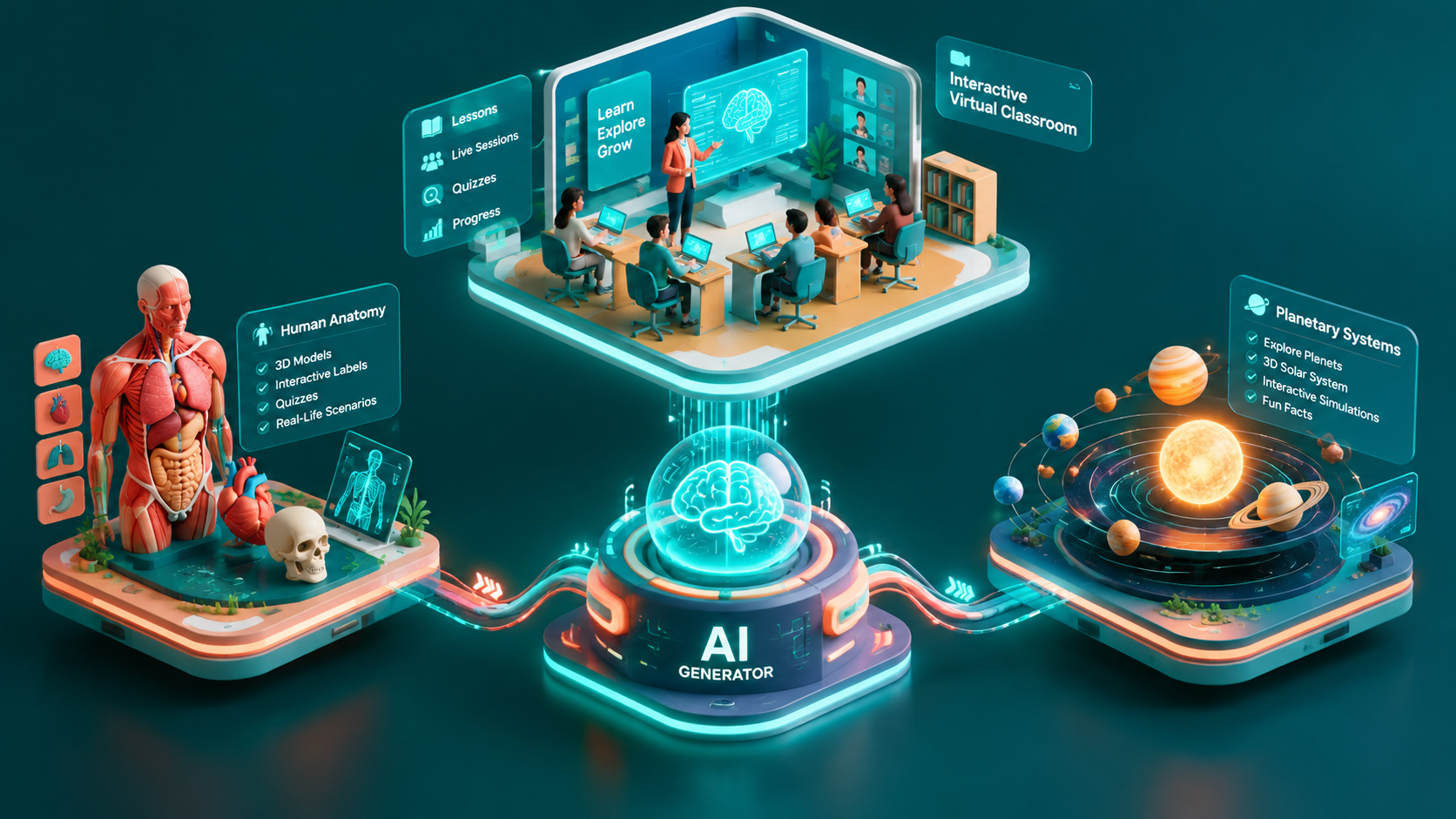
Step-by-Step Guide to Designing Interactive E-Learning Platforms with 3D AI Website Builders
Creating an interactive e-learning platform that keeps users engaged is no easy feat. But with 3D AI website builders, educators can craft immersive, scroll-driven experiences that captivate learners. This guide walks you through each step, helping you create a cinematic e-learning hub that stands out.
Why Use 3D AI for E-Learning Platforms?
Traditional e-learning websites often rely on static designs and basic interactivity. In contrast, 3D AI-driven platforms offer dynamic visuals, personalized user journeys, and interactive modules.
!stepbystep guide to designing interactive elearning platforms with 3d ai website builders, tutorials
- Increase learner engagement with scroll-driven animations
- Personalize experiences using AI-driven content adjustments
- Create visually stunning designs without advanced coding skills
Step 1: Define Your E-Learning Use Case
The first step is identifying your platform's purpose and audience. Are you building courses for university students, corporate training modules, or skill-learning programs?
Questions to Ask:
- Who is the target demographic (age, profession, goals)?
- Will the platform feature live classes, recorded content, or both?
- What type of interactivity will your users expect?
Step 2: Map Out the User Journey
Designing a seamless user experience is critical. Start by visualizing the entire learner journey—from landing page discovery to course completion.
- Entry points: Eye-catching, scroll-driven homepages
- Navigation tools: Interactive dashboards for courses and progress tracking
- CTAs: Clear calls-to-action for enrollment and feedback
Step 3: Select Interactive Modules
Interactive modules are the backbone of engaging e-learning platforms. Draftly allows you to integrate features like quizzes, live chat, and 3D animations directly into your website.
Types of Modules to Integrate:
- Quizzes and Assessments: Gamify learning with interactive tests.
- Live Polls: Encourage real-time engagement during webinars.
- 3D Models and Simulations: Perfect for fields like architecture and engineering.
Step 4: Customize Branding and Design
Your e-learning platform should mirror your brand identity. With Draftly, you can easily customize fonts, colors, and your logo.
- Use a unified color scheme that resonates with your audience
- Integrate your logo prominently on the homepage
- Employ scroll-driven animations to create a cinematic feel
Step 5: Optimize for Accessibility
Accessibility isn’t optional—it’s essential. Ensure your platform accommodates diverse learners, including those with disabilities.
Accessibility Tips:
- Add alt text to all images and 3D elements.
- Use subtitles for video content.
- Choose high-contrast colors for text readability.
Step 6: Test and Launch
Before rolling out your platform, conduct thorough testing to ensure functionality and usability.
- Run A/B tests for different designs and layouts
- Test across devices (desktop, mobile, tablet)
- Gather user feedback during beta testing



