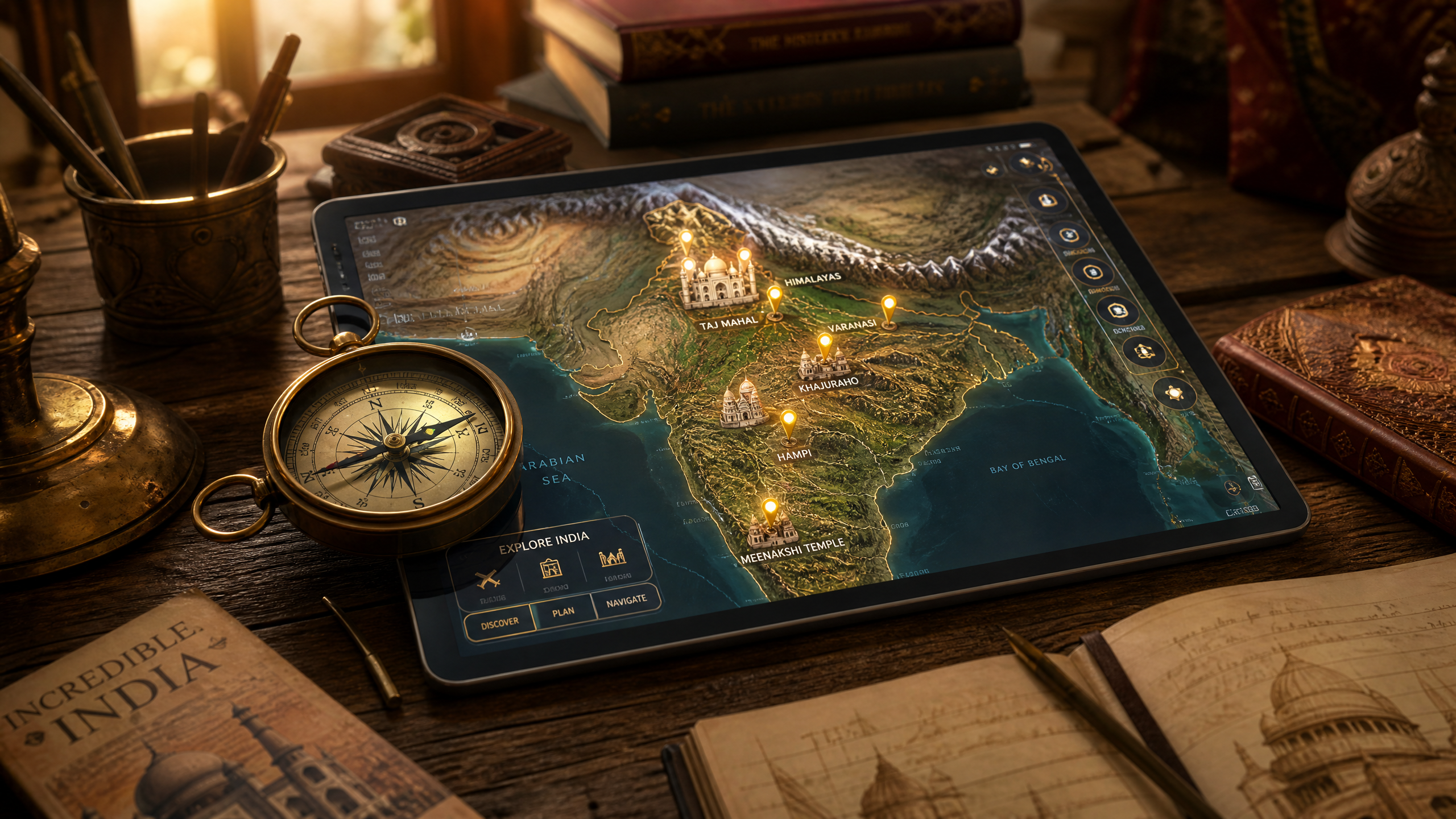
Creating Customizable Interactive Maps in Draftly for Indian Tourism Agencies
Interactive maps are game-changers for tourism agencies, especially in a diverse country like India. With Draftly, Indian tourism agencies can create immersive, customizable maps that captivate tourists and enhance their travel experience.
Why Use Interactive Maps?
Interactive maps in tourism provide real-time data, personalized experiences, and enhance user engagement. They serve as a digital guide for tourists, offering insights into local attractions, accommodations, and cultural sites.
!creating customizable interactive maps in draftly for indian tourism agencies, tutorials
- 60% of travelers use digital maps to plan trips
- Maps can increase user engagement by up to 70%
- Interactive features boost retention and conversion rates
Setting Up Your Draftly Account
Before creating interactive maps, ensure you have a Draftly account. Draftly's platform offers tools to customize your design and optimize user experience.
- Sign Up: Visit Draftly and create an account.
- Select a Plan: Choose a plan that suits your agency's needs.
- Explore Features: Familiarize yourself with Draftly's page transitions and animations.
Designing Your Interactive Map
The design phase is crucial. A well-designed map can highlight India's diverse landscapes and cultural landmarks.
Customizing Map Elements
Use Draftly's design tools to tailor each element of your map.
- Choose a Template: Draftly offers various templates suitable for different regions.
- Add Landmarks: Highlight key tourist attractions using icons and labels.
- Embed Media: Insert images and videos to provide a richer experience.
Integrating AI Features
Enhance your map with AI-driven insights and interactive elements.
- Real-time Updates: Show traffic conditions and weather forecasts.
- Personalized Routes: Offer customized travel itineraries.
- Cultural Insights: Use AI to provide historical context and trivia.
Publishing and Promoting Your Map
Once your map is ready, it's time to publish and promote it. Draftly allows easy integration with various digital platforms.
SEO and Social Media Integration
- Optimize for SEO: Use keywords and metadata to improve visibility.
- Leverage Social Media: Share maps on platforms like Instagram and Facebook.
- Engage with Influencers: Collaborate with travel bloggers to reach wider audiences.



