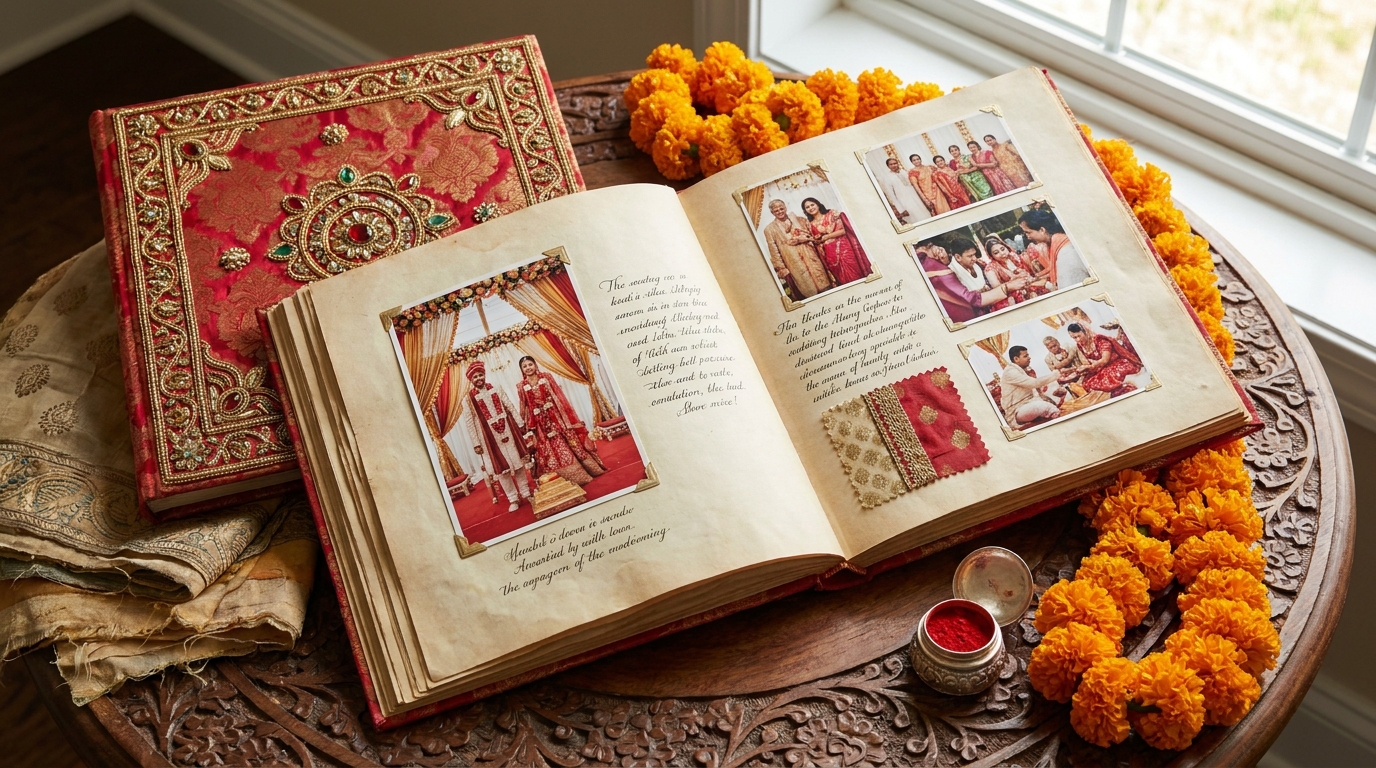
How to Create 3D Virtual Wedding Album Pages for Indian Photographers
Creating 3D virtual wedding album pages is a game-changer for Indian photographers looking to impress clients and stand out in a competitive market. With Draftly, you can design cinematic, interactive albums that showcase your stunning photography in a way that feels immersive and personal.
Why 3D Wedding Albums Are the Future
Traditional photo albums often fail to capture the magic of wedding events digitally. 3D virtual albums, however, provide:
!how to create 3d virtual wedding album pages for indian photographers, tutorials
- Immersive storytelling with scroll-triggered animations and transitions
- Interactive engagement, allowing users to zoom, pan, or swipe through photos
- Higher client satisfaction, as the design feels modern and premium
Step-by-Step Guide to Designing 3D Wedding Albums
Follow these detailed steps to create your wedding album:
1. Set Up Your Draftly Account
- Sign up for a Draftly account and select the Portfolio Website template.
- Navigate to the Draftly Section Library, which includes blocks for galleries, testimonials, and timelines.
- Customize your brand kit by adding fonts, colors, and logos. Here’s how.
2. Optimize Your Photos for Web
High-resolution images can slow down loading speeds and reduce user engagement. Ensure:
- Images are compressed to WebP format for faster loading
- Add alt text to each image for better SEO visibility
- Use consistent naming conventions for image files
3. Choose Interactive Blocks for Albums
Draftly offers several interactive blocks to build engaging albums:
- Parallax galleries to create depth and movement
- Scroll-triggered timelines for chronological storytelling
- Lightbox-style photo viewers for detailed close-ups
4. Add Scroll Animations and Transitions
Scroll animations enhance user engagement and create an immersive experience. Here’s how:
- Navigate to the Animation Settings in Draftly.
- Apply transitions such as fade-ins, zooms, or horizontal slides.
- Preview the animations and adjust timings for smooth flow. Learn more.
5. Integrate Booking and Contact Features
Convert viewers into clients by integrating a booking system:
- Add a contact form for inquiries
- Include a calendar booking widget for consultation scheduling
- Embed WhatsApp chat buttons for instant communication Step-by-step guide
Tips to Maximize Impact
- Use emotional storytelling: Pair captions with images to narrate wedding moments.
- Showcase testimonials: Add quotes from happy clients to build trust.
- Mobile responsiveness: Ensure the album looks great on smartphones.



