Crafting the Perfect Job Board with AI 3D Websites: A Step-by-Step Guide
Job boards are no longer just static pages with endless lists of job postings. Today, recruiters can use AI-enabled 3D websites to create immersive and highly engaging platforms that stand out. With tools like Draftly, turning a basic idea into a cinematic, scroll-driven job board is easier than ever. This guide will show you how.
Why Use AI 3D Websites for Job Boards?
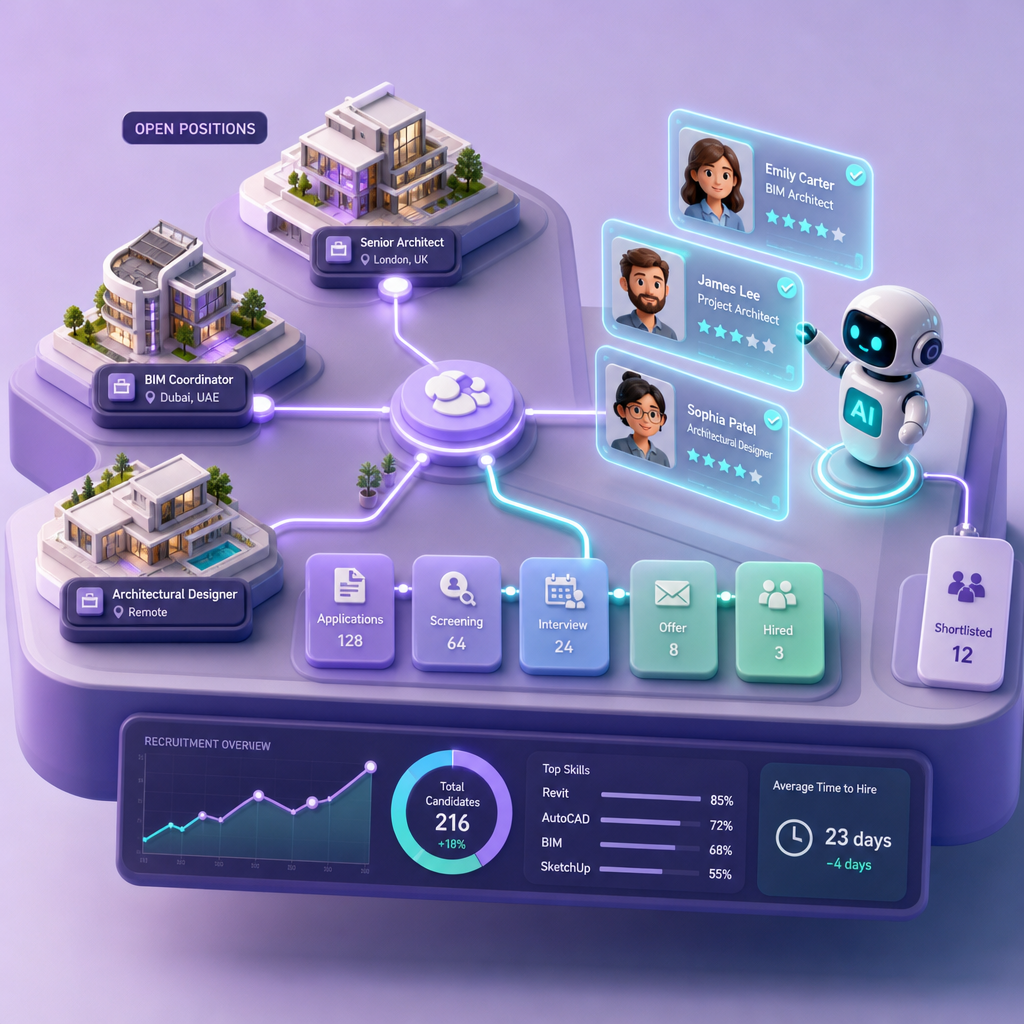
AI-powered 3D websites elevate the user experience by combining dynamic visuals, personalization, and automation. For recruiters, this translates into:
!crafting the perfect job board with ai 3d websites a stepbystep guide, tutorials
- Higher engagement rates: Interactive elements keep job seekers browsing longer.
- Stronger branding: Showcase your company culture with immersive design.
- Improved searchability: AI-driven filters boost job discovery.
Step 1: Define Your Job Board’s Core Purpose
Before diving into design, identify what you want your job board to achieve. Are you catering to a specific industry? Do you want to highlight company culture or focus on advanced filtering features?
- Target audience: Define the professionals you’re targeting (e.g., IT specialists, remote workers, recent graduates).
- Key metrics: Determine what success looks like—applications submitted, time spent on site, or engagement rate.
- Unique selling point: What makes your job board different? For example, 3D career counseling pages for Indian universities leverage AI to provide students with tailored career advice.
Step 2: Choose the Right Design Elements
The visual design of your job board sets the tone for user experience. With Draftly, you can customize everything from fonts to layouts effortlessly. Learn how in our guide to customizing your brand kit in Draftly.
Must-Have Features for Job Boards
- Search Filters: Allow users to filter jobs by location, industry, experience level, and salary range.
- Company Profiles: Include immersive 3D pages that showcase company culture.
- Application Tracking: Enable job seekers to monitor the status of their applications.
- Mobile Optimization: Ensure the platform is fully responsive across all devices.
- AI Recommendations: Use AI to suggest jobs based on user profiles and behavior.
Tips for Visual Appeal
- Use 3D animations to guide users through the job search process.
- Highlight featured job postings with bold, animated callouts.
- Incorporate your company’s branding for a cohesive feel.
Step 3: Leverage Draftly’s AI Features
Draftly is designed to simplify the creation of 3D websites with minimal manual effort. Here’s how to use Draftly to build your job board:
- Start with a Prompt: Enter a detailed description of your job board. For example: “Create a 3D job board for tech startups with filters for location, salary, and remote options. Include a cinematic scroll-driven design and company culture highlights.”
- Customize the Layout: Adjust fonts, colors, and branding by following our customization guide.
- Add Interactive Features: Use Draftly’s AI components to integrate job search filters, company profiles, and application tracking pages.
Step 4: Optimize for SEO and Performance
Even the most stunning job board won’t succeed without visibility. SEO and performance optimization are crucial.
- Keyword Optimization: Identify niche keywords related to job roles, industries, and locations. Tools like Google Keyword Planner can help.
- Mobile Speed: Ensure your site loads in under 3 seconds on mobile devices.
- Content Strategy: Regularly update your job board with new postings and career advice. For example, you can create 3D career counseling pages to provide extra value to users.
Step 5: Test and Launch Your Job Board
Before going live, it’s essential to test every aspect of your job board.
- Usability Testing: Ask friends or colleagues to navigate the site and provide feedback.
- Performance Testing: Use tools like GTmetrix to ensure fast load times.
- AI Validation: Confirm that AI-powered filters and recommendations are working as intended.