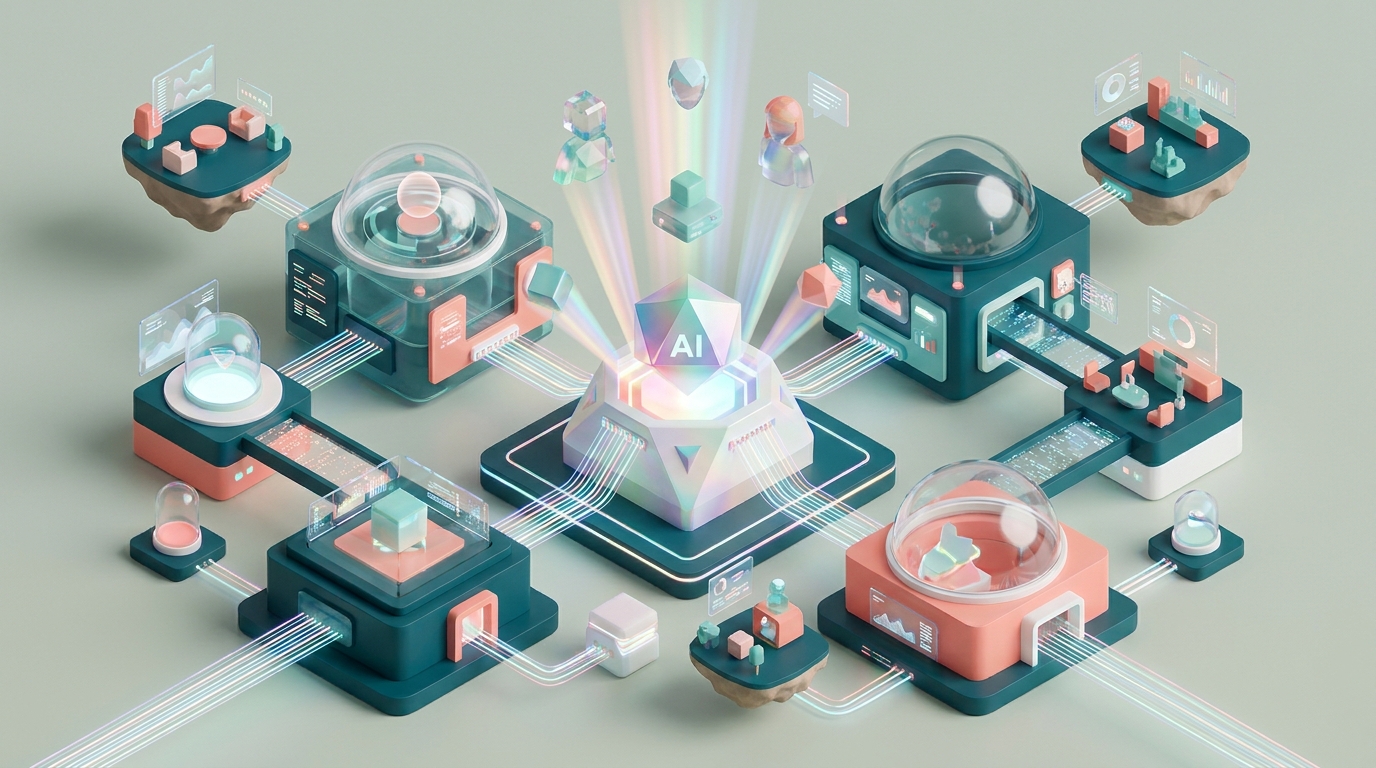
Building a Community Platform with AI-Powered 3D Web Tools
Creating an engaging community platform is no longer a monumental task, thanks to AI-powered 3D web tools. These tools allow you to build immersive digital spaces that foster interaction and collaboration. Let's dive into the steps to construct your community platform effectively.
Understanding AI-Powered 3D Web Tools
AI-powered 3D web tools leverage artificial intelligence to create dynamic and interactive websites. These tools can generate 3D models, animations, and environments from simple prompts, enhancing user engagement.
!building a community platform with aipowered 3d web tools, tutorials
- AI Image Generation: Automates the creation of visual content, reducing the need for extensive graphic design resources.
- 3D Model Integration: Enables the incorporation of interactive 3D elements that enhance user experience.
- Dynamic Animations: Boosts engagement by making transitions and interactions more visually appealing.
Setting Up Your Community Platform
Building a community platform involves several key steps. Here, we'll outline a structured approach to ensure your platform is robust and engaging.
Choosing the Right Tools
Selecting appropriate tools is crucial. Consider platforms like Draftly that offer AI-driven 3D capabilities.
- Evaluate Features: Look for tools that offer customization, scalability, and integration with existing systems.
- Assess Ease of Use: Ensure the platform is user-friendly, allowing non-technical users to manage the community effectively.
- Check Support and Resources: Access to tutorials and customer support can be invaluable.
Designing the Community Experience
The design phase is where you decide how users will interact with your platform. Focus on creating a seamless and immersive experience.
- User Interface Design: Prioritize a clean, intuitive interface that guides users naturally.
- Interactive Elements: Use 3D components to make navigation and interaction more engaging.
- Responsive Design: Ensure your platform is accessible on all devices, particularly mobile, as 80% of users might access it via smartphones.
Enhancing Engagement
Boosting user engagement is essential for a thriving community. Implement the following strategies:
- Gamification: Incorporate elements like badges and leaderboards to motivate participation.
- Live Interactions: Enable real-time chats and video calls to foster deeper connections.
- Content Personalization: Use AI to tailor content recommendations to individual user preferences.



