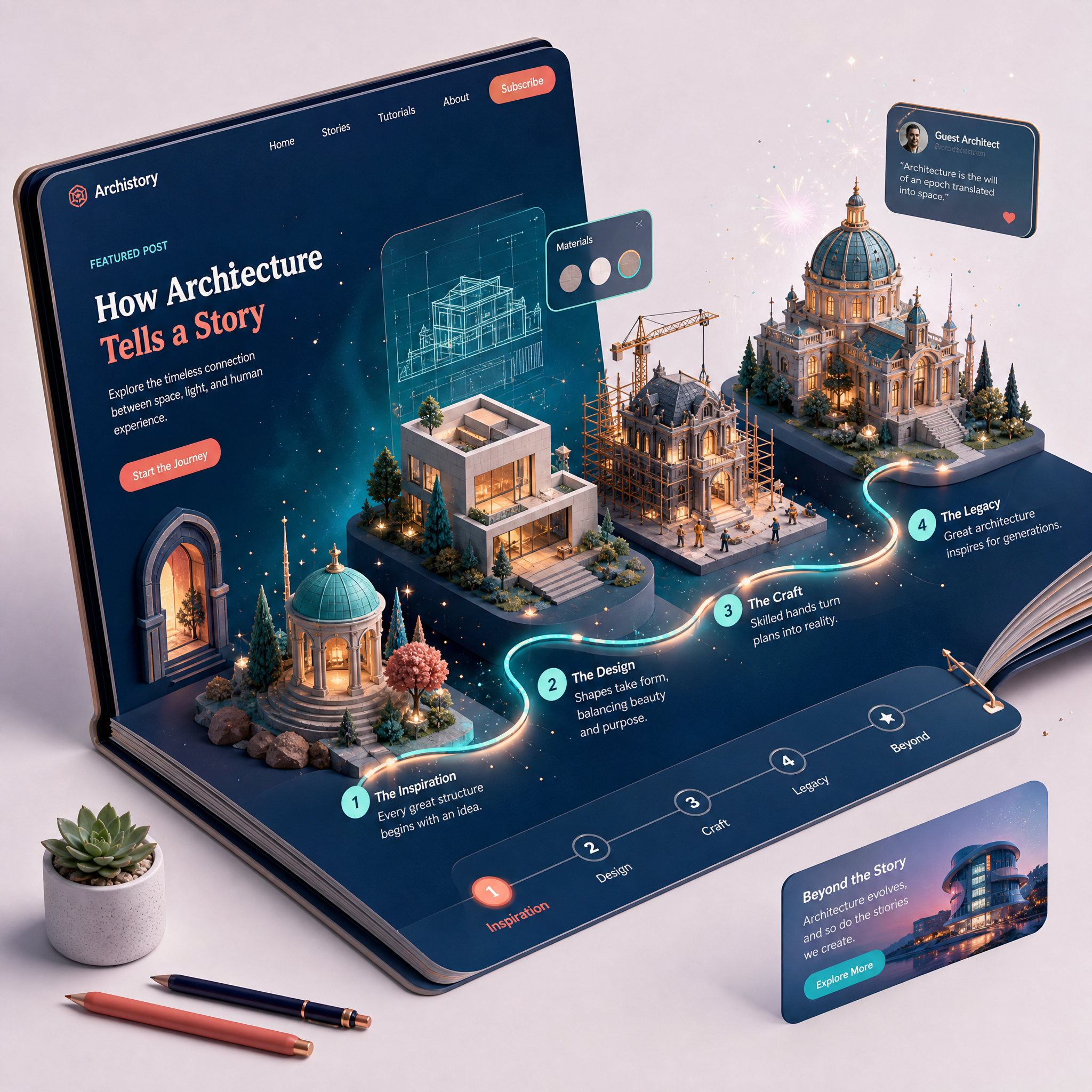
Best Practices for Incorporating 3D Animations into Storytelling-Focused Websites
3D animations can transform a standard website into an immersive storytelling masterpiece, capturing user attention and driving engagement. But using 3D elements effectively requires thoughtful planning and execution to balance aesthetic appeal with performance. Follow these best practices to create storytelling-focused websites that leave a lasting impression.
Why Use 3D Animations in Storytelling?
3D animations add depth and interactivity to your website, making narratives visually engaging and emotionally resonant. They help:
!best practices for incorporating 3d animations into storytellingfocused websites, tutorials
- Highlight key moments in your story with dynamic visuals
- Increase user engagement by offering an interactive experience
- Differentiate your website from competitors with unique visual elements
Step 1: Define Your Story’s Core Message
Before diving into the design process, establish the central narrative of your website. What story are you trying to tell, and what is the desired action for your users? For example, if you're building 3D interactive alumni pages for Indian high schools, the story might center around celebrating alumni achievements and fostering connections.
Tips for Crafting a Clear Narrative
- Identify your target audience: Tailor the story to their interests and expectations.
- Outline the key points: Break down the story into sections, from the introduction to the conclusion.
- Focus on the emotional core: Highlight elements that evoke curiosity, joy, or nostalgia.
Step 2: Choose the Right 3D Animation Elements
Not all 3D animations serve the same purpose. Select elements that align with your story's tone and enhance user experience rather than overwhelming it.
- Motion transitions: Use smooth transitions to guide the user through different story sections.
- Interactive objects: Allow users to interact with 3D elements to create personalized experiences.
- Cinematic effects: Add parallax scrolling or zoom-ins to create depth and drama.
Step 3: Optimize Performance
While 3D animations are visually stunning, they can negatively impact site performance if not optimized. Poor load times can lead to a 7% drop in conversions for every second of delay.
How to Ensure Performance Optimization
- Compress 3D assets: Use lightweight file formats like glTF or Draco compression to reduce the size of 3D models.
- Implement lazy loading: Load animations only when they come into the viewport.
- Use WebGL: Leverage Web Graphics Library (WebGL) for efficient rendering of 3D content.
- Test across devices: Ensure animations perform well on both high-end and low-end devices.
Step 4: Prioritize Accessibility
An inclusive design ensures that all users can enjoy your storytelling, regardless of their abilities or devices.
Steps to Make 3D Animations Accessible
- Provide alternatives: Offer text descriptions or captions for visually impaired users.
- Keyboard navigation: Ensure users can interact with 3D elements using keyboard controls.
- Adjustable motion settings: Allow users to reduce or disable animations if they experience motion sensitivity.
Step 5: Test and Iterate
No storytelling-focused website is perfect on the first try. Engage in iterative testing to refine the user experience.
- A/B Testing: Compare versions of animations to see which drives engagement.
- Heatmaps: Identify sections where users interact most and optimize accordingly.
- User Feedback: Gather insights from real users to improve storytelling elements.



