A Tutorial on Automating Event Registrations for Indian Nonprofits Using Draftly
For Indian nonprofits, the gap between hosting an impactful event and managing the logistics often results in lost engagement. Automating event registrations allows your team to focus on mission-driven work rather than manual data entry. By leveraging the immersive power of 3D AI Websites for Indian Charitable Trusts, you can create a frictionless registration experience that drives attendance and boosts donor trust simultaneously.
Why Automated Registration Matters for Indian NGOs
Manual registration processes often lead to a 30-40% drop-off rate, according to recent data on nonprofit digital adoption. When your organization scales, static forms simply cannot keep up. Automating your workflow ensures that every attendee receives immediate confirmation, calendar invites, and automated reminders. This is not just about efficiency; it is about building a modern digital presence that resonates with donors who prioritize transparency and ease of interaction.
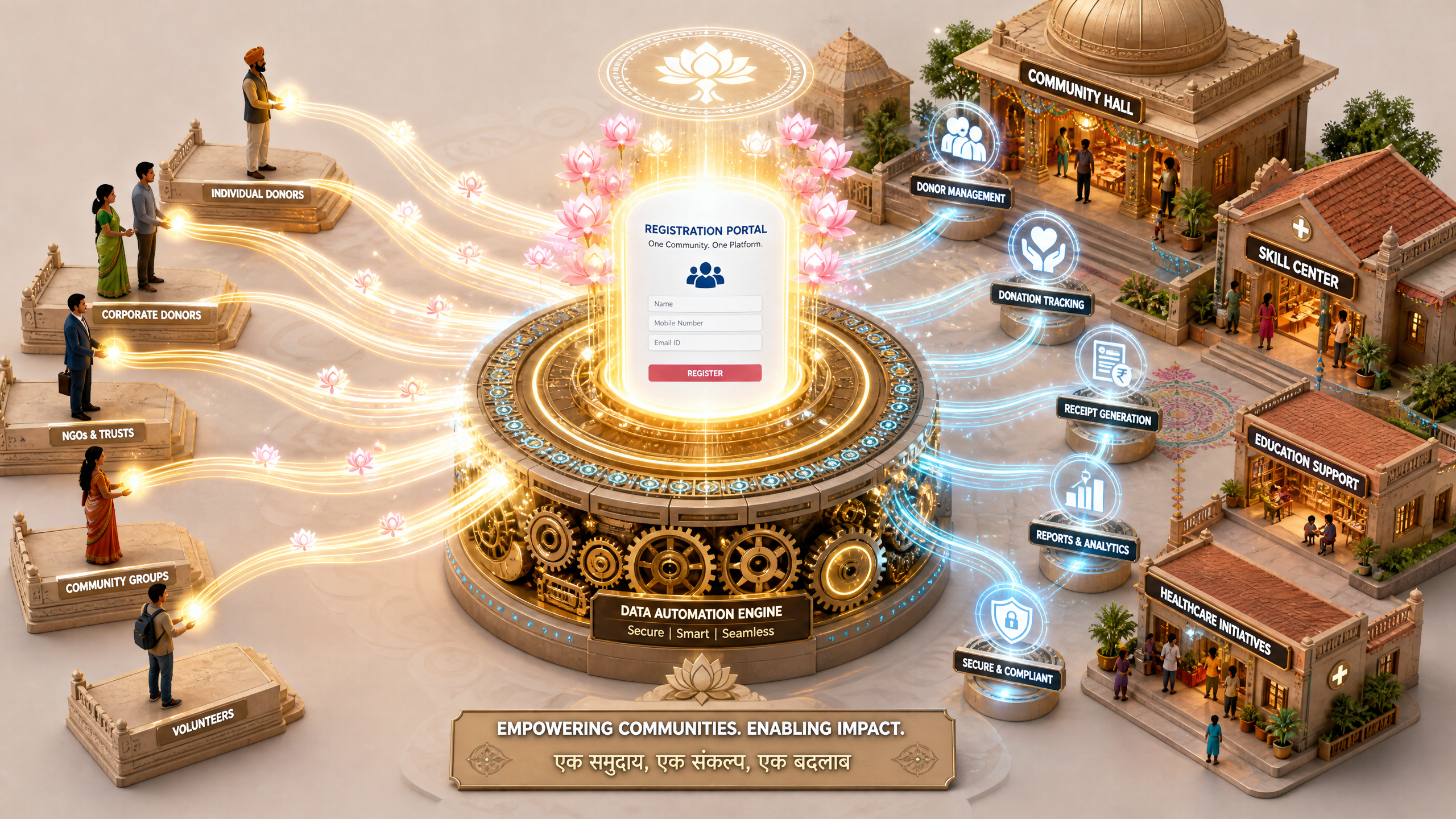
!a tutorial on automating event registrations for indian nonprofits using draftly, tutorials
- Reduced Operational Overhead: Automate data collection to save roughly 10-15 hours of administrative work per event.
- Enhanced Trust: Real-time feedback and professional registration flows demonstrate organizational competence.
- Data-Driven Insights: Automatically sync attendee information with your CRM for future fundraising campaigns.
Setting Up Your Registration Flow in Draftly
To build a high-converting event portal, you must move beyond simple contact forms. A successful registration page should incorporate 3D Interactive Donation Pages to facilitate immediate support during the sign-up process. Follow these steps to implement your automated system.
Designing the Registration Portal
- Define Your Hero Section: Use a clear, high-impact prompt to generate a cinematic hero section that highlights the event's purpose. Ensure your call-to-action (CTA) is visible within the first three seconds of loading.
- Integrate Registration Forms: Use the Draftly Forms feature to collect essential attendee data. Ensure you include fields for donor interest, as this data is invaluable for long-term engagement.
- Automate Confirmation: Link your forms to an automation tool like Zapier or Make. This ensures that every registration triggers an automated email sequence, which maintains the momentum after the user hits submit.
Optimizing for Mobile-First Users
Over 85% of traffic for Indian social initiatives originates on mobile devices. Your registration page must be lightweight and fast. If you are struggling with page load times, optimize your images before uploading to Draftly to ensure that your 3D assets remain snappy and performant even on 4G networks.
Advanced Features for Maximum Conversion
To truly stand out, integrate 3D AI Website Features that keep users engaged during the registration process. Adding a countdown timer or a progress indicator can significantly increase completion rates. A well-designed event page acts as a digital ground game for your organization, allowing you to capture leads long before the event begins.



