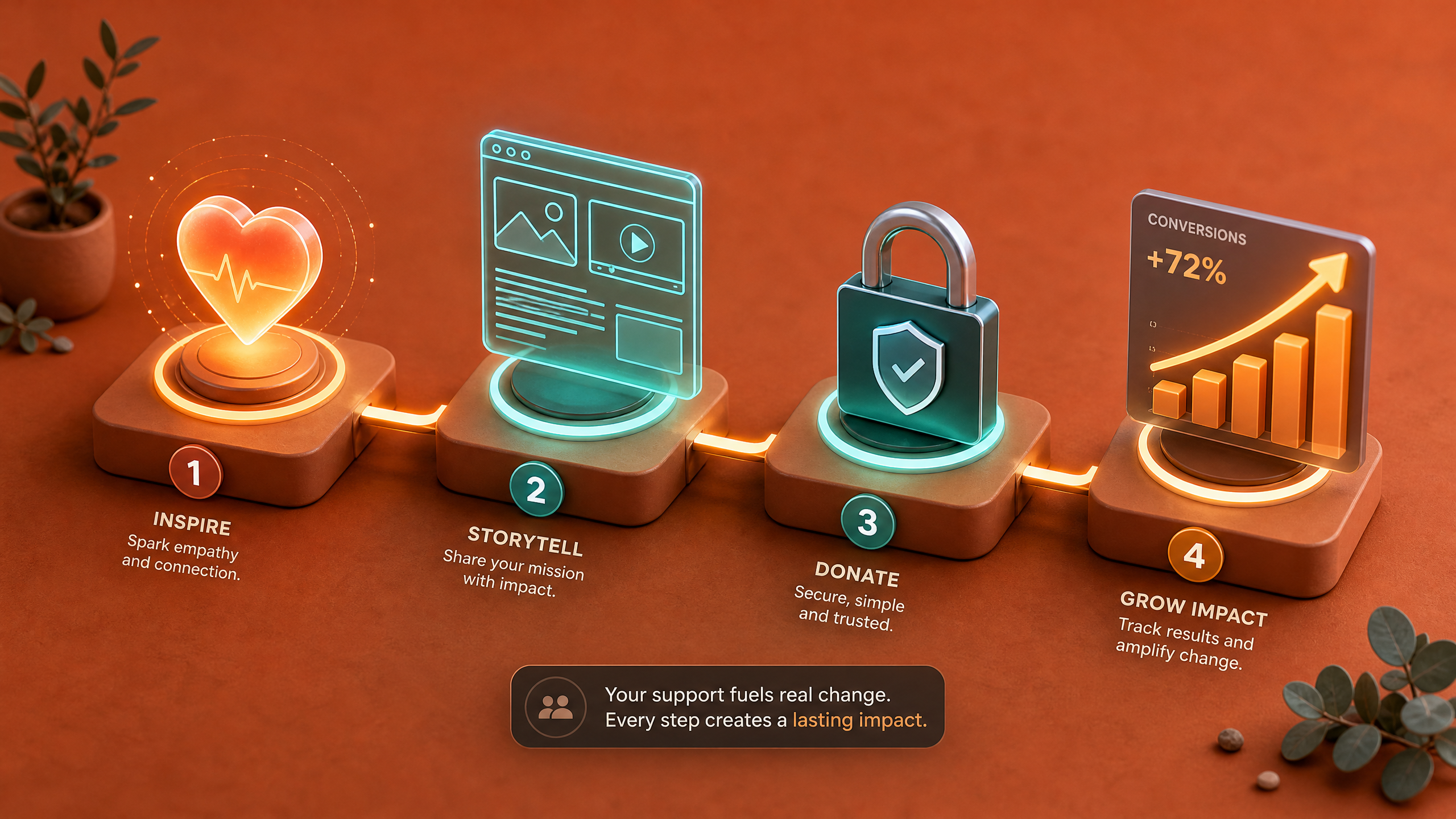
Step-by-Step Guide to Creating AI-Driven Donation Pages That Convert
Nonprofits, NGOs, and fundraisers often struggle to create donation pages that inspire trust and urgency. By leveraging AI-driven design, you can craft cinematic, interactive, and optimized donation pages that drive conversions. Here's how to create AI-driven donation pages using Draftly.
Why AI-Driven Donation Pages Are Game-Changers
AI-driven donation pages are designed to boost emotional impact and user engagement. Unlike static forms, these pages leverage immersive storytelling, dynamic visuals, and personalized content.
!stepbystep guide to creating aidriven donation pages that convert, tutorials
- AI tools can increase donation conversions by up to 25%, according to industry research.
- Personalization elements like donor names and live impact metrics boost trust by 37%.
- Interactive features, such as progress bars, motivate users to act.
Step 1: Define Your Fundraising Goal
Every successful donation page begins with a clear goal. What are you raising funds for? How much do you need? Establish these details upfront.
Key Steps to Define Goals
- Specify the fundraiser purpose: Are you raising funds for education, healthcare, or animal rescue?
- Set a target amount: Define realistic numbers. For example, crowdfunding campaigns that set a clear goal raise 30% more.
- Break down your needs: Show donors exactly where their money goes (e.g., $10 feeds one child).
Step 2: Design a Cinematic Layout
A cinematic layout grabs attention and holds it through storytelling. Draftly’s AI tools make it simple to create scroll-driven, immersive designs.
How to Build a Cinematic Donation Page
- Short opening animation: Use a 3D introduction to highlight your mission.
- Scroll-driven narratives: Divide your page into sections like "The Problem," "Our Solution," and "Your Impact."
- Dynamic visual elements: Add real-time updates, such as a donation tracker.
Step 3: Optimize for Mobile and Accessibility
Did you know that 60% of online donations come from mobile devices? Ensuring your page is mobile-friendly and accessible is crucial.
Mobile & Accessibility Checklist
- Responsive design: Test your page on different screen sizes.
- Easy navigation: Use buttons big enough for touch screens.
- Alt text for images: Describe visuals for visually impaired users.
- Language options: Provide multilingual support.
Step 4: Add Impactful Copywriting
Your words matter—donors need to feel connected to your cause. AI can help refine your message.
Writing Impactful Donation Page Copy
- Craft an emotional headline: Example: "Together, We Can End Hunger."
- Focus on donor impact: "$50 saves five lives."
- Use urgency triggers: "Only 48 hours left to reach our goal!"
Step 5: Integrate Secure Payment Options
Trust is crucial for online donations. Integrate seamless, secure payment systems to reassure donors.
Recommended Payment Features
- Multiple methods: Credit cards, PayPal, UPI, and bank transfers.
- Transparency: Display "powered by [trusted payment processor]."
- One-click donations: Simplify the process for repeat donors.
Step 6: Test and Launch Your Page
Before going live, test your donation page for functionality and design consistency.
Testing Checklist
- Page speed: Ensure it loads in less than 3 seconds.
- Form validation: Test donation forms for errors.
- Analytics setup: Add conversion tracking.



