How to Build an AI-Driven 3D Website for Fundraising Events: A Complete Guide
Fundraising events thrive on storytelling, engagement, and trust. An AI-driven 3D website can amplify these elements, immersing your audience in an unforgettable digital experience. Here’s your practical guide to building one for maximum donor engagement.
Why Choose an AI-Driven 3D Website for Fundraising?
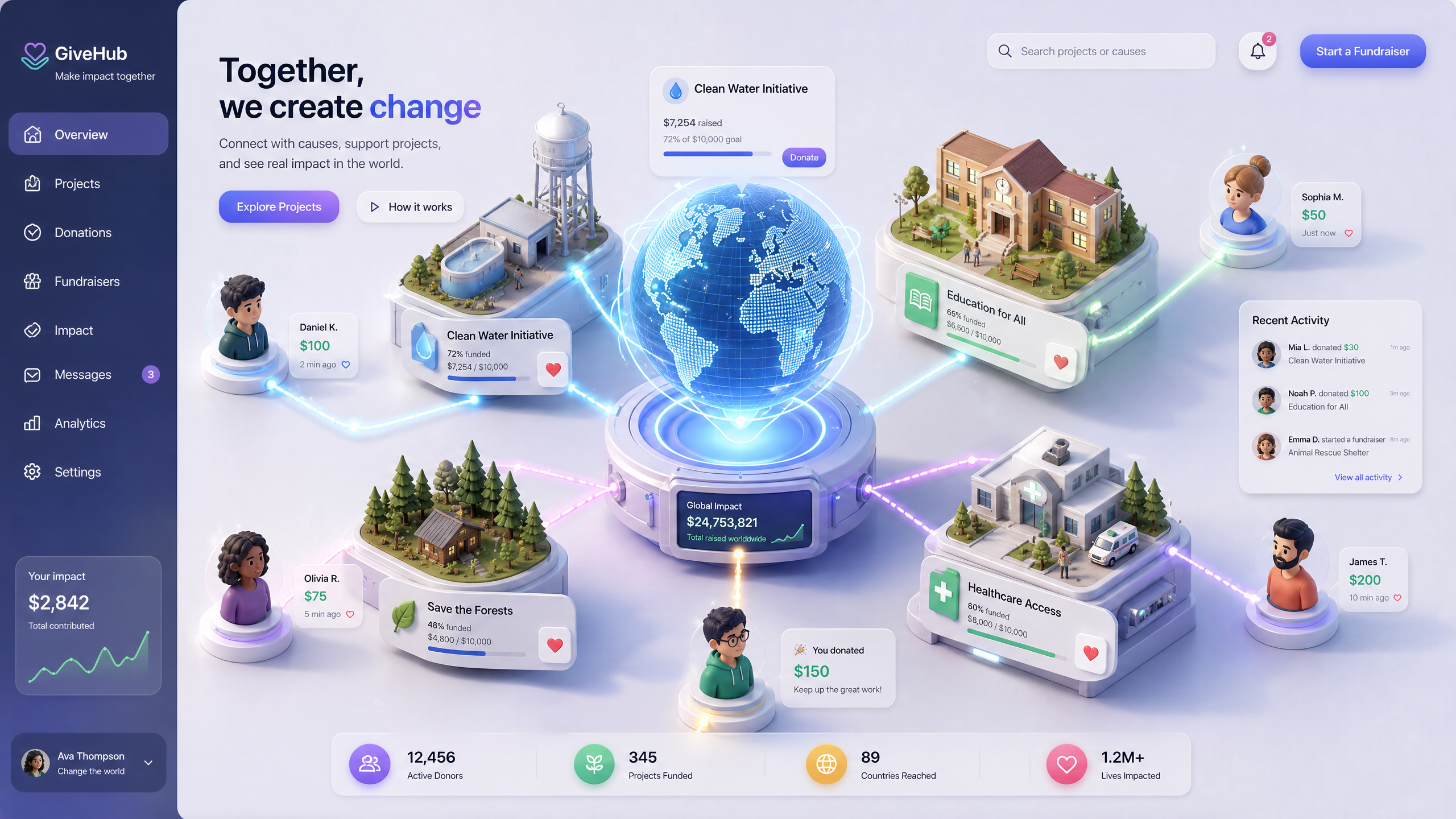
An AI-powered 3D website doesn’t just display information—it immerses users in your mission. Draftly’s AI tools turn prompts into cinematic, scroll-driven designs, helping you:
!how to build an aidriven 3d website for fundraising events, tutorials
- Increase donor engagement rates by up to 45%
- Tell compelling stories through interactive visuals
- Build trust with transparent and dynamic donation tracking
Step-by-Step Guide to Building Your 3D Fundraising Website
Follow these steps to create an AI-driven 3D website tailored for fundraising events:
Step 1: Define Your Fundraising Goals
Outline the purpose of your event. Is it a charity auction, gala dinner, or crowdfunding campaign?
- Identify your target audience—local donors, corporate sponsors, or global contributors.
- Set a monetary goal (e.g., $50,000 for infrastructure upgrades).
- Determine key metrics: donation conversions, attendee RSVPs, or time spent on the website.
Step 2: Use Draftly to Generate Your Website Layout
Draftly simplifies website creation by converting prompts into interactive designs.
- Log into Draftly and select the Fundraising Event template.
- Enter a detailed prompt, such as: “Create a 3D website for a charity gala raising funds for clean water initiatives. Include donation tracking and event schedules.”
- Customize initial designs using the platform’s fonts, colors, and brand kit tools.
Step 3: Add Interactive 3D Elements
3D visuals draw donors into your story. Focus on immersive elements:
- Donation progress trackers visualized as interactive thermometers.
- Scroll-driven timelines showcasing your organization’s milestones.
- Embedded videos featuring testimonials or project updates.
Step 4: Optimize for Mobile and Accessibility
Over 70% of donations happen via mobile devices, making responsiveness critical.
- Use Draftly’s AI to test and adjust designs for optimal mobile performance.
- Ensure accessibility with alt text for visuals and clear navigation.
- Include multilingual options if targeting diverse audiences (e.g., Hindi, Tamil, or French).
Enhancing Donor Engagement Through Personalization
Personalization fosters trust and loyalty. AI-driven tools can:
- Send automated thank you messages post-donation.
- Recommend donation tiers based on user behavior.
- Tailor event updates via email or SMS.
Tools for Real-Time Impact Demonstration
Show donors the immediate impact of their contributions:
- Live-stream progress toward your fundraising goal.
- Embed interactive maps displaying project locations.
- Add testimonials that refresh dynamically based on donation milestones.
Testing and Launching Your Website
Step 1: Conduct User Testing
Before launching, test your site with a small group of volunteers.
- Check for responsiveness across devices.
- Gather feedback on navigation and design clarity.
- Validate donation flow simplicity.
Step 2: Launch the Website
- Schedule the launch alongside your fundraising campaign.
- Promote the website via social media, email newsletters, and influencer partnerships.
- Use analytics to monitor engagement and tweak elements in real time.