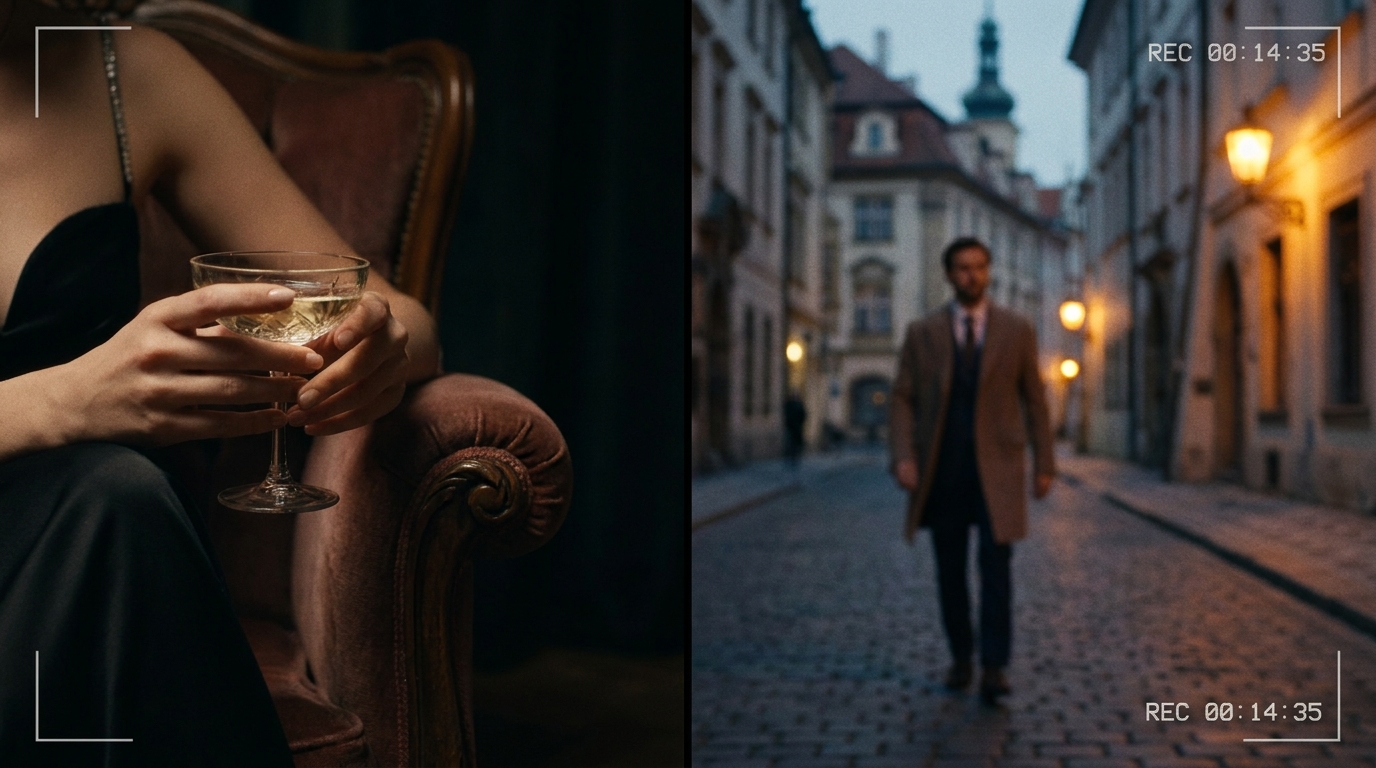
How to Add a Video Background Section in Draftly
A well-chosen video background can communicate brand personality in 3 seconds.
When Video Backgrounds Work
- Hospitality: hotel, resort, restaurant
- Events and entertainment
- Fashion and lifestyle brands
- Fitness and wellness
When They Don't
- B2B SaaS (distracting, unprofessional)
- Healthcare (creates anxiety, not trust)
- Sites where the video can't auto-mute (sound is jarring)
Step-by-Step in Draftly
- Add a Hero or Full-Width section
- Set background type to 'Video'
- Upload your video or paste a YouTube URL
- Set autoplay + mute + loop in video settings
- Add overlay opacity to ensure text readability
Video Specifications
- Format: MP4 (H.264) for maximum compatibility
- Resolution: 1920×1080 for full screen
- Duration: 15-30 seconds, seamlessly loopable
- File size: Under 8MB for acceptable load time
Overlay for Readability
Dark overlay at 40-60% opacity makes white text readable over any video. Don't skip this — unreadable text destroys the effect.
Mobile Behaviour
Most mobile browsers don't autoplay videos to preserve data. Draftly automatically shows a fallback static image on mobile. Upload a compelling still frame as the mobile fallback.



