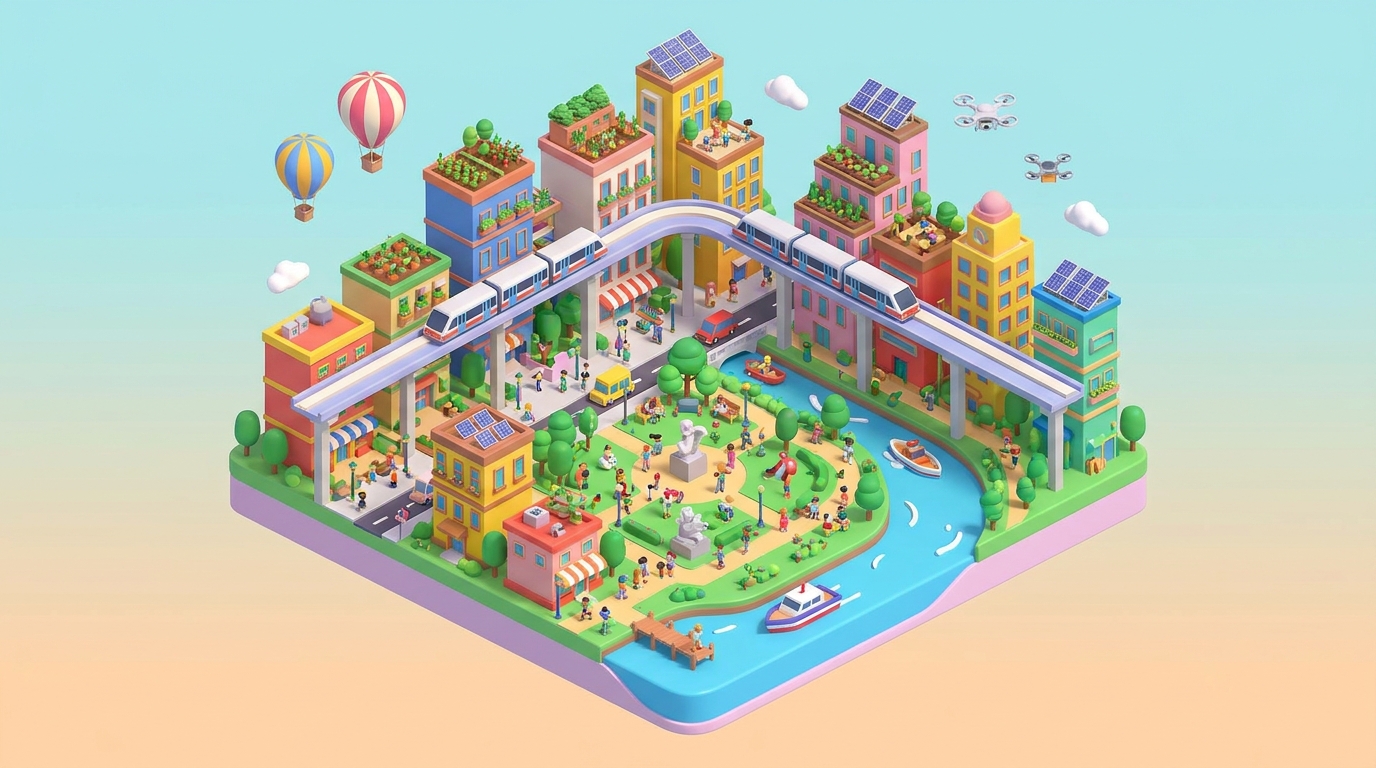
How to Create a 3D Virtual Recruitment Fair Page for Indian Universities
An engaging 3D virtual recruitment fair page can revolutionize how Indian universities connect with students. By leveraging Draftly’s AI tools, universities can create immersive, scroll-driven experiences that showcase their programs, facilities, and culture. Here’s a step-by-step guide to designing a standout virtual fair.
Step 1: Define Your Recruitment Goals
Before building your page, clarify the outcomes you want.
- Identify target audience segments, such as undergraduates, postgraduates, or international students.
- Decide whether you want to emphasize academic programs, campus culture, or career opportunities.
- Allocate resources for interactive elements like 3D campus tours or live Q&A sessions.
For inspiration, check out How to Design Immersive 3D Campus Tour Pages for Indian Schools.
Step 2: Plan Your Content Structure
A well-structured page is critical for guiding visitors.
- Use sections like “Why Choose Us,” “Programs Offered,” and “Alumni Success Stories.”
- Add a 3D campus tour to give prospective students a feel for the university environment.
- Include videos of faculty introductions and student testimonials.
Pro Tip: Highlight Career Outcomes
Indian students prioritize job prospects. Showcase placement statistics and top recruiters. Use 3D charts to present data dynamically. Learn how in our Step-by-Step Guide: Adding 3D Animated Charts and Graphs to Your Draftly Site.
Step 3: Choose the Right Visuals
Visual storytelling enhances engagement.
- Use AI-generated hero images to grab attention. For tips, see Using AI Image Generation in Draftly: Get the Best Results.
- Embed scroll-triggered animations to guide users through the page. Draftly’s Scroll-Triggered Animations Guide explains how to implement them.
- Include a 3D map of the campus to make navigation intuitive.
Step 4: Build Interactive Features
Interactive elements can differentiate your virtual fair page.
- Live Chat: Allow prospective students to ask questions directly.
- Application Portal: Embed a form for instant applications. Learn how in Adding a Contact Form to Your Draftly Website.
- Event Calendar: Showcase recruitment webinars, deadlines, and meet-and-greet sessions. See How to Build a Dynamic 3D Event Calendar Page with Draftly.
Focus on Accessibility
Ensure your page is mobile-friendly and accessible. Draftly’s Mobile-First Web Design in 2026 offers actionable tips.
Step 5: Optimize for Conversion
Your page isn’t just informational—it should drive action.
- Add CTAs like “Book a Live Campus Tour” or “Apply Now.” Use contrasting colors and bold fonts to make CTAs stand out. For CTA design tips, see CTA Button Design: Color, Copy, and Placement That Gets Clicks.
- Use A/B testing to refine your page’s effectiveness. Learn how in How to Conduct A/B Testing for 3D Website Designs with Draftly.



