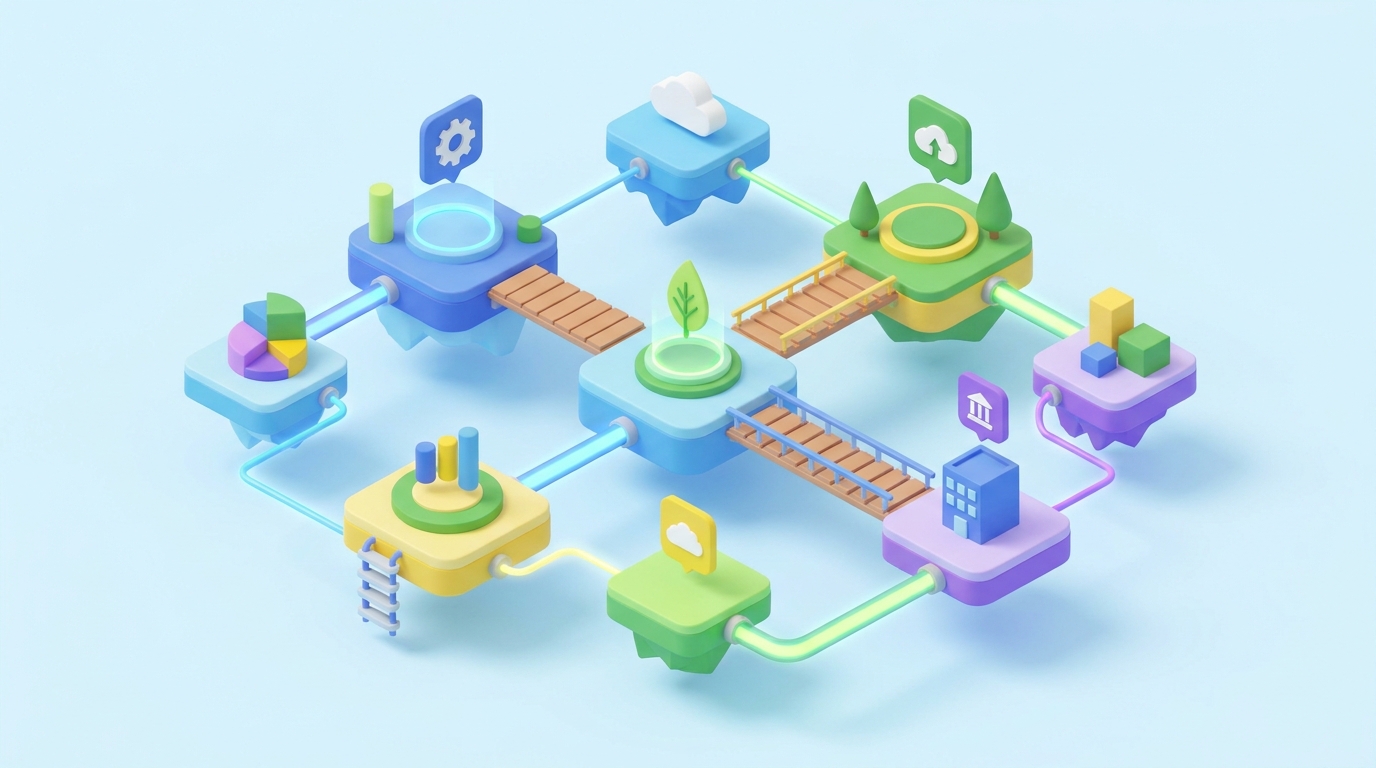
Step-by-Step Guide to Creating 3D Interactive Music Festival Schedules
Planning a music festival involves juggling schedules, artists, and venues while ensuring attendees have a seamless experience. A 3D interactive music festival schedule can elevate event engagement and provide an immersive way for attendees to explore lineups, stages, and activities. Using Draftly, you can create a cinematic, scroll-driven 3D schedule in just a few steps.
Why Choose a 3D Interactive Schedule?
A static schedule may provide information, but it lacks the visual appeal and interactivity to truly engage your audience. A 3D interactive schedule enables festival-goers to:
!stepbystep guide to creating 3d interactive music festival schedules, tutorials
- Visually explore multiple stages and artist lineups.
- Easily find performance times and venues.
- Get excited through immersive visuals and animations.
Step 1: Plan Your Festival Schedule Layout
Before diving into the design, map out your schedule.
- List performers and times: Organize performers by stage and time slots.
- Define your stages: Make sure to include all venues, whether it's the main stage, side stages, or special activity areas.
- Highlight key events: Identify headline acts or special performances that need extra emphasis.
Step 2: Set Up Your Draftly Project
With your festival schedule ready, it’s time to bring it to life in Draftly.
- Create a new project: Log into your Draftly account and start a new project. Use a descriptive name like “Music Fest 2023 Schedule.”
- Choose a 3D template: Select a template optimized for events from the Draftly Section Library to save time.
- Input your festival details: Use Draftly’s AI to auto-generate copy for each section, from stage descriptions to artist bios.
Step 3: Design Scroll-Driven Interactions
Scroll-driven animations make your 3D schedule more engaging.
- Add transitions: Use Draftly’s page transitions and animations to create a smooth, cinematic experience.
- Include hotspots: Add clickable elements on the 3D map for stages, artist profiles, and food stalls.
- Embed videos and audio: Let attendees sample artists’ performances or see behind-the-scenes footage.
Pro Tip: Master Visual Hierarchy
Use bold text to highlight headliners and italicize details like stage locations or start times. Keep the focus on simplicity and clarity.
Step 4: Make It Interactive
Interactivity is the key to making your schedule stand out.
- Filter options: Allow users to filter by stage, time, or genre.
- Real-time updates: Integrate live updates for any schedule changes.
- Personalized schedules: Enable attendees to create and save their own festival itineraries.
Step 5: Test and Launch
Before going live, ensure your 3D interactive schedule works smoothly.
- Mobile responsiveness: Test your schedule on mobile devices. Learn how Draftly handles mobile responsiveness automatically.
- Loading speed: Optimize animations to maintain fast load times. Check out 5 ways to make your 3D website load faster.
- User testing: Gather feedback from a small group of users to ensure the interface is intuitive.
Tips for Enhancing Engagement
- Use countdowns: Highlight the time left until the festival starts. Review how 3D event countdown pages drive excitement.
- Social media integration: Embed Instagram or TikTok feeds to showcase live updates.
- Gamify the experience: Add treasure hunts or hidden Easter eggs in your 3D schedule.
Post-Launch Optimizations
To maximize the impact of your festival schedule:
- Monitor analytics: Use the Draftly Analytics dashboard to track visitor behavior.
- Update dynamically: If performers or timings change, update the schedule in real time.
- Promote: Share the schedule link across social media and email campaigns to drive traffic.



