How to Optimize SEO Performance with Built-In AI Tools on 3D Websites
Creating a stunning 3D website is just the beginning. But how do you ensure it ranks high on search engines and gets the visibility it deserves? Leveraging built-in AI tools can supercharge your SEO efforts without requiring advanced technical expertise. These tools analyze data, provide actionable insights, and automate crucial optimization tasks. Here’s how you can use them effectively.
Why Built-In AI Tools Are a Game-Changer for 3D Website SEO
Optimizing a 3D website goes beyond traditional SEO practices. The interactive and visual-heavy nature of 3D designs demands advanced solutions, and this is where AI tools shine. They can:
!how to optimize seo performance with builtin ai tools on 3d websites, seo
- Analyze user behavior to refine on-page SEO elements like headings and meta descriptions.
- Automate image compression to maintain 3D website loading speed.
- Identify keyword opportunities and gaps that human audits might miss.
Step-by-Step Guide to Optimize SEO with AI Tools
Follow these five steps to make the most out of AI-powered SEO tools for your 3D website:
1. Use AI to Automate Keyword Research
AI tools can analyze search trends, user intent, and competitor strategies to identify high-value keywords for your niche.
- Start with tools like SEMrush or Ahrefs to gather seed keywords.
- Use AI-based platforms, such as Clearscope or Surfer SEO, to find long-tail keywords.
- Prioritize terms based on search volume, competition, and relevance to your audience.
2. Optimize On-Page SEO with Real-Time AI Suggestions
Built-in AI tools can suggest improvements for critical on-page elements to improve your site’s visibility.
- Include target keywords naturally in titles, meta descriptions, and headers.
- Ensure your 3D content is mobile-optimized—53% of web traffic now comes from mobile devices.
- Use AI-driven tools to craft compelling SEO meta tags for AI-generated websites.
3. Enhance 3D Assets with AI-Powered Image Optimization
3D websites often suffer from slow load times due to heavy visual elements. AI tools can help balance quality and performance.
- Use AI image compression tools to optimize file sizes without sacrificing quality. Tools like TinyPNG or Draftly’s built-in image optimizer can reduce file sizes by up to 70%.
- Apply descriptive alt text to all images for better accessibility and SEO rankings. For tips, check out our Image SEO Guide 2026.
- Implement lazy loading to ensure images load as users scroll, improving speed.
4. Leverage AI to Monitor User Behavior
AI analytics can track how users interact with your site, offering key insights to improve user experience and dwell time.
- Use heatmaps and session recordings to identify areas where users drop off.
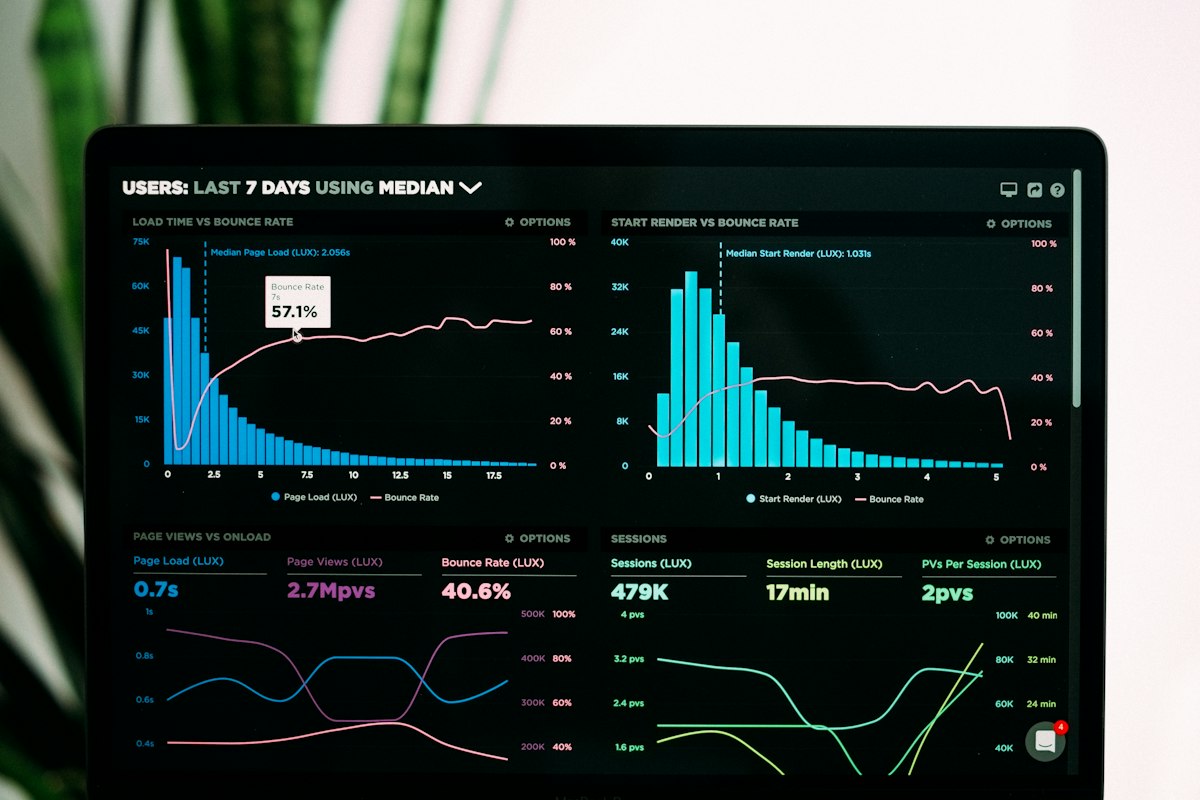
- Analyze metrics like bounce rate and time spent on 3D pages using AI-driven tools.
- Implement changes based on AI insights to reduce bounce rates as suggested in AI-driven 3D websites.
5. Automate Schema Markup for Enhanced Visibility
Schema markup helps search engines understand your 3D website content better, improving your chances of winning rich snippets.
- Use an AI-powered schema generator to create structured data automatically.
- Implement JSON-LD markup for specific elements such as videos, products, or reviews.
- Test your schema with Google’s Structured Data Testing Tool to ensure accuracy.
Common Pitfalls to Avoid
While AI tools are powerful, misuse can hinder your SEO performance. Here’s what to watch out for:
- Over-optimization: Stuffing keywords into your 3D elements can lead to penalties.
- Ignoring human readability: Your content needs to serve users, not just search engines.
- Skipping manual reviews: Always validate AI-generated suggestions to ensure they align with your brand voice.