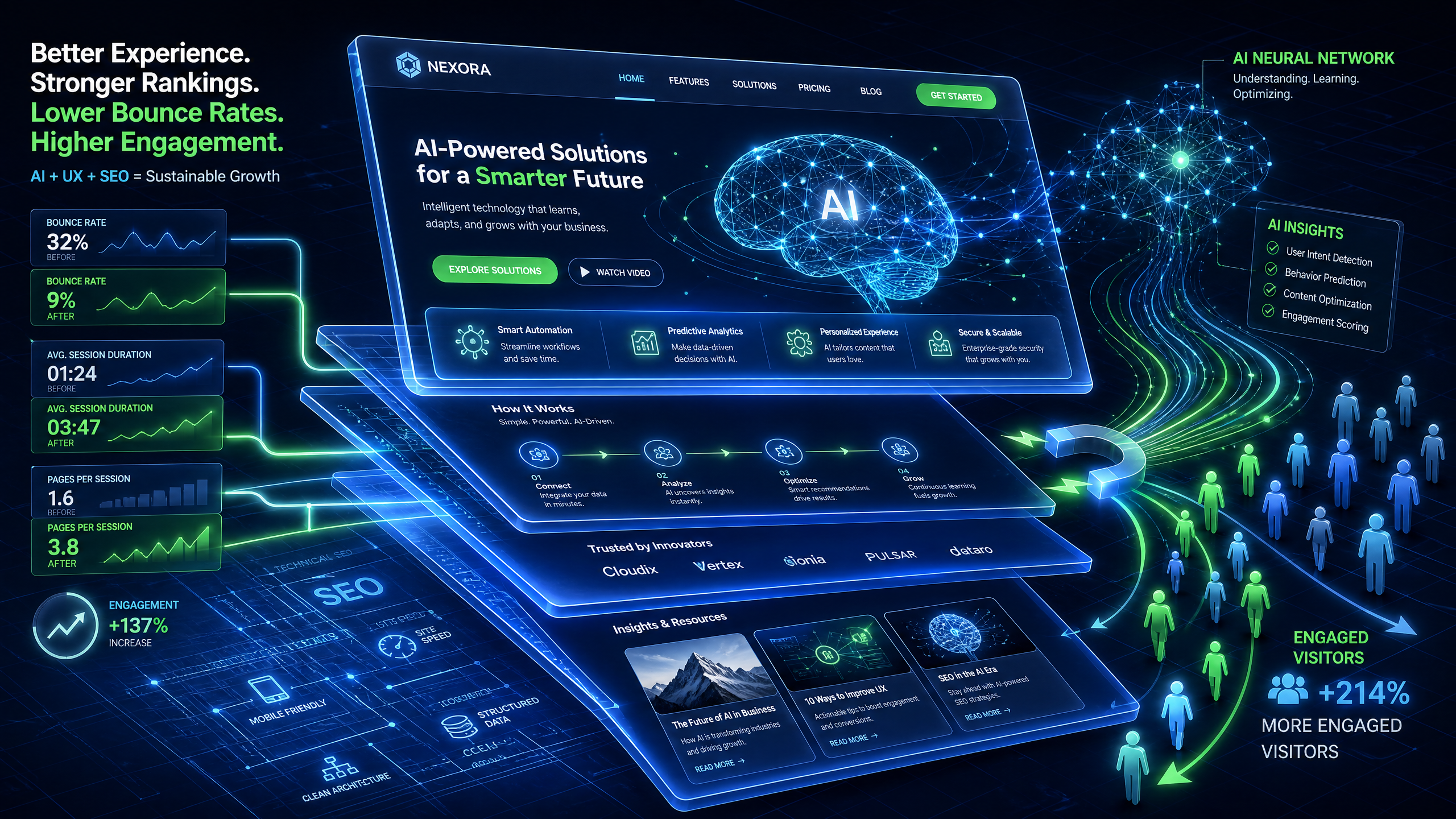
Using AI-Driven 3D Websites to Reduce Bounce Rates: A Data-Driven Approach
Bounce rates can make or break your SEO strategy. If visitors leave your site too quickly, search engines assume your content isn’t relevant. The game-changer? AI-driven 3D websites. These immersive designs can reduce bounce rates by up to 40%, according to recent industry studies.
Let’s explore how to use AI-powered 3D websites effectively to keep visitors engaged and improve your SEO performance.
Why Bounce Rates Matter for SEO
Bounce rate refers to the percentage of visitors who leave your site after viewing only one page. High bounce rates signal search engines that your website might not be user-friendly or engaging, affecting rankings.
!using aidriven 3d websites to reduce bounce rates, seo
Here’s why reducing bounce rates is essential:
- Sites with a bounce rate under 50% tend to rank higher on Google.
- Lower bounce rates improve time-on-site metrics, which boosts SEO credibility.
- Engaged users are more likely to convert, improving ROI.
Step 1: Leverage 3D Website Personalization
AI-driven 3D websites excel at delivering personalized, cinematic experiences. Here’s how to implement this strategy:
Key Personalization Tactics
- Dynamic Content Adaptation: Use AI to adjust your website's 3D visuals based on user behavior. For example, a returning visitor could see a tailored homepage highlighting previously viewed products.
- Geolocation Features: Display region-specific 3D elements to make your site more relevant. A study showed that geotargeted content can increase engagement by 32%.
- Behavioral Triggers: AI can analyze mouse movement patterns to predict when users might bounce and trigger interactive 3D elements to re-engage them.
Step 2: Optimize Loading Speed for 3D Content
Interactive 3D elements are powerful but can slow down website performance if not optimized correctly. Since 53% of mobile users abandon sites that take more than 3 seconds to load, speed optimization is non-negotiable.
How to Maintain Speed
- Use Lightweight Models: Compress 3D assets to reduce file sizes without compromising on quality.
- Implement Lazy Loading: Load 3D visuals only when they come into the user’s viewport.
- Enable Content Delivery Networks (CDNs): Distribute 3D assets across multiple servers to reduce latency.
Step 3: Create Scroll-Driven Narratives
Scroll-driven websites keep users engaged by transforming passive scrolling into an interactive journey. With AI, you can design dynamic 3D visuals that respond to user input, making the browsing experience more engaging.
How to Build Scroll-Driven Experiences
- Trigger Animations: Use scroll-based triggers to animate 3D elements, such as rotating a product model as users scroll.
- Progress Indicators: Add visual cues (e.g., a progress bar) to encourage users to explore the entire page.
- Interactive Storytelling: Divide your content into chapters that reveal themselves as the user scrolls.
Step 4: Integrate 3D Call-to-Actions (CTAs)
Static CTAs are often ignored. However, 3D CTAs can significantly boost click-through rates (CTR) by grabbing your audience’s attention.
Designing Effective 3D CTAs
- Micro-animations: Small, subtle movements like shaking or glowing can draw attention to your CTAs without being intrusive.
- Gamification: Turn CTAs into interactive challenges, like unlocking a treasure chest or completing a puzzle to access a discount code.
- Contextual Placement: Position CTAs where user intent is highest, such as at the end of a 3D product demo.
Step 5: Use AI Analytics for Continuous Improvement
AI doesn’t stop at creating 3D websites; it plays a critical role in optimizing them. AI-powered analytics can track user engagement with your 3D elements and provide actionable insights.
Metrics to Monitor
- Dwell Time: Are users spending more time on your 3D content compared to static pages?
- Interaction Rate: How often do users engage with 3D elements like sliders or product views?
- Scrolling Depth: Are visitors scrolling through the entire page or dropping off early?


