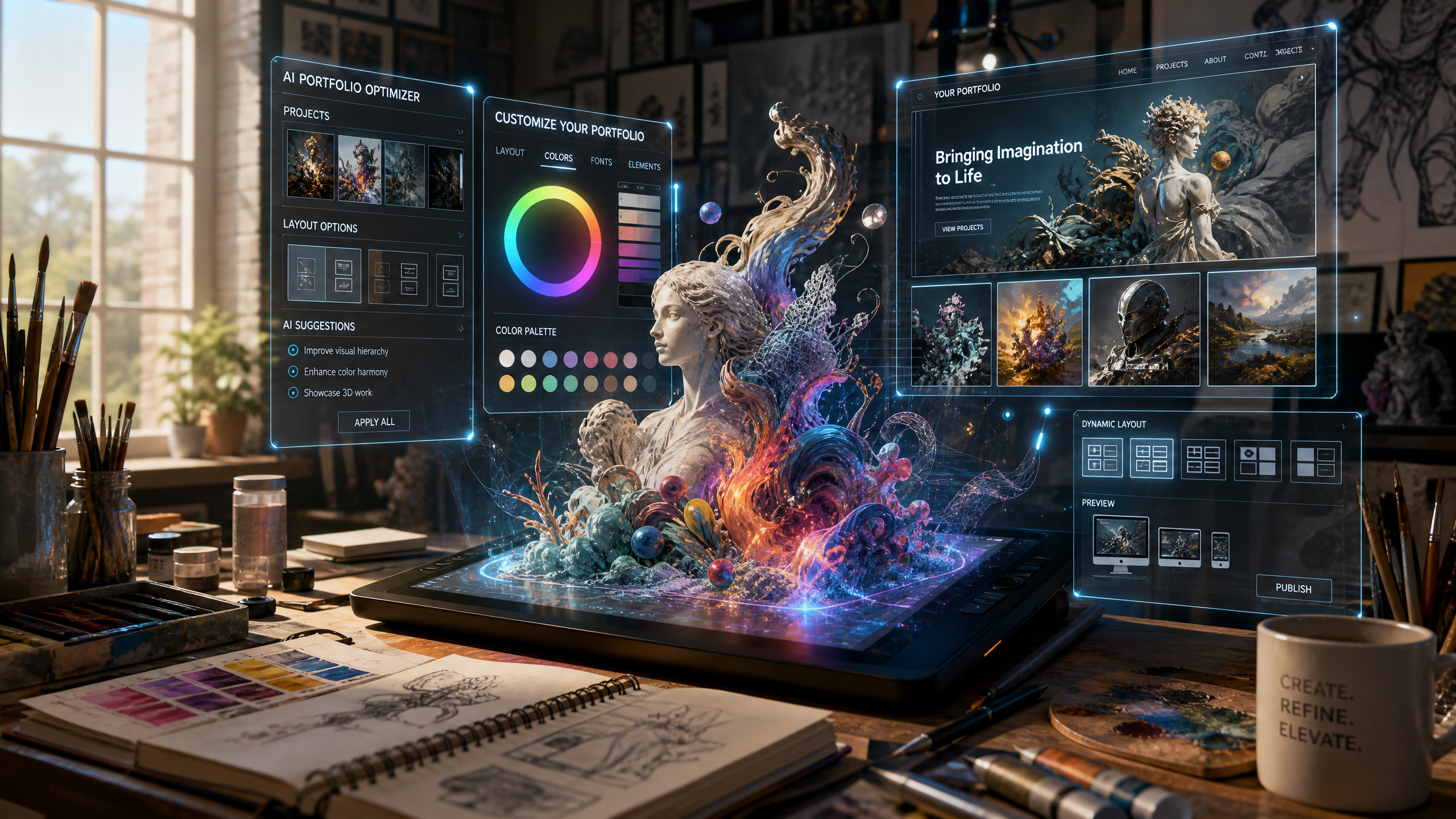
How to Use AI Websites to Optimize Digital Portfolios for Emerging Artists
Emerging artists often struggle to showcase their work in a way that captivates audiences while staying true to their creative vision. An AI-powered website builder like Draftly can transform your portfolio into a dynamic, scroll-driven experience. Here's a step-by-step guide to designing a portfolio that stands out and drives results.
Why AI Websites Are Perfect for Artists
AI websites simplify the process of portfolio creation while offering advanced features like 3D animations, cinematic visuals, and SEO optimization. With tools like Draftly, you can:
!how to use ai websites to optimize digital portfolios for emerging artists, product
- Generate an entire website with just one prompt
- Incorporate motion effects and storytelling elements
- Automatically optimize pages for search engines
- Include interactive features to engage your audience
Step 1: Define Your Portfolio's Purpose and Audience
Before you start building your website, clarify your goals. A targeted approach ensures your portfolio resonates with the right audience.
- Identify your niche: Are you a digital illustrator, photographer, or sculptor? Tailor your portfolio to highlight your strongest medium.
- Know your audience: Are you targeting art collectors, gallery owners, or creative directors? Speak directly to their needs.
- Set clear goals: Do you want to sell artwork, land commissions, or boost your social media following? Each goal impacts your design strategy.
Step 2: Choose an AI Website Builder with Artistic Features
Not all AI website builders are created equal. Look for one with capabilities that align with your artistic vision.
- Dynamic visuals: Platforms like Draftly offer cinematic scroll effects and 3D transitions (learn more about animations here).
- Customizable templates: Use templates designed for portfolios to streamline the setup.
- SEO and analytics tools: Ensure your site ranks and tracks traffic.
- Ease of use: AI should simplify, not complicate, your workflow.
How to Select the Right AI Builder
- Explore free trials to test features.
- Compare pricing plans to your budget.
- Check for integrations with tools like Instagram, Behance, or Etsy.
Step 3: Organize Your Content Strategically
Your portfolio should tell a story, guiding visitors through your creative journey. Here's how to organize your content effectively:
- Homepage: Feature a bold hero section with your best work and a compelling tagline.
- About Page: Share your story, process, and inspirations.
- Gallery: Categorize your work by medium, theme, or project.
- Contact Page: Make it easy for clients to reach out with a simple contact form (learn how to optimize forms here).
Step 4: Enhance Visual Storytelling with AI Features
AI tools can bring your portfolio to life with immersive visuals. Here’s how:
- Use 3D effects to create depth and movement.
- Add cinematic scrolls to guide users through your art chronologically.
- Generate hero videos automatically with Draftly’s AI Video Generation.
Steps to Add Cinematic Effects
- Select a hero section template.
- Upload high-resolution images or videos of your work.
- Enable motion effects like parallax scrolling or fade-ins.
Step 5: Optimize for SEO and Mobile Devices
Your portfolio won’t succeed if it’s not discoverable or accessible. AI builders like Draftly make optimizing your site simple.
- SEO: Use built-in tools to add keywords, meta descriptions, and alt text (learn more here).
- Mobile Responsiveness: Test your site on various screen sizes (step-by-step guide here).
- Fast Loading Speeds: Compress images and enable lazy loading for a seamless user experience.
Step 6: Add Interactive and Shareable Elements
Interactive features can make your portfolio memorable and shareable.
- Contact forms: Capture inquiries directly from your site.
- Social media buttons: Make it easy for users to share your work.
- Interactive maps: If you’ve exhibited globally, include a map showcasing exhibition locations (learn more here).
Advanced Features to Consider
- Embed Instagram galleries to show real-time updates.
- Add a blog section to discuss your creative process or upcoming projects.
- Use pop-ups to promote email subscriptions or limited-time print sales.


