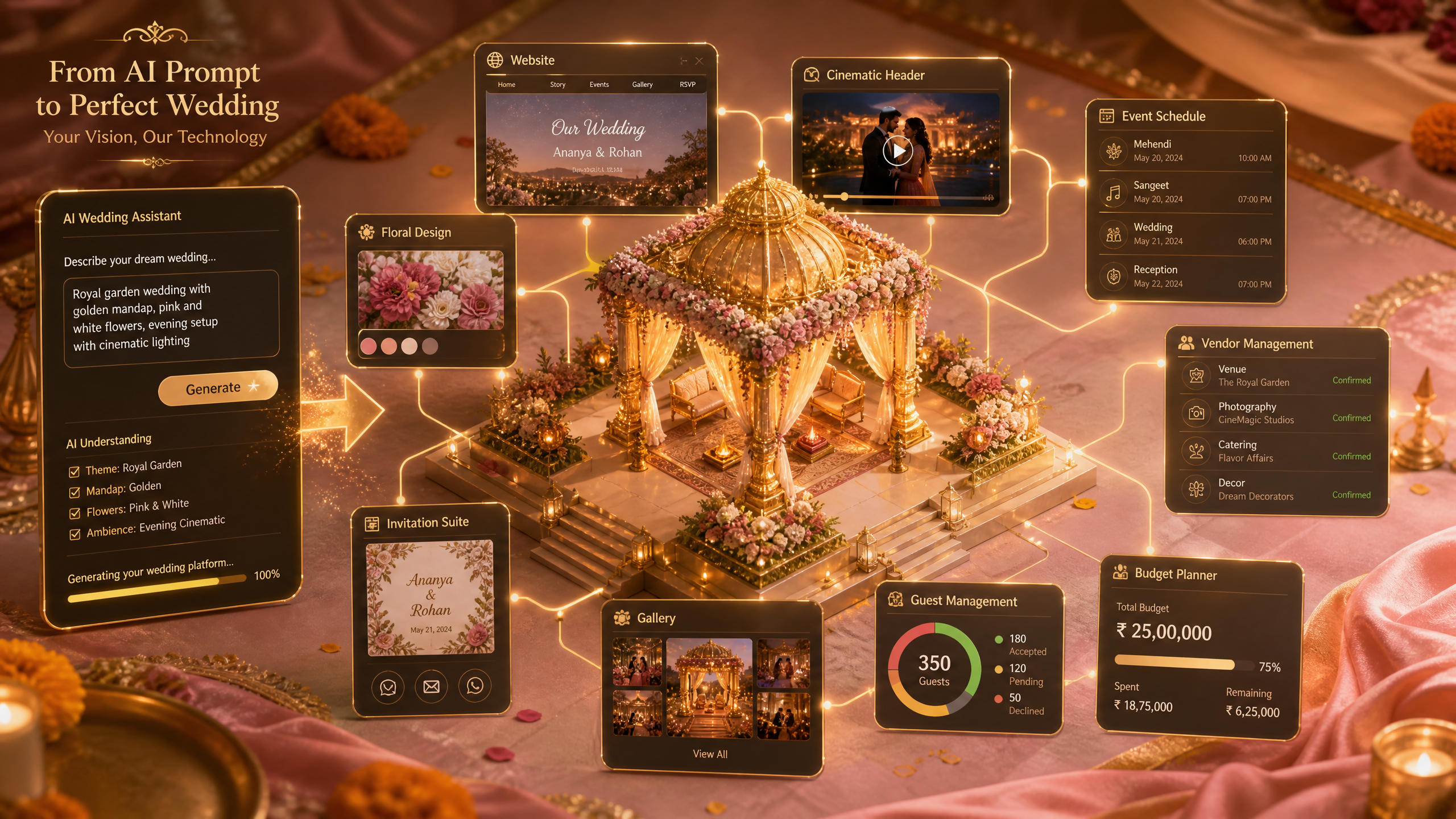
Draftly Customization for Indian Wedding Planners
Creating an enchanting and personalized website is vital for Indian wedding planners to capture the essence of diverse cultural celebrations. With Draftly, you can transform a single prompt into a cinematic, scroll-driven website tailored to your needs. Here's how to craft a unique online experience for your clients.
Setting Up Your Draftly Account
To begin, ensure you have a Draftly account. This platform allows for seamless integration of AI image generation and dynamic page elements.

- Sign up or log in to your Draftly account.
- Familiarize yourself with the Draftly SEO Panel Guide to optimize your site from the start.
- Explore the Draftly Section Library: Every Block and When to Use It for design inspiration.
Crafting Your Wedding Planner Website
Creating a stunning website involves more than just visuals. It requires understanding the user's journey and crafting a narrative.
Choose the Right Template
- Browse through Draftly’s extensive template library.
- Select a template that aligns with the thematic elements of traditional Indian weddings.
- Customize colors and fonts to match your brand identity. Refer to How to Customise Fonts, Colors and Your Brand Kit in Draftly for detailed guidance.
Implement Interactive Features
Enhance your website's engagement with interactive elements that showcase your services.
- Utilize scroll animations for a cinematic experience. Check out Draftly Page Transitions and Section Animations: A Design Guide.
- Add an online booking calendar to streamline client appointments. Follow How to Add an Online Booking Calendar to Your Draftly Site.
- Integrate testimonials to build trust. Learn how with How to Add Social Proof and Testimonials to Your AI Website.
Enhancing User Experience
Design your website with the user in mind to ensure smooth navigation and captivating experiences.
Optimize for Mobile
With over 70% of web traffic in India coming from mobile devices, mobile optimization is crucial.
- Ensure your website is mobile-responsive using Creating a Mobile-First Website Layout with AI Tools.
- Test your site on various devices to guarantee a seamless user experience.
SEO and Analytics
Implementing SEO best practices will help your site rank higher and attract more clients.
- Use the Draftly SEO Panel Guide to optimize every page.
- Set up Google Analytics to track performance using How to Add Google Analytics 4 to Your Website in 5 Minutes.
Launching Your Customized Website
After fine-tuning your design and content, it's time to go live.
- Review your site using the Draftly Site Launch Checklist: 20 Things to Do Before Going Live.
- Publish your site with one click, ensuring everything is set up correctly.



