Draftly for Indian Wedding Photographers: Designing a 3D Client Portfolio
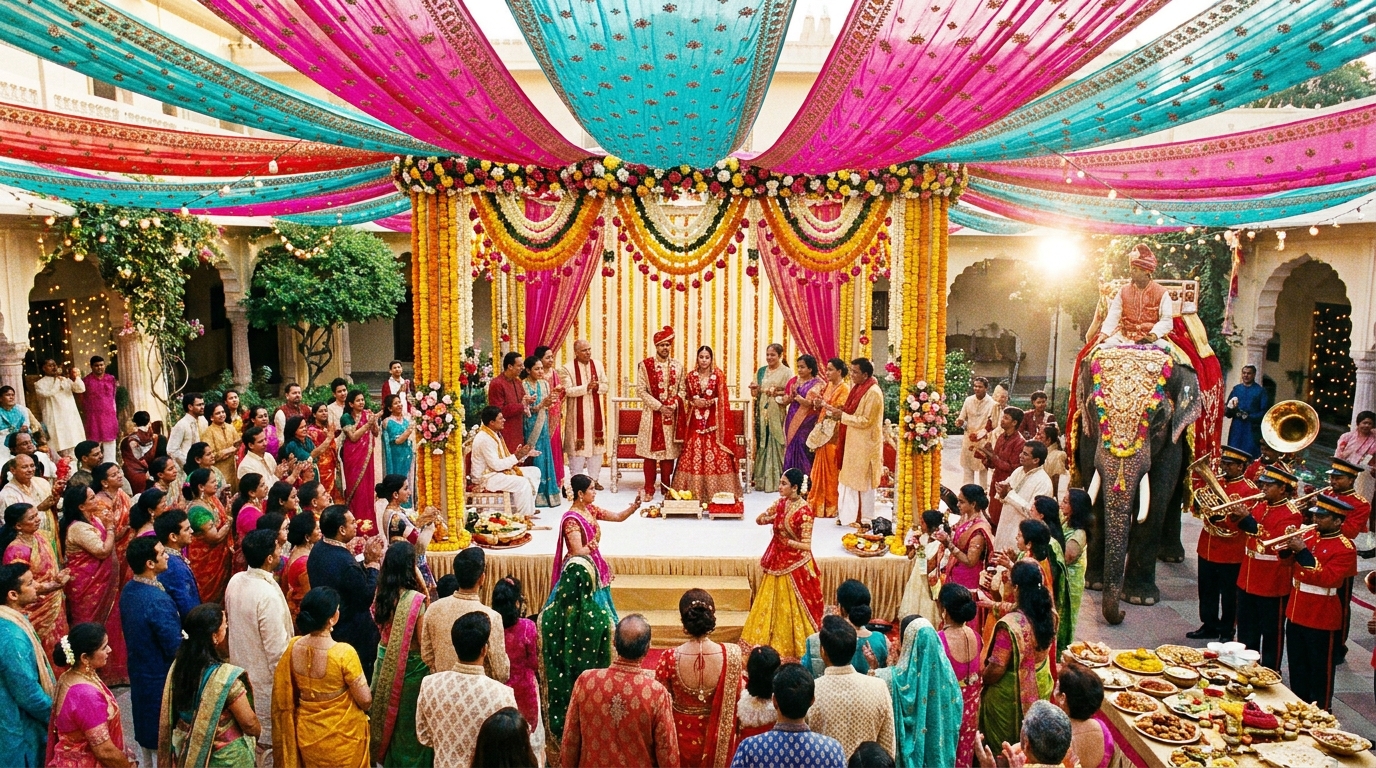
Indian wedding photography is vibrant, cinematic, and deeply personal. To attract premium clients, your portfolio must match this energy—and a 3D client portfolio website built with Draftly can do just that. Follow this practical guide to create a scroll-driven, immersive portfolio that sets you apart in a competitive market.
Why Indian Wedding Photographers Need a 3D Portfolio
A 3D portfolio isn't just visually stunning—it's highly functional. It helps photographers:
- Showcase high-resolution images and cinematic videos with interactive effects.
- Tell compelling stories of weddings using scroll-triggered animations.
- Stand out in a crowded market where over 1 million weddings happen annually in India.
For inspiration, check out why 3D websites are the next frontier for brand differentiation.
Step 1: Set Up Your Draftly Account
Get started by creating a Draftly account:
- Visit the Draftly website and sign up for a free trial.
- Choose a template optimized for visual storytelling, or start from scratch.
- Familiarize yourself with Draftly’s AI-driven customization tools, such as the Brand Kit for fonts and colors. Read how to customize fonts, colors, and your Brand Kit in Draftly for detailed steps.
Step 2: Upload and Optimize Your Media
Your portfolio is only as good as the images and videos it features. Here’s how to prepare your media:
- Choose your best work: Focus on diverse weddings that highlight different styles and ceremonies.
- Optimize image size: Compress images to WebP format without losing quality. Use this image SEO guide to ensure faster load times.
- Upload videos: Cinematic wedding films can be added as background sections or scroll-triggered videos.
Step 3: Design Your 3D Portfolio Structure
Draftly makes it easy to create immersive, scroll-driven experiences. Follow these steps to design your portfolio:
- Hero Section: Use a cinematic video as the background to instantly captivate visitors. Learn how to add a video background section in Draftly.
- Gallery Section: Create an interactive carousel for photos, organized by themes like pre-wedding, candid moments, and cultural rituals.
- Storytelling Section: Add scroll-triggered animations to narrate a wedding journey. Use Draftly’s advanced animation options to enhance engagement.
- Testimonial Section: Include 3D testimonials from past clients. Discover how to add social proof and testimonials to your AI website.
- Contact Section: End with a lead capture form and WhatsApp chat button for easy inquiries. Follow how to add WhatsApp chat and lead capture to your site.
Step 4: Add SEO and Analytics
To ensure your portfolio ranks on Google, optimize for SEO:
- Use relevant keywords like “luxury Indian wedding photographer” in meta tags and headings.
- Add alt text to all images for better visibility in image search.
- Set up Google Analytics to track performance. See how to add Google Analytics 4 to your website.
Step 5: Publish and Promote
Once your 3D portfolio is ready:
- Publish it using Draftly’s one-click publish feature.
- Share the live URL on your social media channels, especially Instagram, where 80% of Indian wedding clients discover photographers.
- Run targeted ads on platforms like Facebook and Google to reach couples planning their weddings.


