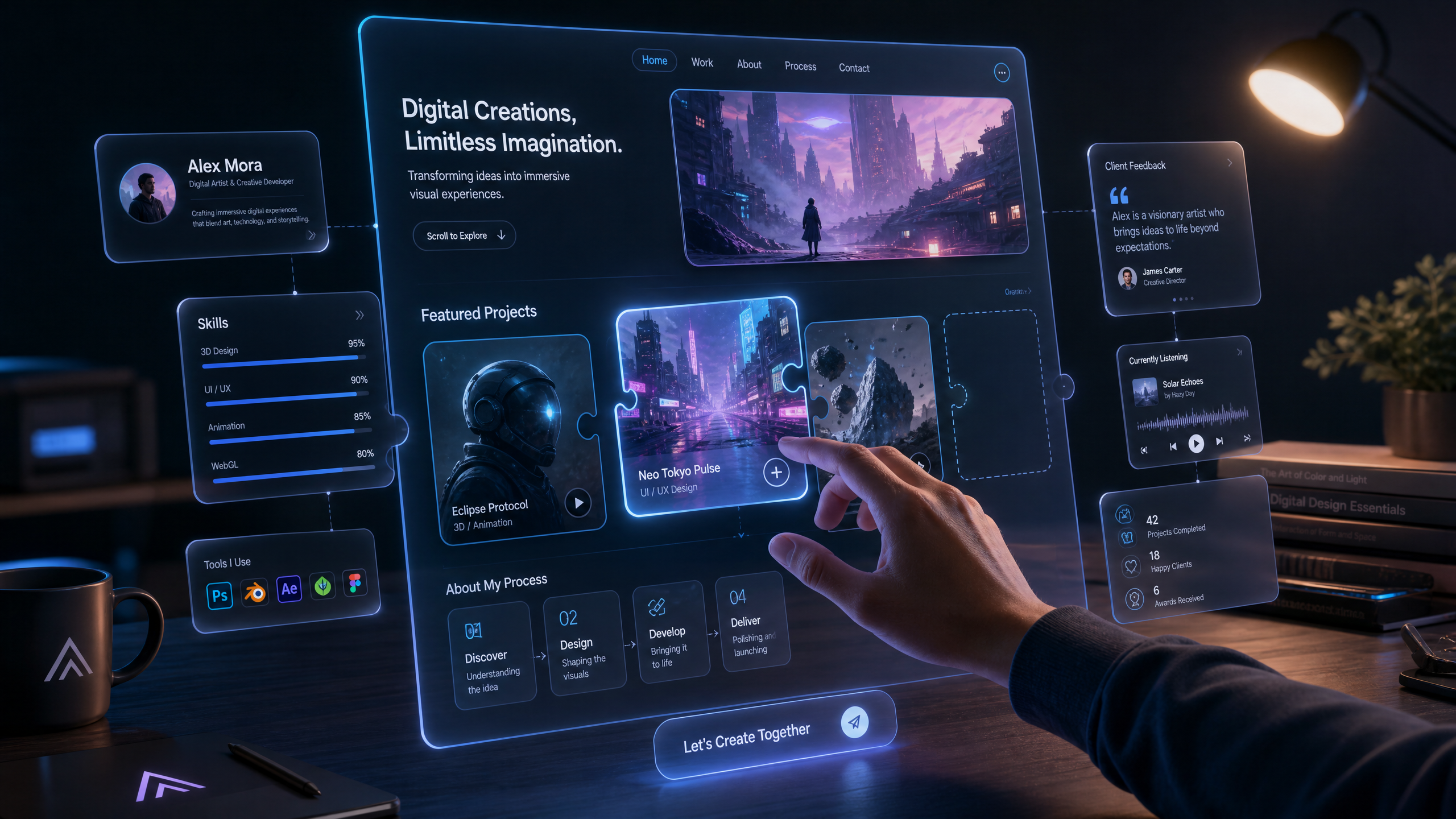
Creating Visually Stunning Portfolios with Draftly's 3D AI Tools
Creating a visually stunning portfolio is crucial for showcasing your work effectively. With Draftly's advanced 3D AI tools, you can transform a simple prompt into a cinematic, scroll-driven website. This guide will walk you through the steps to create a portfolio that captivates your audience.
Understanding Draftly's 3D AI Tools
Draftly offers a suite of 3D AI tools designed to create immersive and interactive experiences. These tools allow you to integrate animations, transitions, and dynamic content seamlessly.
!creating visually stunning portfolios with draftlys 3d ai tools, product
- Draftly's AI tools can reduce design time by up to 50%
- 3D elements can increase user engagement by 30%
- Interactive features can boost conversion rates by 20%
Step-by-Step Portfolio Creation
Creating a portfolio with Draftly involves several key steps. Follow this structured approach to ensure your portfolio stands out.
Setting Up Your Draftly Account
Before you begin, make sure you have a Draftly account set up and ready.
- Sign up for a Draftly account, ensuring GDPR compliance by reviewing GDPR and DPDP Compliance for Your Draftly Website guidelines.
- Choose a subscription plan that suits your needs and budget.
- Familiarize yourself with the Draftly Section Library to understand the available blocks.
Designing Your Portfolio
Designing involves selecting the right elements to showcase your work effectively.
- Use Draftly Page Transitions and Section Animations to add dynamic movement.
- Integrate AI-generated images by following tips in Using AI Image Generation in Draftly: Get the Best Results.
- Implement 3D effects carefully to avoid overwhelming viewers. Refer to Draftly 3D Effects Guide.
Optimizing for Engagement
Ensure your portfolio not only looks good but also engages your audience.
- Incorporate interactive elements like quizzes or polls
- Use clear, concise copy with bold headers
- Add call-to-action buttons strategically throughout the site
Enhancing User Experience
Improving user experience is key to maintaining viewer interest and driving conversions.
- Test your site's mobile responsiveness using Testing Your Draftly Site on Mobile Before Launch.
- Optimize loading speeds by reviewing Draftly Site Speed Optimisation.
- Set up Draftly Forms to capture leads efficiently.


