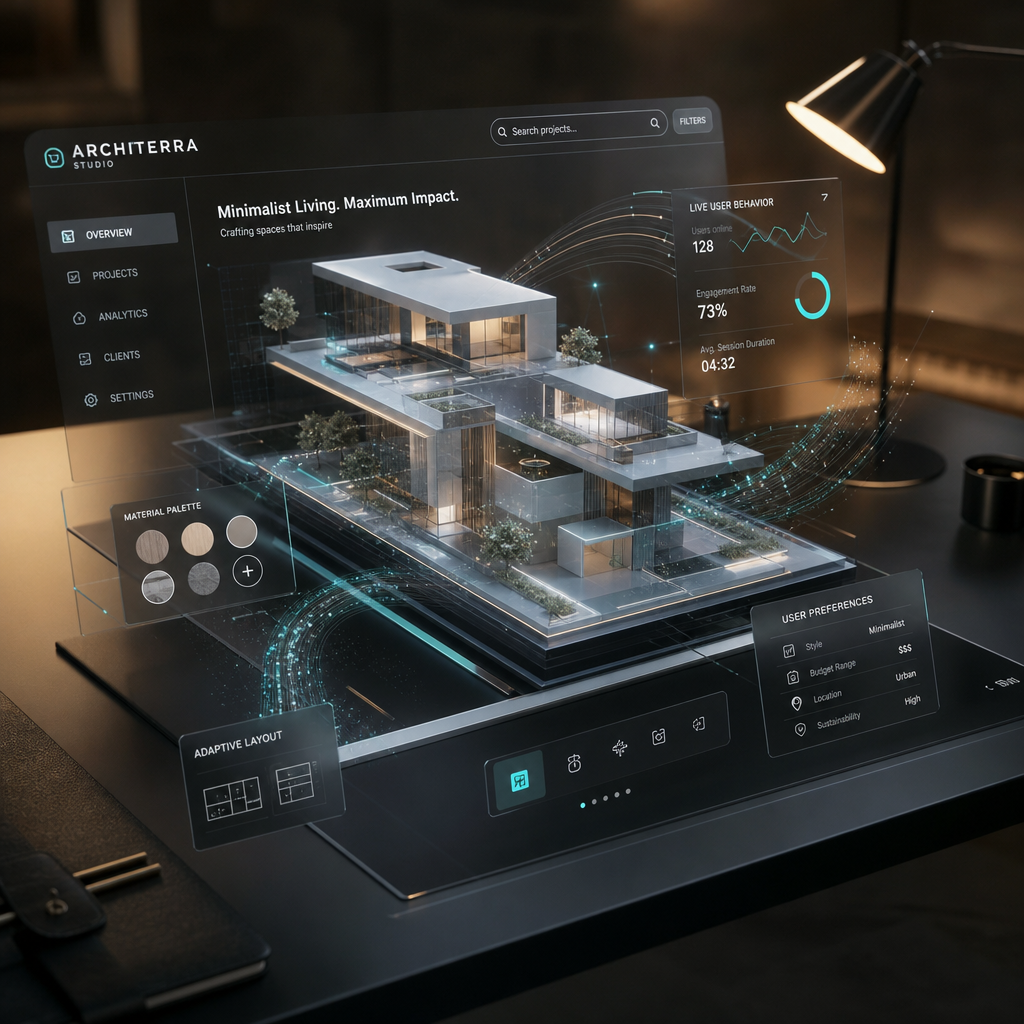
Leveraging AI-driven 3D Websites for Real-Time Feedback Loops
AI-driven 3D websites are redefining user experience (UX) design by enabling real-time feedback loops. These feedback systems allow businesses to gather live insights from users, analyze behavior, and make immediate improvements. This real-time adaptability ensures your website evolves with user needs, boosting engagement and satisfaction.
What Are Real-Time Feedback Loops?
Real-time feedback loops are mechanisms where user interactions with a website generate instant data, enabling designers to make quick adjustments to improve the experience. AI-driven 3D websites take this a step further by leveraging artificial intelligence and dynamic visual elements to create immersive experiences that adapt to user behavior.
!leveraging aidriven 3d websites for realtime feedback loops, product
For example, an e-commerce site built with Draftly E-Commerce Product Pages could monitor user interactions with 3D product previews and adjust the layout or recommendations based on what users click, hover over, or buy.
Benefits of Real-Time Feedback Loops
- Instant insights: Get actionable data on user behavior as it happens.
- Increased engagement: Adapt designs to match user preferences in real time.
- Reduced bounce rates: Quickly identify and resolve pain points.
- Improved conversions: Optimize layouts and CTAs based on what drives clicks.
How AI Powers Real-Time Feedback in 3D Websites
AI plays a crucial role in processing the vast amounts of data generated by user interactions. This capability is especially important in 3D websites that incorporate dynamic elements like animations and interactive galleries. AI algorithms analyze this data to predict user preferences and suggest design improvements.
Key AI Features for Feedback Loops
- Heatmaps: AI-generated heatmaps show where users are clicking, hovering, or scrolling. Draftly Analytics can help you uncover these patterns.
- Behavioral analysis: AI tools can identify trends, such as users dropping off at a specific section, allowing immediate design tweaks.
- Content personalization: Tailor 3D animations or product recommendations based on individual user data, enhancing relevance.
Real-Time Feedback in Action: Examples
E-Commerce
Imagine launching a new Draftly E-Commerce Product Page. With real-time feedback, you can:
- Identify which products get the most attention from 3D previews.
- Optimize product descriptions based on hover times and clicks.
- Adjust pricing strategies if users abandon carts frequently.
Online Education Platforms
For online schools, real-time feedback loops can refine their 3D Campus Tour Pages. AI could track which courses or facilities users view most, allowing administrators to highlight these features prominently.
Wellness Retreats
A wellness retreat website can use 3D Landing Pages to attract visitors. Real-time feedback can reveal which visual elements resonate most, enabling retreat organizers to tweak layouts or content to highlight popular services.
Building Effective Feedback Loops with Draftly
Draftly empowers designers and businesses with intuitive tools to create AI-driven 3D websites. But how do you integrate feedback loops into your design process effectively?
- Choose interactive elements wisely: Use features like Draftly Page Transitions and Section Animations to keep users engaged.
- Leverage AI analytics: Tools like Draftly Analytics provide deep insights into user behavior for constant improvement.
- Optimize and iterate: Use data to tweak your site layout, content, and interactive elements. Regularly test these updates with real users.
Best Practices for Continuous UX Improvement
- A/B testing: Experiment with different layouts, call-to-action buttons, or colors.
- Mobile-first optimization: Ensure your site offers seamless UX on smaller screens. Testing Your Draftly Site on Mobile Before Launch is a critical step.
- Accessibility: Use AI-driven accessibility features to ensure inclusivity.