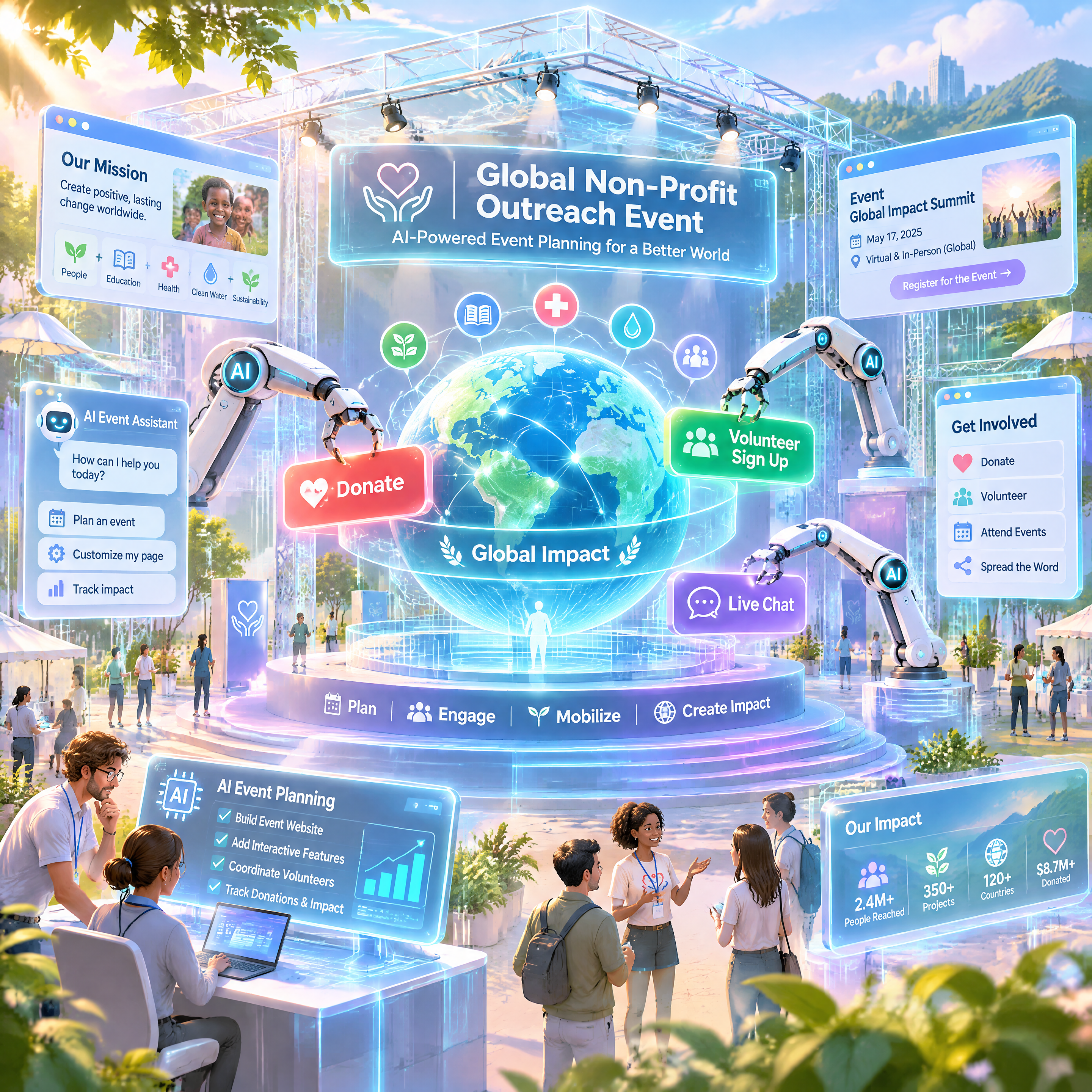
Comparing AI 3D Website Tools for Non-Profit Event Platforms
Planning non-profit events requires precision, outreach, and engagement—all of which demand an intuitive and visually captivating website. AI-powered 3D website builders are transforming how non-profits create platforms that inspire action, but how do you choose the best tool?
Key Features Non-Profits Need in a 3D Website Tool
Non-profit event platforms have unique requirements that go beyond aesthetics. Here are the essential features to consider:
!comparing ai 3d website tools for nonprofit event platforms, product
- Donation Integration: A seamless way to process fundraising transactions, whether through PayPal, Stripe, or dedicated donation APIs.
- Event Registration: Built-in forms for RSVPs, ticketing, and volunteer sign-ups.
- Accessibility Compliance: Tools that ensure WCAG standards for inclusivity.
- Storytelling Capabilities: Cinematic transitions and animations to showcase your cause effectively. Draftly Page Transitions and Section Animations is particularly strong here.
- Analytics Dashboard: Real-time insights into visitor engagement, registrations, and donations.
Comparing Popular AI 3D Website Builders
Let’s analyze how three leading AI-driven tools stack up for non-profit event planning.
Draftly
Draftly specializes in cinematic, scroll-driven websites powered by AI. It offers robust features tailored for storytelling and engagement.
Pros:
- Advanced 3D effects with motion paths to captivate visitors.
- Pre-built sections optimized for events, such as timelines, donation blocks, and RSVP forms.
- GDPR compliance tools to protect donor and attendee data (GDPR and DPDP Compliance for Your Draftly Website).
Cons:
- Limited offline editing options.
- Best suited for larger non-profits with significant web traffic.
Wix ADI (Artificial Design Intelligence)
Wix ADI uses AI to guide users in creating websites with drag-and-drop simplicity.
Pros:
- User-friendly interface, ideal for teams without web design expertise.
- Affordable pricing tiers, suitable for smaller budgets.
- Integration with third-party donation platforms like DonorBox.
Cons:
- Limited 3D design features; lacks the immersive storytelling offered by Draftly.
- Customization options may feel restrictive for advanced users.
Webflow AI
Webflow AI combines design flexibility with automation features for a professional look.
Pros:
- High degree of customization for visually unique sites.
- Excellent SEO tools to attract organic traffic (Draftly SEO Panel Guide).
- Supports complex integrations, such as CRM platforms for donor management.
Cons:
- Steep learning curve; less beginner-friendly.
- Higher pricing compared to alternatives.
How to Choose the Right Tool for Your Non-Profit
To make the best choice, consider these factors:
Budget and Scalability
Evaluate your budget and growth goals. Wix ADI might appeal to smaller non-profits, whereas Draftly’s scalability features suit organizations planning multiple high-impact events.
Ease of Use
If your team lacks technical expertise, prioritize tools with drag-and-drop simplicity like Wix ADI. However, for advanced storytelling and branding, Draftly is unmatched.
Customization and Features
For non-profits aiming to craft immersive experiences, 3D transitions and animated sections are vital. Draftly offers a comprehensive Section Library to explore templates that fit your mission.
Recommendation: Draftly for Impactful Non-Profit Platforms
While all the tools reviewed have strengths, Draftly stands out for mission-driven platforms requiring cinematic storytelling and deep engagement. Its AI-powered 3D features and pre-designed blocks simplify creating a visually stunning website that inspires action.
To learn more about optimizing your Draftly site for outreach, read Using AI Image Generation in Draftly: Get the Best Results.