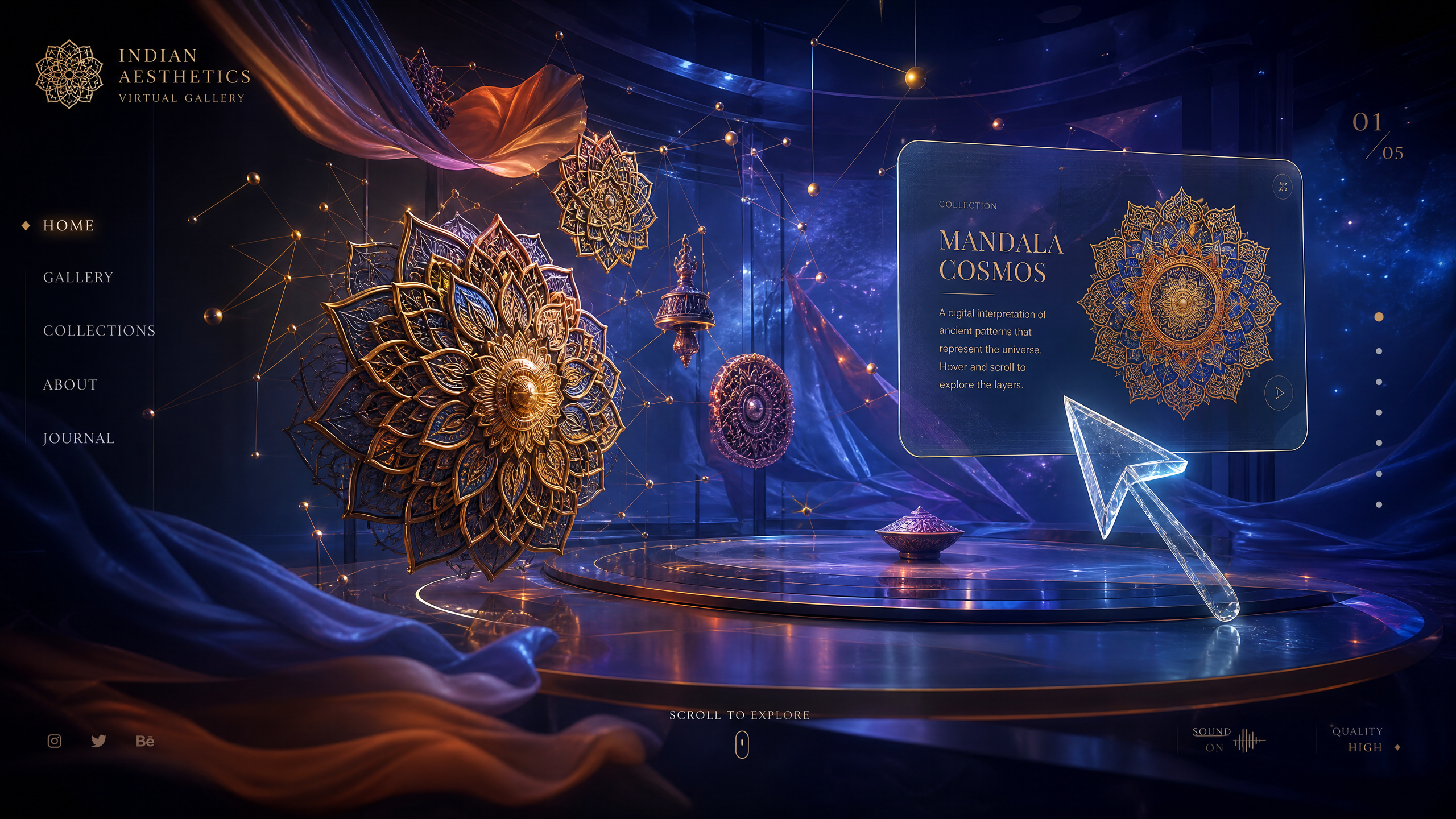
How to Use Draftly’s AI to Build Interactive Portfolios for Indian Digital Artists
For Indian digital artists, a static portfolio is no longer enough to land high-ticket clients or gallery representation. As visual storytelling shifts toward motion and depth, creators are turning to Draftly's AI 3D website builder to showcase their work in cinematic, scroll-driven environments. By leveraging AI, you can transform a single prompt into a portfolio that feels more like an interactive gallery than a simple web page.
Why Indian Digital Artists Need 3D AI Portfolios
The Indian digital art scene is hyper-competitive, with platforms like Instagram and Behance saturating the market with standard, flat imagery. According to recent creative industry data, interactive 3D web experiences can increase user dwell time by up to 140% compared to traditional, text-heavy portfolio sites. When you design with Draftly, you are not just uploading JPEGs; you are building an immersive experience that keeps collectors and art directors engaged.

- Stand out in a crowded market with high-fidelity, scroll-triggered motion.
- Showcase complex layers and details of your work using 3D depth.
- Automate the technical heavy lifting of web development using AI.
- Ensure your brand remains consistent by using a Brand Kit to customise fonts and colours.
Step-by-Step: Building Your Interactive Portfolio with AI
You do not need a background in coding to build a professional-grade site. Draftly’s AI interprets your stylistic intent and builds the architecture, allowing you to focus on the art. Whether you are a 3D modeler, a concept artist, or a digital illustrator, the process remains streamlined.
Define Your Style with a Precise AI Prompt
The quality of your website starts with the prompt. Instead of a generic request, describe the vibe of your portfolio. For instance, you could prompt: "Create a minimalist, dark-mode portfolio for an Indian digital artist specializing in cyberpunk illustrations, featuring smooth transitions and a focus on high-contrast 3D imagery."
- Log into your Draftly dashboard and start a new project.
- Input your detailed prompt, specifying the aesthetic (e.g., "cinematic," "brutalist," or "ethereal").
- Allow the AI to generate the initial section structure.
- Use the Draftly Section Library to swap or add specialized blocks if you need to highlight specific projects.
Optimise Your 3D Assets for Performance
While 3D websites are visually striking, performance is key to maintaining search rankings and user interest. You must ensure your high-resolution artwork is compressed appropriately before uploading. Use tools to convert heavy files to WebP or optimized JPGs. You can also optimise images before uploading to Draftly to ensure your portfolio loads in under two seconds—a critical metric for mobile-first audiences in India.
Enhancing User Engagement with Scroll Storytelling
Modern digital portfolios succeed when they guide the viewer through a narrative. Instead of a standard grid, use scroll-driven animations to reveal your process or the evolution of your artwork. This creates a "cinematic" feel that static sites cannot replicate. By using Draftly page transitions and section animations, you can ensure that each project feels like a new act in a larger story, compelling the viewer to keep scrolling.



