Combining YouTube SEO and Website SEO for Maximum Reach

Draftly Team
D
Draftly Team
May 14, 2026
7 min read
SEO & Performance

Summary

Stop treating YouTube and your website as separate channels. Learn how to combine YouTube SEO and website SEO to create a powerful flywheel that amplifies traffic, authority, and conversions.

Combining YouTube SEO and Website SEO for Maximum Reach

Most brands operate with a fundamental flaw in their content strategy: their website is over here, and their YouTube channel is way over there. They are two separate islands, each fighting for its own traffic. This siloed approach is a massive missed opportunity. Combining YouTube SEO and website SEO isn't just a clever tactic; it's a necessary strategy to build a powerful, self-reinforcing growth engine.

Think about it: Google owns YouTube. They are the world's #1 and #2 largest search engines, respectively. When you create a strategy that serves both platforms in tandem, you're not just getting more traffic—you're building a moat of topical authority that competitors will find nearly impossible to cross. This integrated approach creates a flywheel where your website boosts your video rankings and your videos boost your website's authority, resulting in compounding growth.

The Symbiotic Relationship: Why You Can't Ignore Combining YouTube SEO and Website SEO

Treating your website and YouTube channel as a single ecosystem is critical because Google already does. The line between a traditional search result and a video result has blurred significantly, and leveraging this is key to dominating your niche.

!combining youtube seo and website seo for maximum reach, seo

Google's Universal Search Feeds Your Channel

Video carousels now appear in over 35% of Google's search results pages. This means a well-optimized video can outrank established articles for high-value keywords. When your YouTube video appears on page one of Google, it acts as a high-visibility billboard. This not only drives views to your video but also serves as a direct funnel to your website when you strategically place links in your video description. It's a way to capture SERP real estate that would otherwise be impossible to win with a new blog post.

Building Unshakeable Topical Authority

Google's ranking systems are designed to reward expertise. A website with a dozen in-depth articles on a topic is good. A website with those articles and a YouTube channel with 20 video tutorials demonstrating those concepts is exponentially better. This two-pronged approach sends an undeniable signal to Google that you are a comprehensive authority. This is a core component of how Google actually ranks websites in 2026, focusing on deep expertise rather than scattered content.

Increase Dwell Time and Engagement Signals

Embedding relevant videos into your blog posts is one of the most effective ways to increase time-on-page. A user who might spend 2 minutes reading an article could spend an additional 5-10 minutes watching an embedded video. This dramatic increase in dwell time is a powerful positive signal to Google, indicating that your page is a valuable resource that satisfies user intent. This engagement boost can directly contribute to higher rankings for the page itself.

The SEO Flywheel: A Step-by-Step Guide to Integration

Creating this synergy isn't about working twice as hard; it's about working twice as smart. Follow these steps to connect your platforms and start the flywheel.

  • Conduct Unified Keyword Research
Your process must account for both text and video intent. A user searching "best email marketing software" likely wants a comparison article. A user searching "how to set up email automation" almost certainly wants a video tutorial. * Identify Video-First Keywords: Use tools like Ahrefs or SEMrush to filter for keywords that already trigger video results on Google. Prioritize these for your video content. * Find Question-Based Queries: Use AnswerThePublic or Google's "People Also Ask" section to find questions your audience is asking. These are perfect for creating a detailed blog post that is supported by a how-to video. * Align Content Formats: Plan your content in clusters. For every major pillar page on your website, plan 2-3 supporting videos. This strategy is central to building topic clusters that establish authority.
  • Optimize Each Platform for the Other
Every piece of content should act as a bridge to the other platform. * On YouTube: Your video description is prime real estate. Place a direct link to the companion blog post or a relevant page on your website within the first two lines, before the "Show more" cut-off. Use strong calls-to-action like "Get the full checklist and resources on our website" both verbally in the video and in the description. Our complete Video SEO guide covers these on-platform optimizations in detail. * On Your Website: Embed your YouTube video directly within the relevant blog post. Don't just drop it at the end; place it where it makes the most contextual sense to enhance the reader's understanding. This is the most direct way to drive views and increase page engagement.
  • Systematize Your Content Repurposing
Never let a piece of content live on only one platform. * Blog to Video: A well-structured listicle or how-to guide on your blog is a perfect script for a YouTube video. You've already done the research; now just present it in a different medium. * Video to Blog: Transcribe your video using AI tools. This transcript can be the foundation of a comprehensive blog post. Clean it up, add more detail, include screenshots, and embed the original video. You now have two assets from one effort.
  • Leverage Advanced Technical SEO
Give Google the precise information it needs to feature your content. * Video Schema Markup: When embedding YouTube videos into your Draftly website, add `VideoObject` schema to the page. This markup explicitly tells Google there's a video on the page, providing details like the thumbnail, duration, and description. This dramatically increases the chance of it appearing as a video rich snippet in search results. * YouTube Timestamps (Chapters): Break your videos into logical chapters using YouTube's timestamp feature. These chapters are often displayed directly in Google's search results, allowing users to jump to the exact moment that answers their query. This is a massive user experience win that Google rewards.

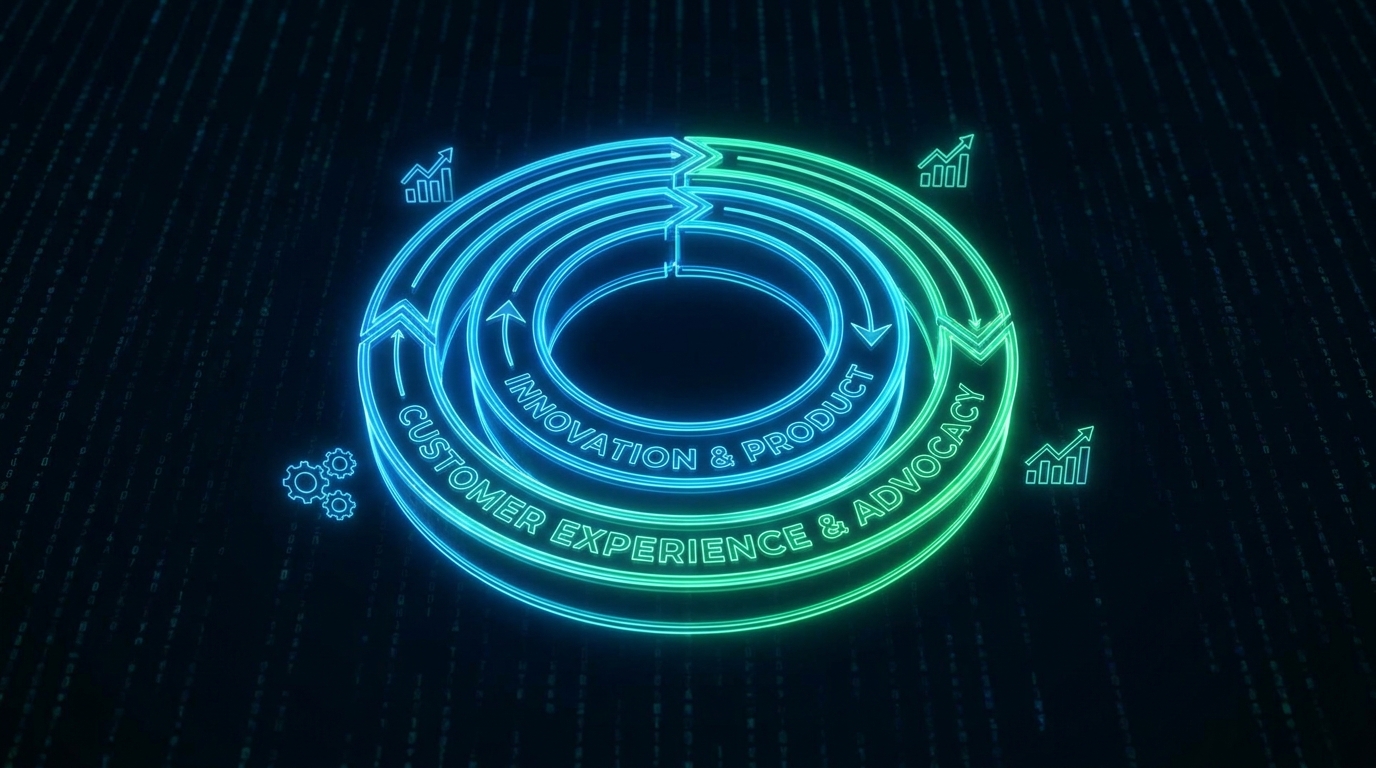
By treating YouTube and your website as two halves of the same whole, you stop competing for attention and start creating a cycle of discovery. More video views lead to better video rankings. Better video rankings on Google drive more website traffic. And more website traffic—with high dwell time from your embedded videos—leads to better website rankings. This is the flywheel that turns your content efforts into a true competitive advantage.

Ready to build a website that seamlessly integrates your video content? Create a cinematic, scroll-driven site with Draftly and turn your YouTube channel into a powerful traffic and authority engine.


Frequently Asked Questions

Should I post my video on YouTube or my website?

You should do both. Publish the video on YouTube to leverage its massive discovery engine and audience. Then, embed that YouTube video on a relevant page or blog post on your website. This increases on-page engagement and dwell time, which are positive website SEO signals, while also driving more views to your channel.

Do embedded YouTube videos help my website's SEO?

Yes, indirectly but powerfully. Embedded videos significantly increase user time on page, a key engagement metric that Google values. This signals that your content is valuable and satisfying user intent. Furthermore, it helps build topical authority when the video and page content are closely aligned, reinforcing your expertise on the subject.

How do I find keywords that work for both YouTube and Google?

Start with a standard keyword tool to identify topics your audience cares about. Then, search for those terms on Google and look for a video carousel on the results page. If you see one, that's a strong signal that a video is a great format for that keyword. You can then use YouTube-specific tools like VidIQ or TubeBuddy to find related video-first queries and title ideas.