Maximizing SEO Potential with Draftly's AI-driven 3D Templates
In the race to dominate search rankings, your website design plays a crucial role. Draftly's AI-driven 3D website templates aren't just visually stunning—they're engineered to enhance SEO performance. Here’s how you can use them step-by-step to maximize your organic reach and visibility.
Why 3D Website Templates Outperform Traditional Designs for SEO
3D websites offer immersive visuals that engage users longer, reducing bounce rates—a key SEO metric. Draftly’s AI technology ensures these templates are optimized for speed, responsiveness, and search engines.
!maximizing seo potential with draftlys aidriven 3d templates, seo
- Lower bounce rates: Interactive elements keep visitors engaged, improving session durations.
- Enhanced mobile performance: Draftly templates adapt seamlessly across devices, satisfying Google’s mobile-first indexing.
- Structured data integration: Built-in schema markup helps Google understand your content better, boosting rankings.
Step-by-Step: Using Draftly Templates to Boost SEO
1. Choose the Right Template for Your Niche
Draftly offers tailored templates for industries like e-commerce, SaaS, and corporate reporting. Select the one that aligns with your target audience and includes interactive features relevant to your niche.
- For product-heavy websites, opt for interactive product comparison pages.
- SaaS startups can amplify lead generation with AI-driven landing pages.
2. Optimize Meta Tags and Descriptions
Leveraging Draftly's AI tools, you can auto-generate SEO-friendly meta tags that include primary keywords. Well-crafted tags improve click-through rates (CTR), directly influencing rankings.
- Use a focus keyword in the meta title.
- Write concise meta descriptions (120–150 characters).
- Test variations using Draftly’s analytics for higher CTR.
3. Structure Content with Topic Clusters
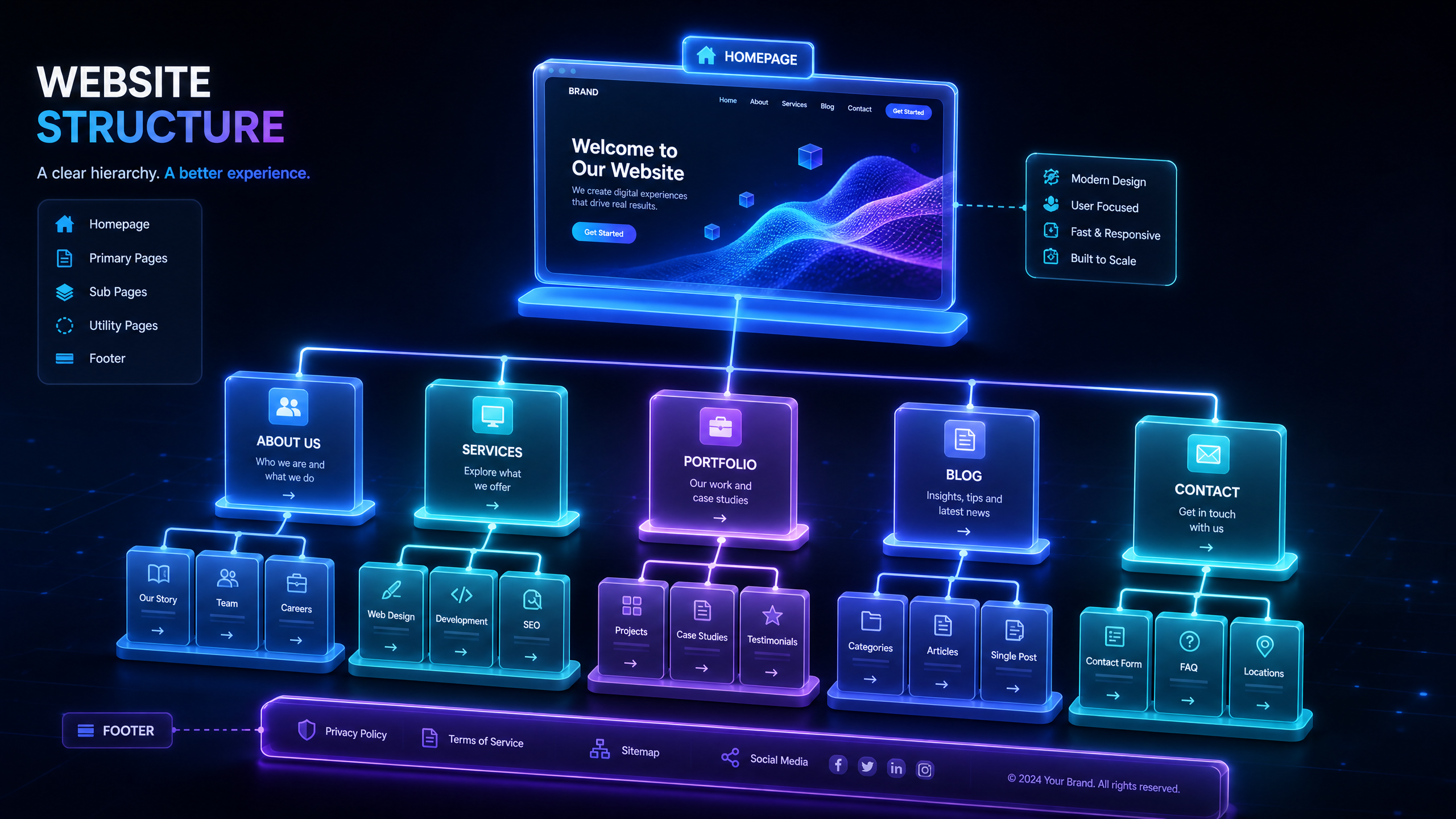
Organize your website into clear topic clusters to improve crawlability and authority. Draftly templates make it easy to create pillar pages connected to subpages.
- Identify 5–10 core topics relevant to your business.
- Create a pillar page for each topic (e.g., “AI in E-commerce”).
- Link supporting pages, like blogs or FAQs, to these pillars.
4. Implement Schema Markup
Schema markup enhances your site’s visibility in rich results like featured snippets and FAQ boxes. Draftly’s templates come with pre-integrated schema for common use cases.
- Use structured data to highlight reviews, product specs, or FAQs.
- Test your schema using Google’s Rich Results Tool.
5. Optimize for Page Speed and Mobile Devices
Google’s algorithm heavily weighs performance metrics like loading speed. Draftly’s 3D templates are optimized for speed without sacrificing visual quality.
- Compress images and 3D assets.
- Utilize lazy-loading for interactive elements.
- Test your site speed with tools like GTMetrix or Google PageSpeed Insights.
Unlocking the SEO Power of Interactive Features
How 3D Elements Improve Engagement Metrics
Interactive features like scroll-driven animations and custom user paths improve dwell time and reduce bounce rates. These metrics signal to Google that your content is valuable.
- Incorporate hover effects on product images.
- Use scroll-driven storytelling for annual reports or case studies.
- Build interactive comparison tables for affiliate or e-commerce pages.
Leveraging AI Analytics to Refine Strategy
Draftly’s analytics provide actionable insights into user behavior and engagement. Use these reports to:
- Identify high-performing pages and replicate their structure.
- Track keyword rankings and adjust content accordingly.
- Test different layouts to see which boosts conversions.


