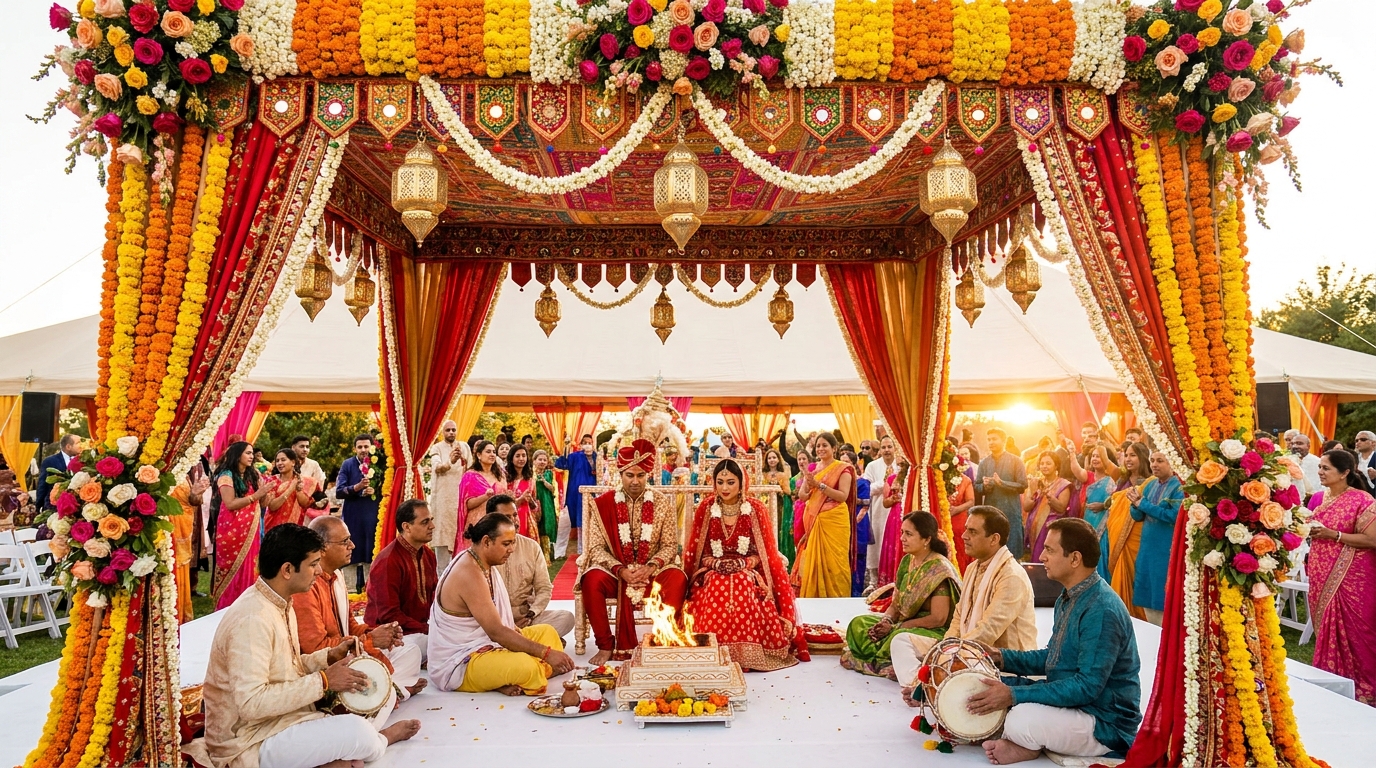
How Indian Wedding Planners Can Use Draftly for 3D Budget Calculators
Indian weddings are known for their grandeur and intricate planning, but managing budgets can be a daunting task for both planners and clients. With Draftly, wedding planners can create cinematic 3D budget calculators that not only simplify this process but also elevate the client experience.
Why Use 3D Budget Calculators?
Traditional spreadsheets or static forms often overwhelm clients. A 3D budget calculator brings transparency and engagement by visually breaking down costs in real time.
!how indian wedding planners can use draftly for 3d budget calculators, product
- Enhanced clarity: Clients see where their money goes with immersive visuals.
- Higher trust: Transparency builds confidence in your services.
- Customization: Tailor each calculator to fit unique wedding requirements.
Step 1: Define Your Budget Categories
Before diving into Draftly, identify the core categories your clients need to plan for, such as:
- Venue and décor
- Catering and beverages
- Photography and videography
- Entertainment and music
- Bridal attire and jewelry
Pro Tip: Refer to the Draftly Section Library for pre-built layouts that can save you hours.
Step 2: Set Up Your Draftly Workspace
If you’re new to Draftly, start by creating a project in your workspace. Here’s how:
- Log in and choose “Interactive Tool” as your project type.
- Use the 3D scroll feature to design a cinematic flow for your calculator.
- Add sections for each budget category using drag-and-drop blocks.
Step 3: Add Interactive Budget Inputs
Custom Inputs for Real-Time Calculations
Draftly’s AI allows you to add fields where clients can input their requirements:
- Use sliders for dynamic ranges (e.g., guest count).
- Add dropdowns for package tiers (e.g., silver, gold, platinum).
- Include toggles for optional services like live streaming or ice sculptures.
Step 4: Leverage 3D Visualizations
Showcase Costs Visually
Draftly enables you to animate cost breakdowns:
- Use pie charts or bar graphs with 3D animations.
- Highlight high-budget items like venues with scroll-triggered animations.
- Offer a 360-degree view of décor options or table setups.
Step 5: Customize for Regional Preferences
Indian weddings are deeply influenced by regional cultures. Customize your 3D budget calculator to reflect local preferences:
- Use regional fonts and languages, such as Hindi or Tamil. Learn how to create a bilingual website with Draftly.
- Include cultural-specific items, like dhol players in Punjabi weddings or traditional Maharashtrian Pheta for grooms.
- Add a “flexible budget” feature to accommodate last-minute changes.
Step 6: Publish and Optimize
Go Live in Minutes
Once your calculator is ready:
- Review the design with Draftly’s live preview mode.
- Use the Draftly one-click publish feature to make your calculator live.
- Share the link with clients or embed the calculator on your website.
Optimize for Performance
Indian users often access websites on mobile devices with varying internet speeds. Follow these tips:
- Compress images and videos to ensure fast loading. Learn image optimization best practices.
- Use Draftly’s site speed optimization tools to achieve a 90+ PageSpeed score.
- Test your site on mobile using Draftly’s mobile optimization guide.
Benefits for Wedding Planners
By implementing a 3D budget calculator, you can:
- Increase conversions: Clients are more likely to book when they see transparent pricing.
- Upsell services: Highlight premium options visually to encourage upgrades.
- Streamline operations: Spend less time explaining costs and more time delivering value.


