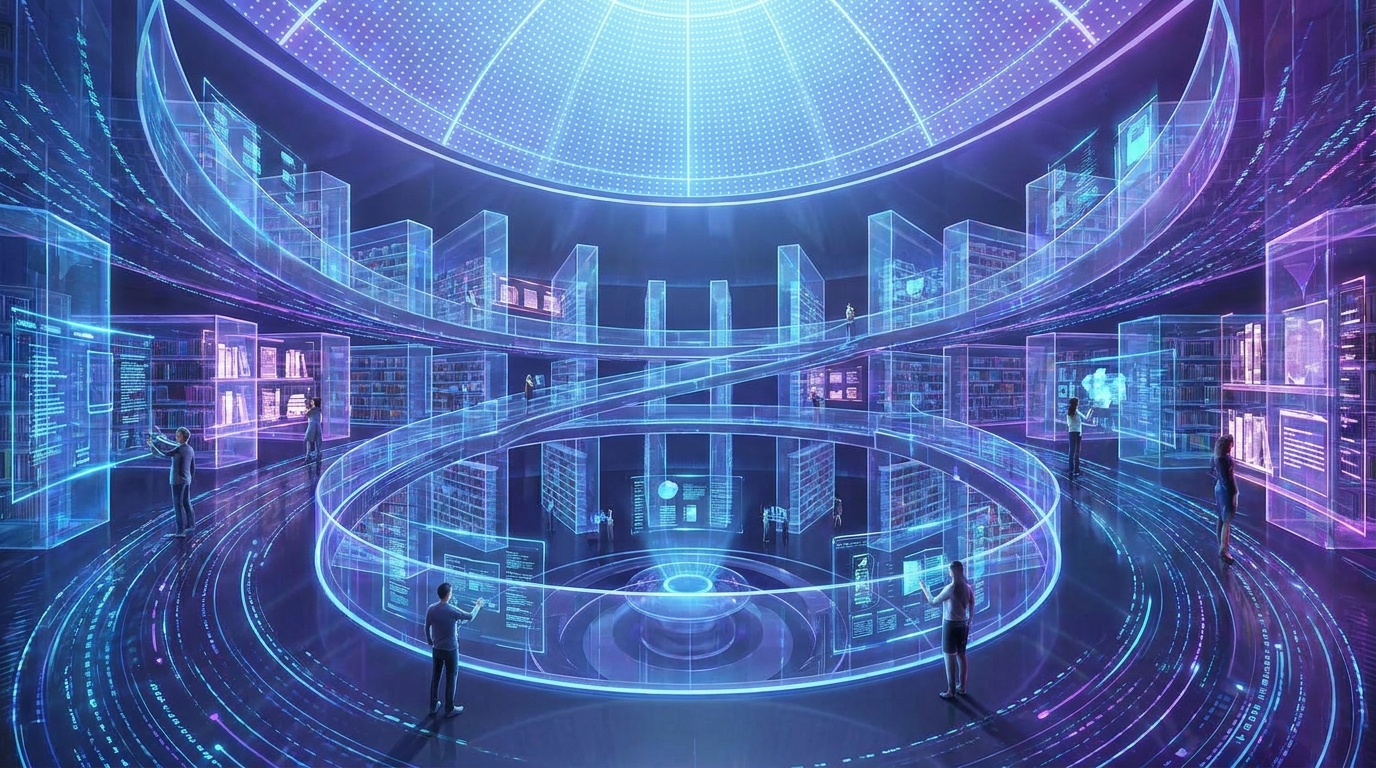
Draftly’s Features for Creating 3D Digital Libraries for Indian Universities
Indian universities are increasingly turning to 3D digital libraries to enhance learning experiences, showcase historical archives, and make resources accessible to students nationwide. With Draftly, creating such libraries becomes easier, faster, and more impactful.
Why 3D Digital Libraries Matter for Indian Universities
A 3D digital library provides a cinematic, interactive experience that traditional websites cannot match. By integrating immersive visuals, universities can:
!draftlys features for creating 3d digital libraries for indian universities, product
- Engage students through virtual tours of rare manuscripts and archives
- Offer interactive search tools for faster resource navigation
- Build accessibility into resources for remote learners
Step-by-Step Guide to Building a 3D Digital Library
Follow these steps to create a stunning digital library with Draftly:
1. Define Your Library Objectives
Start by identifying the purpose of your library. Are you showcasing historical archives, modern research papers, or interactive learning tools?
- Example: IIT libraries may focus on engineering research, while liberal arts universities might prioritize historical documents.
- Tip: Use Draftly’s AI text generation to write compelling section descriptions.
2. Choose the Right Features in Draftly
Draftly offers pre-designed content blocks for libraries. Use features like:
- Searchable Catalogs: Enable keyword-based navigation for easier access.
- 3D Visual Galleries: Showcase manuscripts, rare books, or artifacts.
- Interactive Maps: Create navigable floor plans for physical libraries.
3. Build Your Sections in Draftly
Using Draftly’s Section Library, create:
- Homepage Hero Section: Add a cinematic video showcasing your library’s key resources.
- Search and Filter Pages: Integrate AI-powered filters for seamless browsing.
- Archive Spotlight: Use 3D animations to highlight rare and prized collections.
4. Optimize for Speed and Accessibility
Indian universities often cater to students from rural areas with slower internet speeds. Optimize your 3D visuals by:
- Compressing images using Draftly tools
- Implementing lazy loading for large graphics
- Ensuring mobile responsiveness with Draftly’s built-in tools
5. Publish and Promote
Draftly’s one-click publish feature ensures your library goes live seamlessly. Once published:
- Share it on university social media channels
- Promote it during student orientation sessions
- Include links in newsletters and email campaigns
Advanced Features for Customization
Draftly’s AI capabilities allow universities to customize their library for specific needs:
- Multilingual Support: Translate sections for Hindi, Tamil, and other languages to cater to diverse student populations.
- AI-Generated Alt Text: Ensure every image has accessibility attributes.
- Interactive Tutorials: Guide students on how to navigate the library using embedded tutorials.


