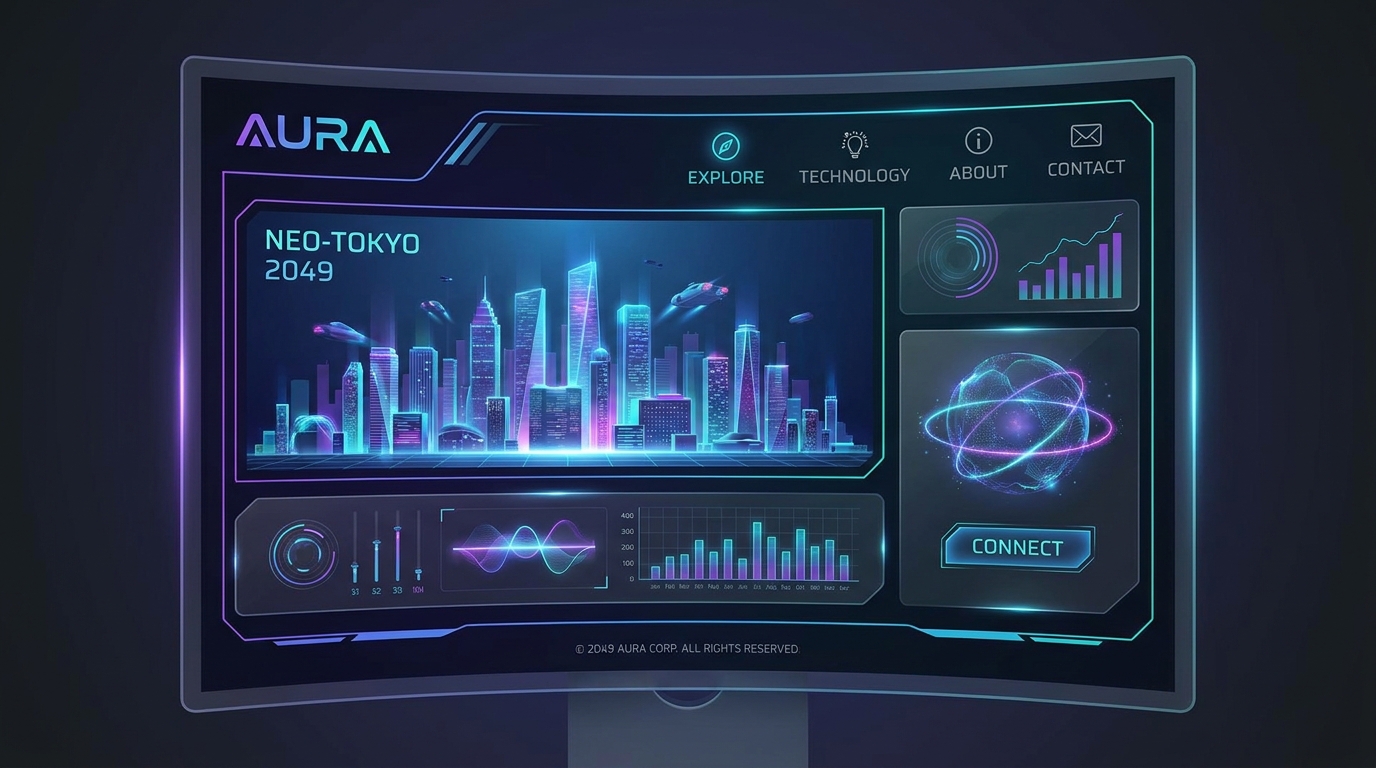
You prompted, generated, and launched. In minutes, your cinematic, AI-built website is live. The initial thrill is real, but the work isn't over. Traffic without action is just a vanity metric. This playbook on conversion rate optimization for AI-built websites moves beyond the build, focusing on the critical, human-led tweaks that turn passive visitors into active customers.
AI gives you a 90% head start with a visually stunning and structurally sound foundation. But the final 10%—the part that understands user psychology and drives decisions—is where a strategic approach to CRO makes all the difference. The average website conversion rate hovers around 2.35%, but top-performing sites hit 5% or more. Let's close that gap.
The Foundation: Auditing Your AI-Generated Core
Before diving into advanced tactics, ensure the fundamentals are solid. AI is brilliant at structure and initial copy, but it doesn't know your specific audience's deepest pain points. That's where you come in.
!conversion rate optimization for aibuilt websites the playbook, product
Nail the 5-Second Test
When a user lands on your site, they should be able to answer three questions within five seconds:
* What do you offer?
* How does it benefit me?
* What should I do next?
Research from Google shows users form an opinion about a website in as little as 50 milliseconds. If your value proposition is buried, they're gone. Review the hero section your AI generated. Is the headline crystal clear? Does the sub-headline address a specific problem?
* Bad: "Innovative Synergies for a New Paradigm"
* Good: "AI Website Builder That Creates a Cinematic Site From One Prompt"
Conduct a Call-to-Action (CTA) Audit
A CTA is the single most important element for conversion. Your AI likely placed them logically, but are they optimized for action? A simple audit can yield massive returns. A HubSpot case study famously showed a 21% conversion lift just by changing a CTA button's color from green to red.
* Clarity: Use action-oriented verbs. Instead of "Submit," try "Get My Free Demo" or "Start My Build."
* Contrast: Does the button color pop against the background? It needs to be the most obvious clickable element on the page.
* Placement: Is there a clear CTA above the fold? Is there another one at the bottom of the page for users who scrolled through everything?
For more granular advice, our guide on CTA Design Tips: Building Buttons People Actually Click provides a deeper dive into the psychology of a great button.
Eliminate Friction from Forms
If your goal is lead generation, the contact form is your finish line. Every unnecessary field is a hurdle. Studies show that reducing form fields from 11 to just 4 can boost conversions by as much as 120%. Review the form on your AI-built site. Do you really need a phone number, company size, and address right away? Probably not. Stick to the essentials: name and email.
Conversion Rate Optimization for 3D & Cinematic Websites
Draftly's cinematic, scroll-driven websites offer unique opportunities for conversion that static sites can't match. But they also come with their own set of rules.
Pacing the Narrative for Action
A scroll-driven site tells a story. The conversion point is the climax. You need to understand where users are most engaged in your story and place your CTAs there. This is where analytics and user behavior tools are invaluable.
Using a tool to see how far users scroll can reveal the perfect moment to present your call to action. If you see a 70% drop-off after the third section, you know your most critical information and CTAs must appear before that point. You can learn how to use heatmaps to improve your website to visualize this user journey and find the sweet spot for your conversion prompts.
Weaving in Social Proof
Testimonials and client logos are powerful trust signals. On a 3D website, they shouldn't feel like a tacked-on section. Integrate them into the narrative. For example, as the user scrolls past a problem statement, a testimonial can fade in from a customer who faced that exact problem. Data shows that simply adding testimonials to a site can increase conversions by 34%. Our guide on how to add social proof and testimonials to your AI website offers step-by-step instructions.
Performance is the Ultimate Conversion Feature
Cinematic websites are incredible, but they can be resource-intensive. This is non-negotiable: your site must be fast. According to Google, a 1-second delay in page load time can reduce conversions by 7%.
Your AI-built Draftly site is already built on a high-performance framework, but you can take it further. Ensure your images are compressed and your videos are optimized for the web. A fast, fluid experience feels premium and trustworthy, encouraging users to stick around and convert. For a technical checklist, review our guide to Draftly Site Speed Optimisation.
A Simple Framework for Testing and Iteration
CRO isn't a one-time fix; it's a continuous process of improvement. You don't need a massive team to do it. Just follow a simple loop.
- Formulate a Hypothesis: Start with an educated guess. For example: "Changing the hero headline to focus on the 'speed' benefit will increase demo requests because our target audience is time-poor startups."
- Make One Change: Use Draftly's editor to change only the headline. Don't change the headline, the button color, and the image all at once. Isolate the variable.
- Measure the Results: Let the test run for a week or until it has significant traffic. Use the Draftly Analytics dashboard to compare the conversion rate (e.g., form submissions) before and after the change.
- Learn and Repeat: Did the new headline win? Great, it's the new control. If not, revert to the original and test a different hypothesis. Maybe the CTA copy is the next thing to test.
Ready to build a website that's optimized for conversion from the very first prompt? Generate your cinematic site with Draftly today.


